
Free credits for new users

AI Hug Video Generator — Turn Photos Into a Warm Hug

Make an AI hug video from your photos on XImagineAI — The Grok Imagine Alternative, with dozens of AI video models in one place. Add one photo of each person and watch them turn toward each other for a natural, heartfelt embrace.

AI-generated example video of two fictional people from separate photos sharing a warm hug
AI-generated example, fictional people

What Is an AI Hug Video?

An AI hug video is a short clip made from still photos: two people who were never in the same frame turn toward each other and share a warm, natural hug. It took off on TikTok because it fits so many small, emotional moments — couples in a long-distance relationship, grandparents and grandkids who live far apart, a hug with your younger self, or a cuddle with the pet that is always there for you. The AI Hug effect on XImagineAI makes a classic face-to-face hug; the styles below show other ideas you can try with your own prompt. For a gentle remembrance of someone who has passed, see the Hug in Heaven effect.

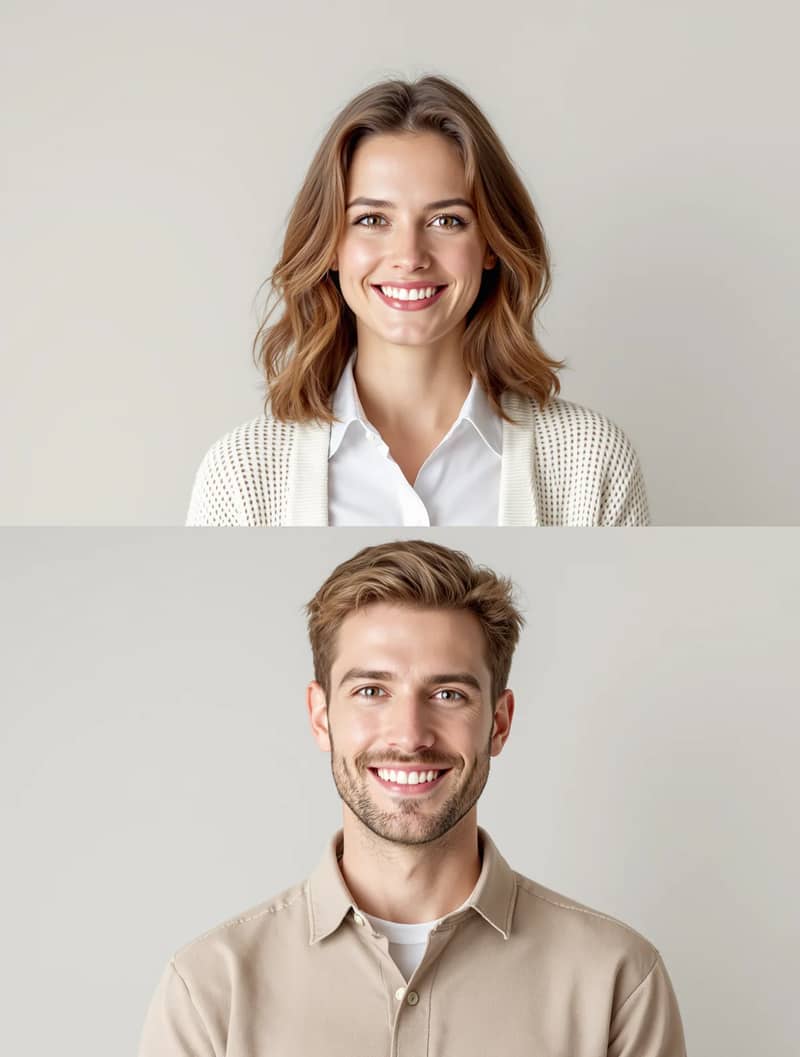
Two separate AI-generated portraits of fictional adults before the warm hug
AI-generated video of two fictional adults sharing a warm face-to-face hug
01

Warm Hug

The classic: two people face each other and share a soft, natural embrace — this is what the AI Hug effect makes by default. Prompt: "The two people turn toward each other and share a warm, natural hug, gentle smiles, soft natural lighting, slow camera push-in, realistic motion, faces stay consistent, no text."


AI-generated video of a fictional person giving a friend a gentle back hug
02

Back Hug

One person steps in from behind and wraps their arms around the other — a sweet back hug AI video for couples and best friends. Prompt: "One person walks up from behind and gently wraps their arms around the other's shoulders, both smile, soft daylight, slow camera push-in, realistic motion, faces stay consistent, no text."

AI-generated video of two fictional friends hugging and spinning around outdoors
03

Spin & Hug

A happy reunion: the two run into a hug and spin around once, laughing. Prompt: "The two people walk toward each other, hug happily and slowly spin around once, joyful expressions, bright outdoor light, smooth realistic motion, faces stay consistent, no text."
AI-generated video of a fictional adult son hugging his father at home
04

Family Hug

Bring a parent and a grown child, or siblings in different cities, together in one family hug AI video. Prompt: "The family members turn toward each other and share a long, warm family hug, relaxed smiles, cozy indoor lighting, slow camera push-in, realistic motion, faces stay consistent, no text."

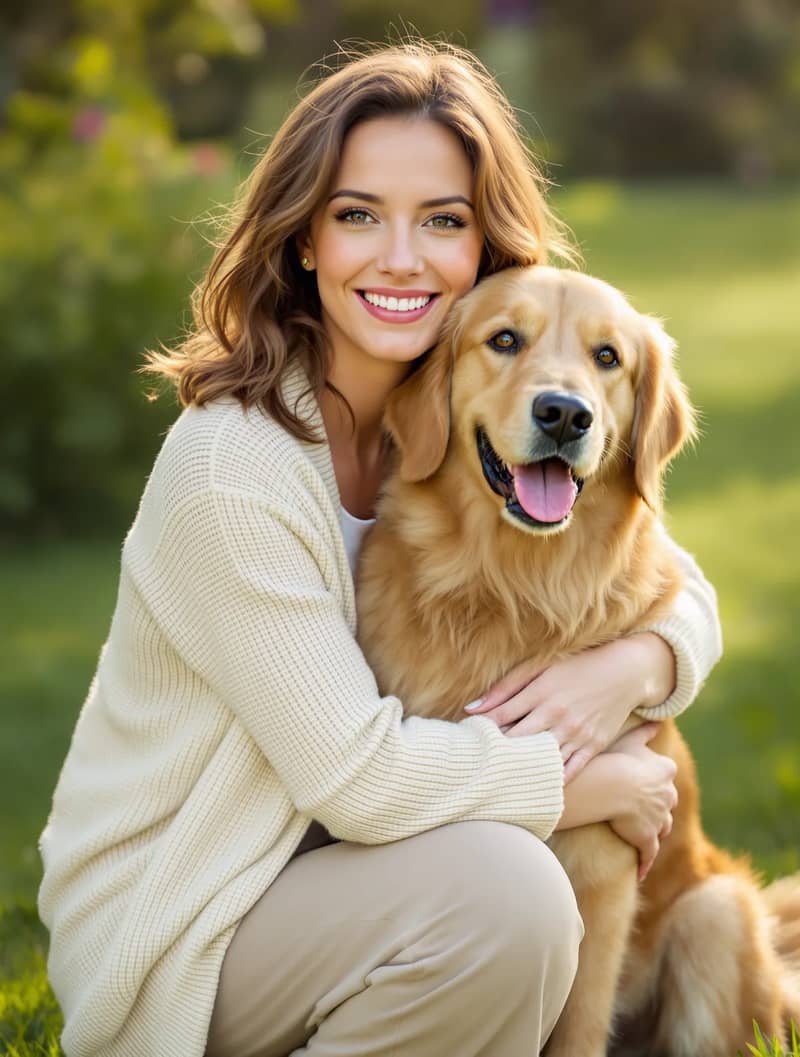
AI-generated video of a fictional woman hugging her golden retriever in warm sunlight
05

Hug Your Pet

Make an AI hug video with your pet: you kneel down and your dog or cat leans into your arms. Use the Image to Video tool for this one, since the AI Hug effect is tuned for two people. Prompt: "The person kneels down and gently hugs the dog, the dog leans in and wags its tail, warm sunlight, slow camera push-in, realistic fur and motion, no text."

AI-generated video of a fictional adult kneeling to comfort a child version of herself
06

Hug Your Younger Self

The "hug your younger self" AI trend: upload a photo of you today and a photo of you as a child, and your adult self gives your younger self a gentle, caring hug. Prompt: "The adult kneels down and gives the child a gentle, comforting hug, like a parent reassuring a young child, soft warm light, calm emotional mood, realistic motion, faces stay consistent, no text."
How to Make an AI Hug Video From Photos in 3 Steps

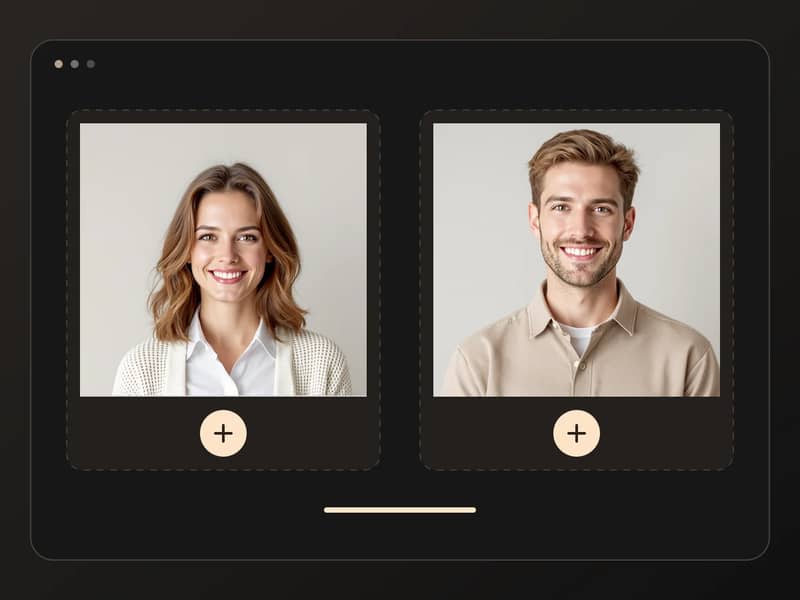
  1. Uploading two AI-generated portraits of fictional people into the AI hug generator
    1

    Upload two photos

    Add a photo of the first person and a photo of the second — making an AI hug from two photos is exactly what this effect is built for. If both people are in one group photo, crop each person into their own image first. Clear, front-facing half-body photos with similar lighting work best.

  2. Choosing an AI video model for the hug effect
    2

    Choose a model and settings

    Pick Grok Imagine, Seedance 2 Mini or Seedance 2.5 — one XImagineAI account covers them all — then set the aspect ratio and resolution. The warm hug prompt is already written for you, so there is nothing to type.

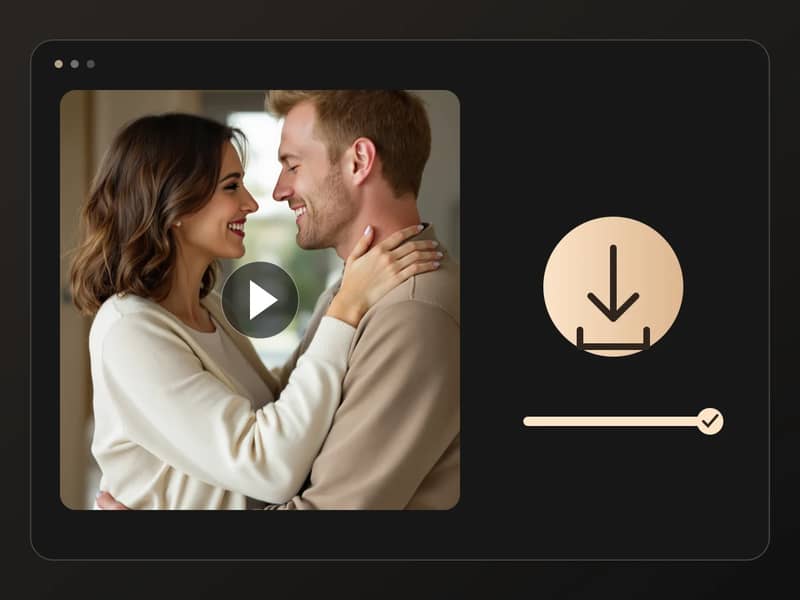
  3. Downloading a finished AI hug video of two fictional people
    3

    Generate and download

    Your hug video is usually ready in a few minutes. Preview it, then download the MP4 or generate again with another model and keep the version you like best.

AI Hug Video — FAQ

01

How do I make an AI hug video?

Upload one photo of each person to the XImagineAI AI Hug effect at the top of this page, choose a model, and click Generate. The hug motion and lighting are already set, and the clip is ready to download in a few minutes.

02

Is the AI hug video generator free?

You can try the AI hug generator on XImagineAI without a subscription. New accounts receive a small number of starter credits and you can earn more with the daily check-in. Each video uses credits, and the exact cost is shown on the Generate button before you start; more credits are available on the pricing page.

03

Can I make an AI hug video from two separate photos?

Yes. The effect is designed for two separate photos — one of each person — so the two people do not need to have ever been photographed together. Use one person per photo; if you only have a group shot, crop each person out first.

04

Is there a free alternative to Vidu AI hug?

Vidu, Luma and PixVerse each offer hug-style video templates, with free allowances and plans that vary by service. XImagineAI is a free-to-try alternative that needs no subscription: one account gives you dozens of models, so you can try the same hug with Grok Imagine, Seedance 2 Mini or Seedance 2.5 and keep the best result. Compare every model on the Models page, or write your own hug prompt with Image to Video.

05

Does the AI hug video have a watermark?

No. Videos you download from XImagineAI do not include a watermark, including those made with starter credits.

06

Can I hug my pet or my younger self?

Yes. For a hug with your younger self, upload a photo of you today and a childhood photo of you. For an AI hug video with your pet, use Image to Video with a short prompt such as "the person kneels down and hugs the dog" — the AI Hug effect itself is tuned for two people.

07

Which AI model is best for hug videos?

It depends on the photos. Seedance 2 Mini and Seedance 2.5 tend to keep faces close to the originals, while Grok Imagine gives smooth, natural movement. On XImagineAI all three work with the same two photos, so the easiest way is to generate with two models and compare. See every model on the Models page.

08

Which photos work best?

Clear, front-facing faces; half-body photos rather than tight close-ups or full-body shots; two photos with similar lighting and camera angle; nothing covering the face such as sunglasses, masks or hands; and a simple background. If you write your own prompt, keep the action short — one hug, one movement.

09

Whose photos can I use?

Only upload photos of yourself and of family or friends who have agreed to it. Do not use photos of celebrities, public figures or strangers. When you share the video, say that it was made with AI. XImagineAI does not allow romantic, intimate or adult content.

More AI video effects