Examples
Configure parameters and click Generate
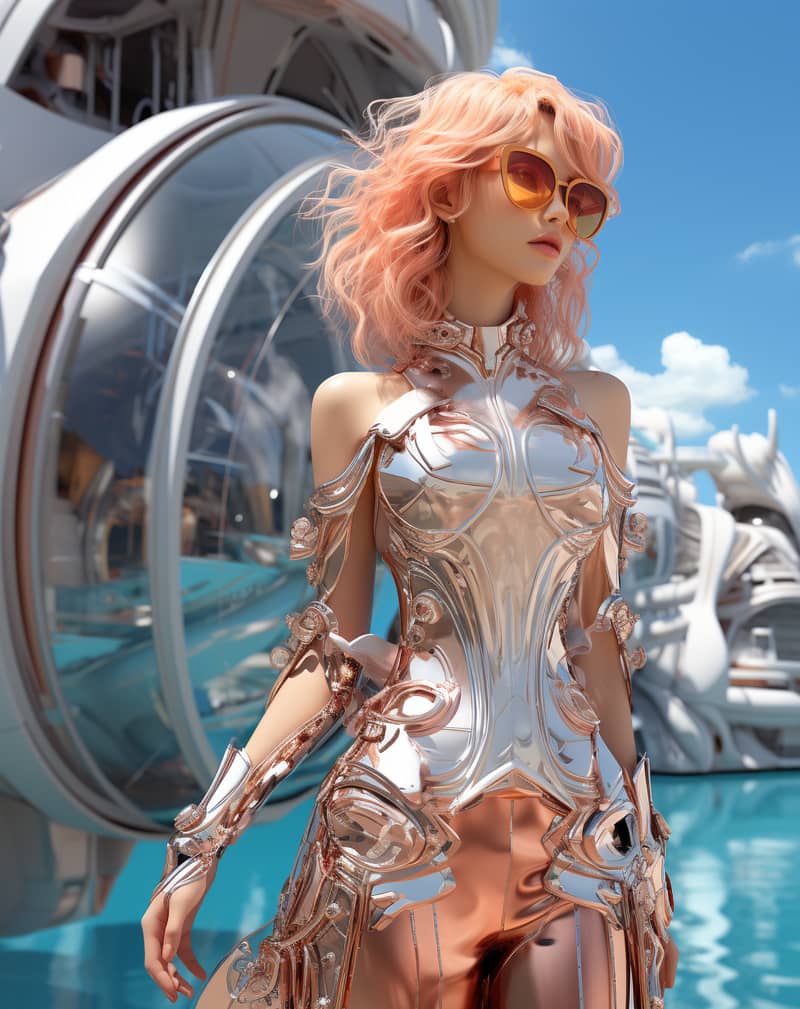
Fashion Editorial
A futuristic fashion editorial portrait with liquid water sculpted around the model, glossy studio lighting.
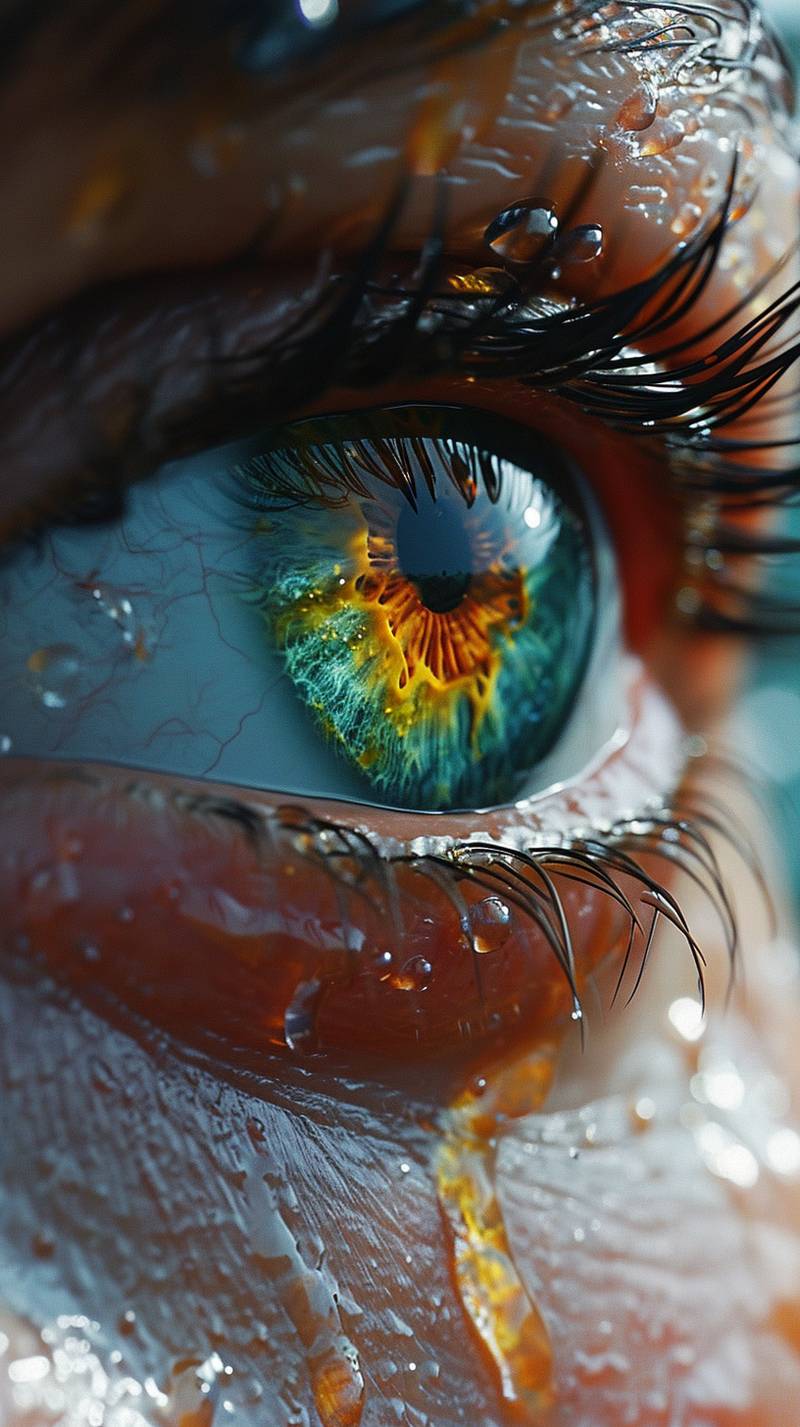
Macro Eye Detail
An extreme macro shot of a human eye with a water drop on the lashes, crisp reflections and soft background.

Studio Model Portrait
A clean studio model portrait with soft key light, natural skin texture, and neutral backdrop.

Quirky Character
A stylized illustrated portrait with playful expression, pink hair, and flat-shaded detail.
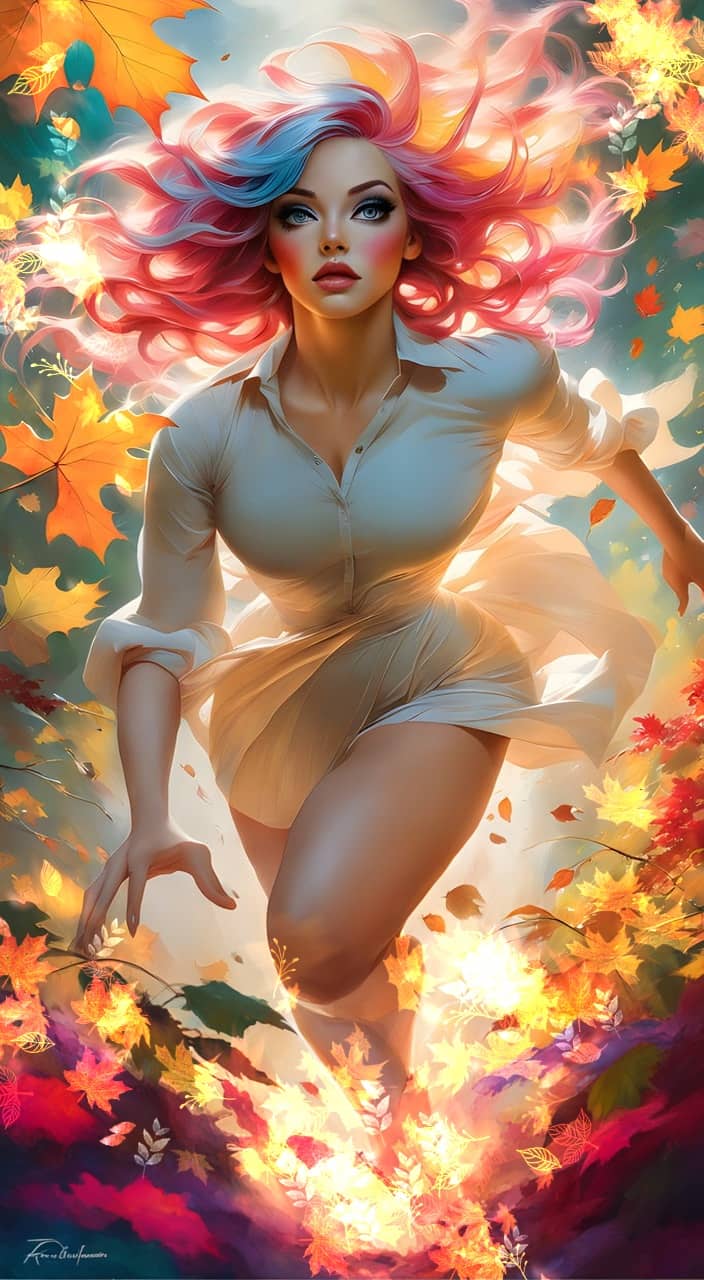
Autumn Alien Portrait
A vertical alien character portrait with colorful eyes, multicolored hair, and autumn garden atmosphere.
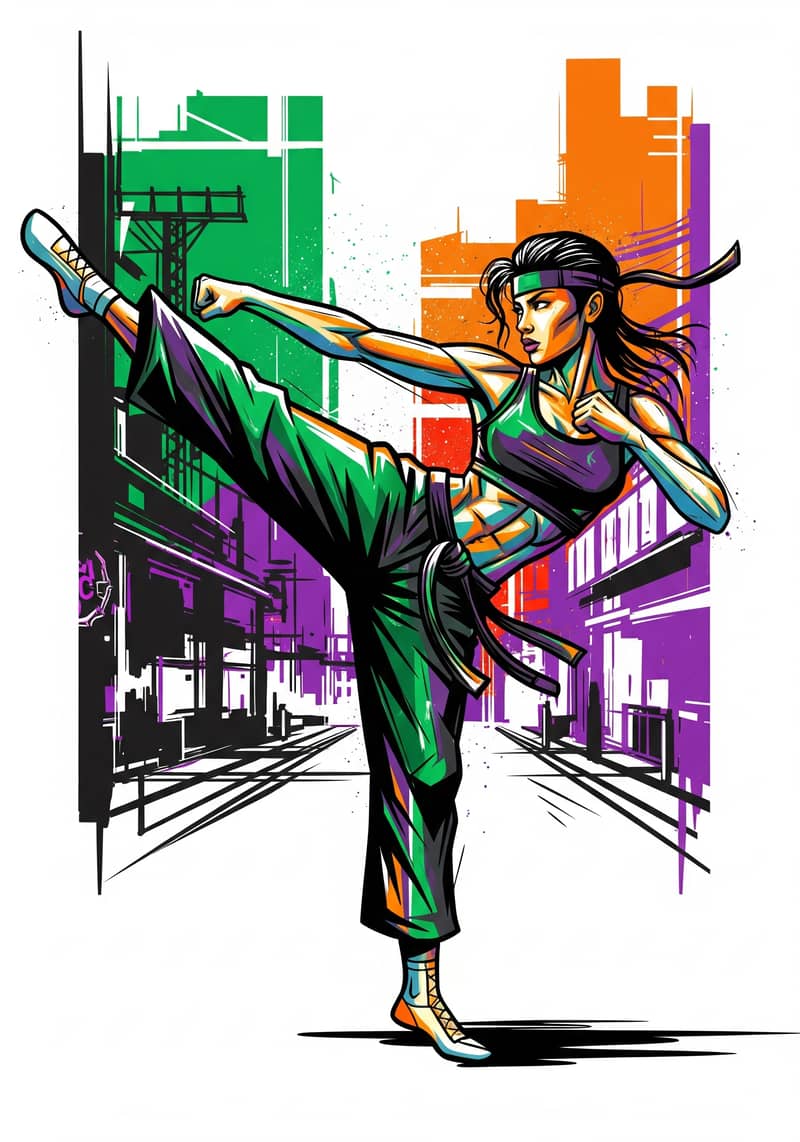
Street Art Figure
A vibrant street-art portrait with graceful movement, graphic color, and strong visual rhythm.
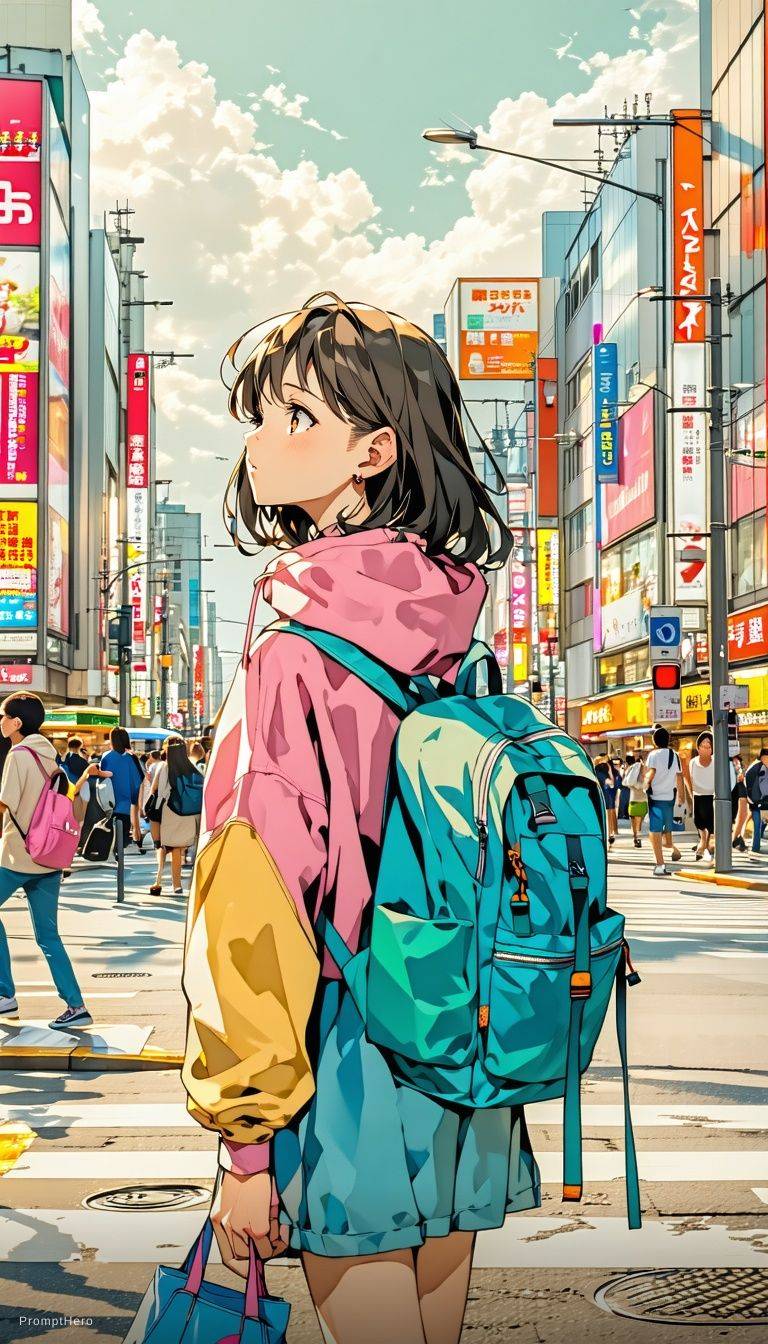
Anime Cinematic Frame
A cinematic anime-style scene of two girls with expressive eyes and glowing volumetric light.
Free AI Image Generator with Multiple Top Models
XImagineAI — The Grok Imagine Alternative. Create images with Grok Imagine, Nano Banana, GPT Image 2, Flux, Seedream and more models in one place.
Try a style — click to fill the prompt
Sign in with a free account to generate. Each model shows its credit cost before you click Generate, and new accounts receive free starter credits.
Overview
What is the XImagineAI AI Image Generator?
The XImagineAI AI image generator is a text to image AI generator that puts several leading image models behind one prompt box. Describe what you want, pick a model, choose an aspect ratio, and the image renders in your browser — no software to install and no separate account for each model provider.
Instead of committing to one engine, you can run the same idea through Grok Imagine, Nano Banana 2, GPT Image 2, Flux 2 Flex, Seedream 5 Lite, Z-Image and Nano Banana, then keep the result you like best. That makes it an AI image generator with multiple models — and an AI picture generator you can also use for editing, because switching to the Image-to-Image tab lets you upload a photo and change it with words.
Models
Choose From the Top AI Image Models
Every model below runs inside the same panel and draws from one credit balance. The model menu shows the cost per image, so you can pick a fast draft model or a high-resolution one for the final.
Grok Imagine
xAIBold, stylized images with a Speed mode for quick drafts and a Pro mode for more detail. A good default for concept art and social visuals.
Grok image generation guideNano Banana 2
GoogleStrong prompt understanding with output up to 4K and optional reference images. Well suited to product shots, consistent characters and text-heavy layouts.
Nano Banana 2 pageGPT Image 2
OpenAIFollows long, detailed instructions closely and renders legible text, with 1K, 2K or 4K output. Useful for posters, infographics and mockups.
GPT Image 2 guideFlux 2 Flex
Black Forest LabsPhotographic realism with fine texture and lighting, in 1K or 2K. A solid pick for portraits, interiors and editorial-style scenes.
Flux model family guideSeedream 5 Lite
ByteDanceHigh-quality text-to-image with Basic and High quality settings and wide aspect ratios up to 21:9 — handy for banners and cinematic frames.
Z-Image & Nano Banana
FastZ-Image is the lowest-cost, flat-rate option for testing prompts quickly; the original Nano Banana is a reliable all-rounder for everyday images.
Image to image AI generator and editor
Switch to the Image-to-Image tab to edit an existing picture. Upload a photo and describe the change — new background, different outfit, another art style. Edit models include Nano Banana Edit (up to 10 reference images), GPT Image 2 Edit (up to 16), Seedream 5 Lite Edit (up to 14), Flux 2 Flex Edit (up to 8) and Grok Imagine Edit.
Learn how prompt-based editing worksHow it works
How to Use the AI Image Generator in 3 Steps
Going from an idea to a downloadable image takes about a minute.
- 01
Write your prompt
Describe the subject, setting, style and lighting in the prompt box, or click one of the style chips above to start from a ready-made example.
- 02
Pick a model and aspect ratio
Open the model menu to choose Grok Imagine, Nano Banana 2, GPT Image 2, Flux or another model, then set the aspect ratio — 1:1, 4:3, 3:4, 16:9, 9:16 and more — and the resolution where the model offers it.
- 03
Generate and download
Click Generate. When the image is ready, zoom in to check details, download the file, or tweak the prompt and run it again on a different model.
Use cases
What You Can Create
Click Try this prompt on any card to load it into the generator, then adjust it to your own subject.
Portraits and avatars
Use it as an AI photo generator for profile pictures, character headshots and stylized self-portraits — upload a selfie in Image-to-Image mode for an X AI photo generator style makeover.
Professional headshot of a man in his 30s, navy blazer, soft studio lighting, neutral grey backdrop, sharp focus on the eyes, LinkedIn profile photo
Product photos
Place products in clean studio sets or lifestyle scenes for stores and ads without booking a shoot.
Glass bottle of amber skincare serum on wet black stone, water droplets, soft side light, dark moody background, luxury cosmetics advertising photo
Social media graphics
Make scroll-stopping visuals sized for each feed: 1:1 for posts, 9:16 for Stories and Reels, 16:9 for YouTube thumbnails.
Flat lay of a healthy breakfast bowl with berries and granola on a pastel pink table, top-down view, bright natural light, Instagram food photography
Posters and flyers
GPT Image 2 and Nano Banana 2 handle on-image text well, so short titles and taglines come out readable.
Summer jazz festival poster, saxophone player silhouette against a sunset, large headline text "JAZZ BY THE SEA", art deco style, warm orange and deep blue
Illustrations
Create book art, storyboards and editorial illustrations in watercolor, ink, 3D or anime styles.
Children's book watercolor illustration of a fox and a rabbit sharing an umbrella in the rain, soft pastel colors, gentle storybook style
Logo concepts
Explore marks, icons and brand directions quickly, then refine the strongest idea with a designer.
Simple line-art logo concept of a hummingbird formed from a single continuous line, minimalist, black on white, modern brand mark
XImagineAI vs Grok Imagine vs Other AI Image Generators
Looking for an AI image generator like Grok? Here is how the options differ on the points people ask about most.
| Feature | XImagineAI | Grok Imagine (X / Grok app) | Single-model generators |
|---|---|---|---|
| Image models available | 7 text-to-image + 5 editing | xAI models only | One model family |
| Switch models in one tool | |||
| Subscription required | No — one-time credit packs available | Paid plans for higher limits | Varies by service |
| Free usage | Free starter credits + daily check-in | Limited free tier | Varies by service |
| Image-to-image / editing | Varies by service | ||
| Account needed | XImagineAI account (no X account) | X or Grok account | Account with that provider |
Grok Imagine is a capable image model, and XImagineAI includes it in the model menu. The difference is scope: on X or the Grok app you work with xAI's models and the limits of your plan, while XImagineAI places Grok Imagine next to Google, OpenAI, Black Forest Labs and ByteDance models in a single tool, billed from one credit balance.
If you want a free alternative to Grok's image tool, the practical advantage is comparison. Run one prompt on Grok Imagine, then on Nano Banana 2 or Flux, and keep whichever result fits — without opening another app or paying for another subscription.
Grok Imagine plans, limits and features are set by xAI and can change; check xAI's own pages for current details.
Pricing
Free AI Image Generator — What's Included
If you came looking for an X image generator free to try, you can start without paying. Here is what the free tier covers and what changes when you buy credits.
Free starter credits
New accounts receive free credits on sign-up, enough to try prompts on lower-cost models such as Z-Image.
Daily check-in credits
Signed-in users can claim a few extra credits with the daily check-in — a simple way to keep using the X AI image generator free of charge.
Pay per image, not per month
Each model has a fixed credit cost shown before you generate. Credits come from annual plans, monthly plans or one-time packs, so a subscription is optional.
Commercial use included
Per our Terms of Service, images you generate can be used in personal, client and commercial projects without attribution.
Prompt tips
Prompt Tips for Better AI Images
Small changes in wording make a big difference. These habits work across every model in the panel.
Lead with the subject
Start with who or what is in the frame, then add setting, style and mood. "A red vintage bicycle against a white brick wall" beats a list of loose adjectives.
Name the light and the lens
Words like "golden hour", "softbox lighting", "85mm" or "wide-angle" give photorealistic results a clear look.
Pick a style reference
Add a medium or genre — watercolor, 3D render, film photo, anime cel shading — so the model knows what kind of image you expect.
Quote any on-image text
Put titles in quotation marks and keep them short. For text-heavy designs, use GPT Image 2 or Nano Banana 2.
Match the aspect ratio to the use
Choose 9:16 for Stories, 16:9 for thumbnails and banners, and 1:1 for avatars before you generate, rather than cropping afterwards.
Draft cheap, finish sharp
Iterate on a fast model like Z-Image or Grok Imagine Speed, then rerun the final prompt on a higher-resolution model.
Keep going
More Image and Video Tools
AI Image Generator FAQ
Start creating with XImagineAI
Write a prompt, choose a model and generate your first image in under a minute.
Open the AI image generatorFree starter credits for new accounts · No subscription required