Grok Imagine 2.0 — Imagine Image 2.0 Editor Online
Grok image 2.0 is xAI's image generation and editing upgrade, released August 7, 2026. Write a prompt or upload a photo, pick an edit tool, and generate — grok imagine 2.0 online, free to start.
New here? Grok Imagine is xAI's generation app; imagine image 2.0 is its newest image model — the part that draws and edits stills.
Examples
Configure parameters and click Generate
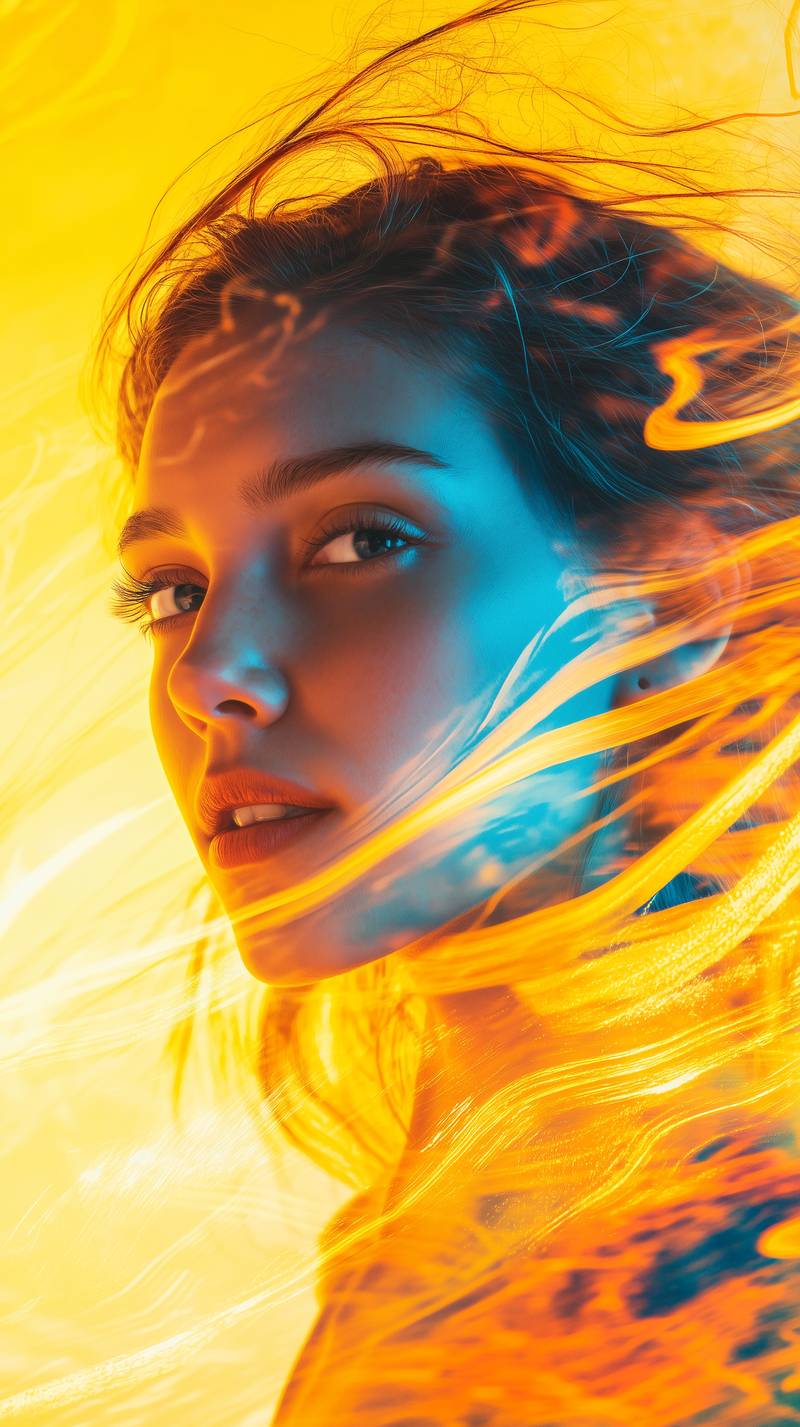
Bold Visual Idea
A playful high-contrast image with dynamic composition and social-ready framing.
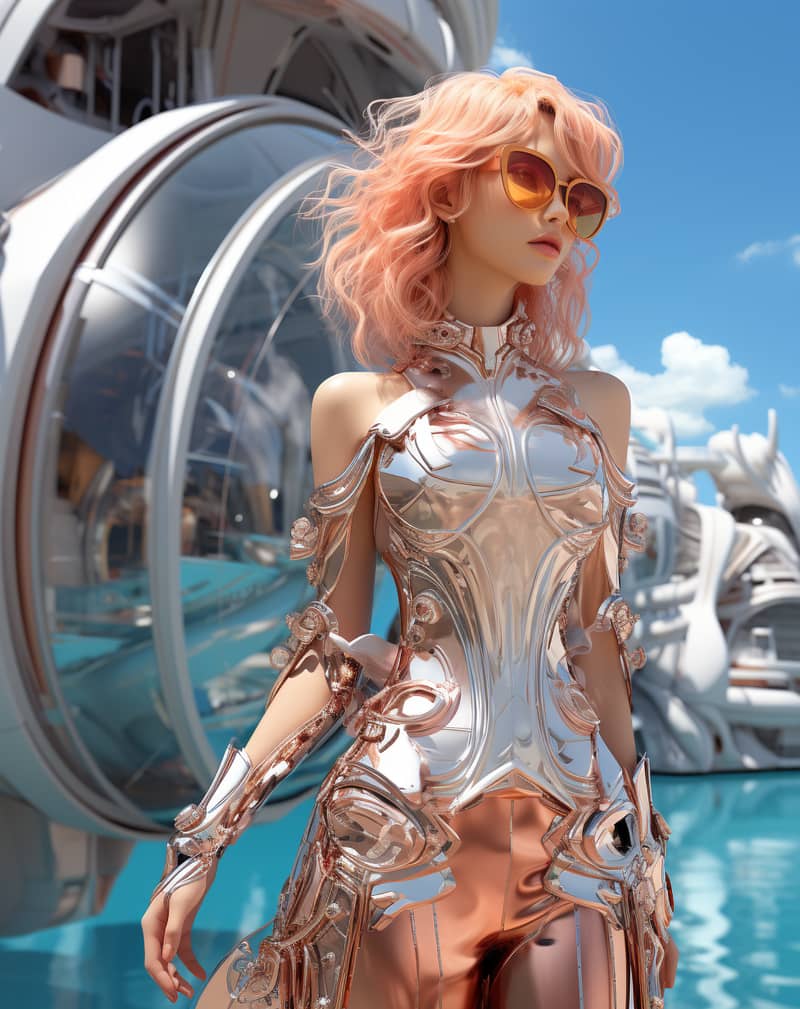
Stylized Character
A stylized character portrait with expressive detail and vivid color direction.
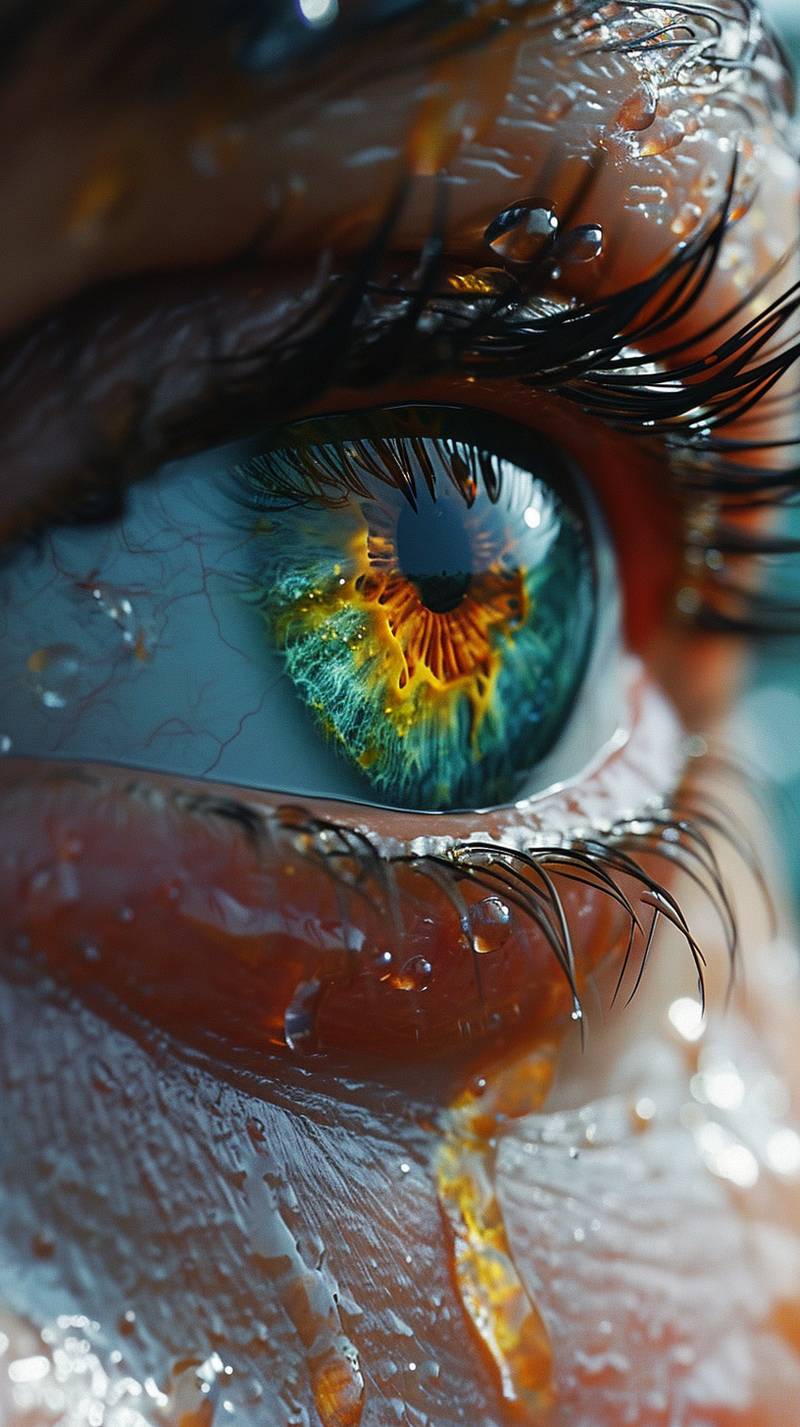
Creative Poster
A poster-style image with dramatic lighting and a clean central subject.
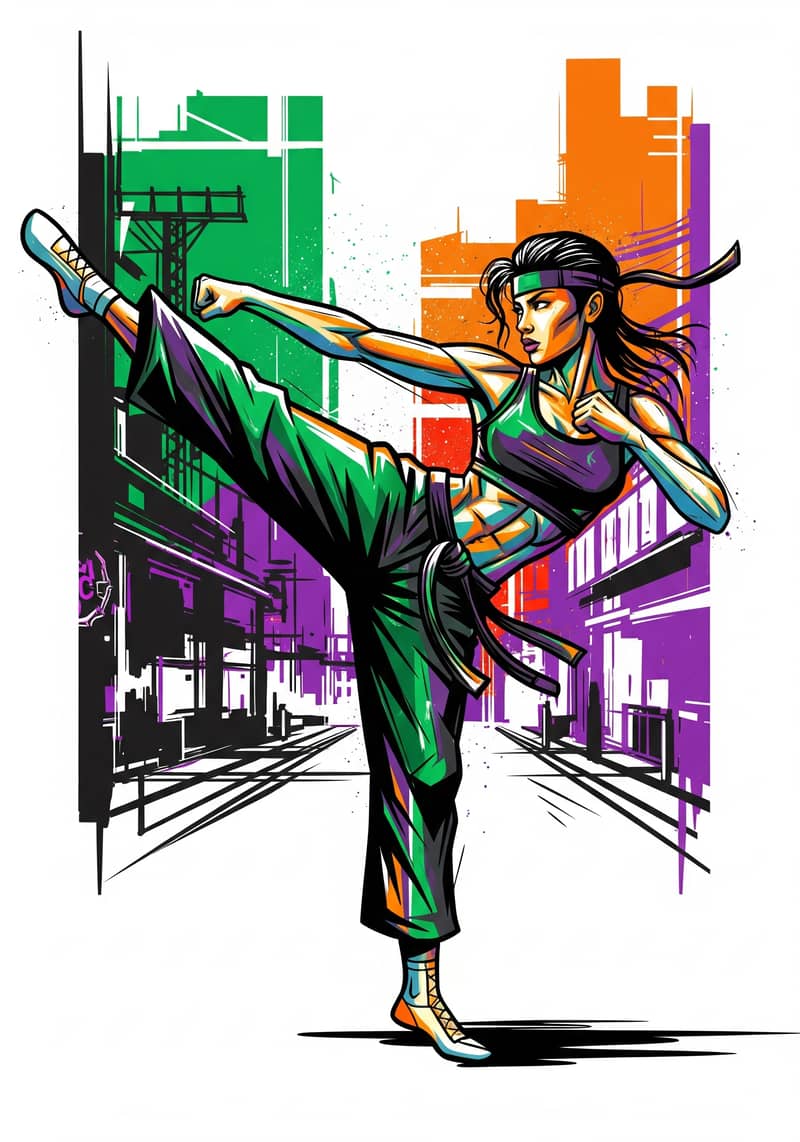
Street Art Figure
A vibrant street-art portrait with graceful movement, graphic color, and strong visual rhythm.
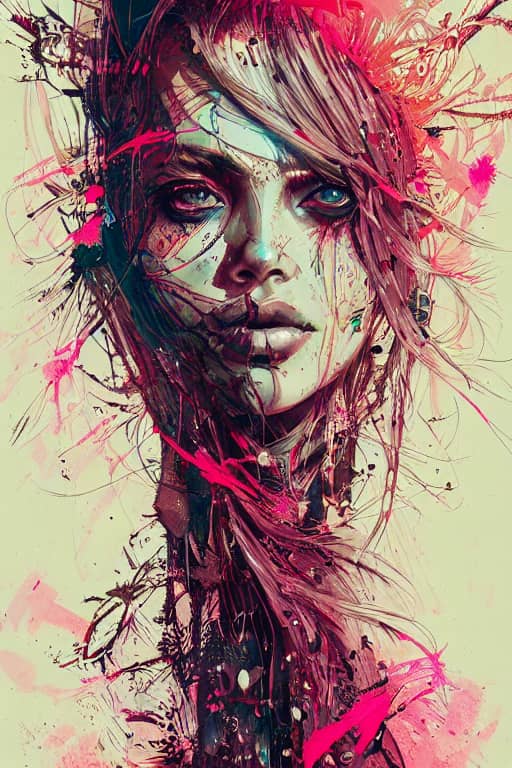
Warrior Princess
A detailed fantasy key visual with intricate linework, vibrant color, and cinematic presence.
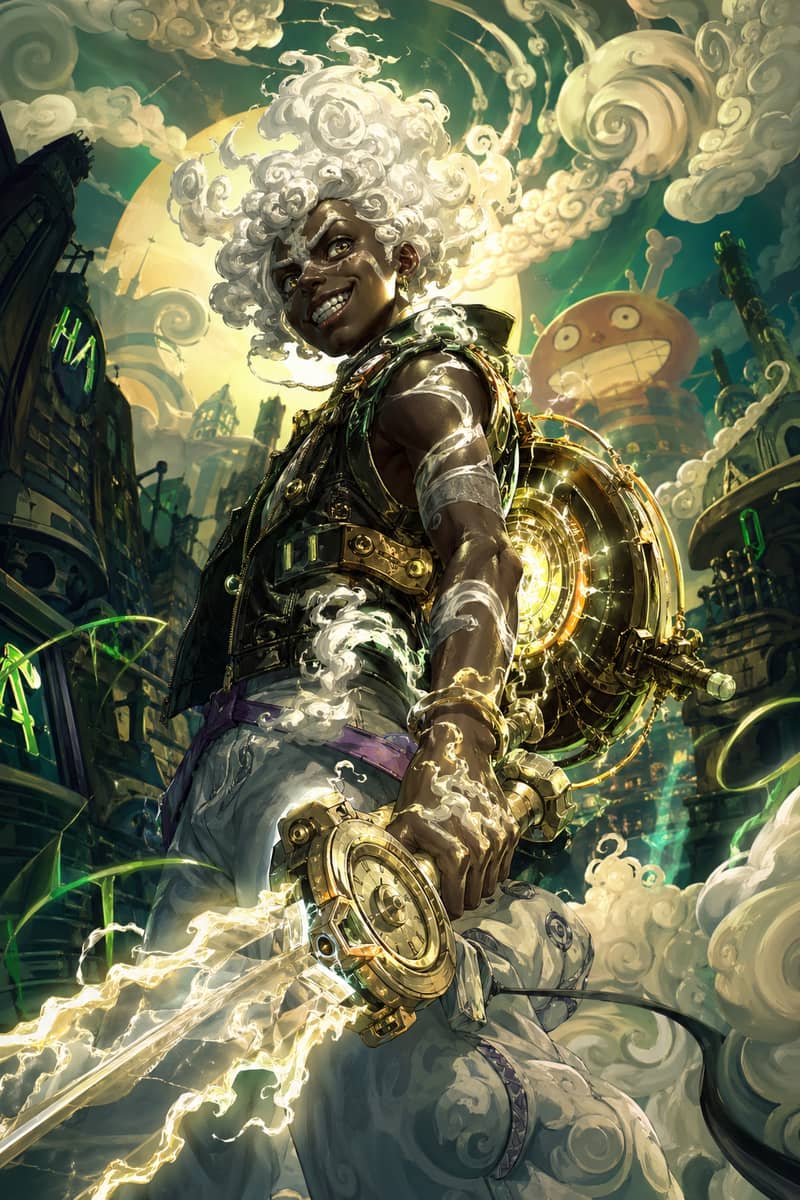
Mythic Character Fusion
A glowing fantasy character fusion with white cloud hair and energetic illustrated motion.
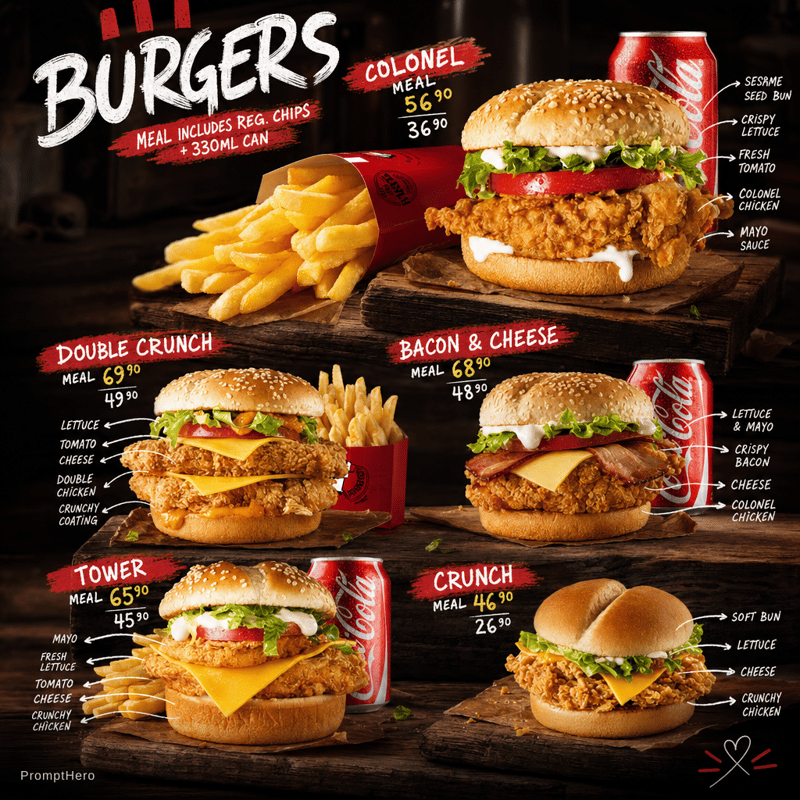
GPT Character Study
A polished character portrait with clean lighting, sharp detail, and vertical composition.
Each render draws credits from your balance, and new accounts start with free trial credits — the first generations cost nothing.
One thing to be clear about: the 2.0 release is an image model upgrade. Grok Imagine video 1.5 is a separate, earlier release — the two are not the same thing.
Panel capabilities
Grok Imagine Image 2.0 Editor — What the Panel Does
Everything below maps to a capability xAI published for Image 2.0. It runs as grok image editing ai in the browser — an ai image editor free online to start, with no install and no waitlist.
Generate
Start from text. Describe the subject, the lighting, the composition, and the aspect ratio you want the frame in.
Edit
Start from a photo. Upload the source image, then describe only the change you want applied to it.
Magic Wand local edits
Grok magic wand edit targets one region instead of regenerating the whole frame. Point at the thing you want changed, describe the change, and the rest of the image stays where it was.
Segmentation selections
Grok imagine segmentation separates subject from background at the object level, so an edit lands on the jacket, the sign, or the sky rather than bleeding into everything nearby.
Smart Resize
Grok smart resize changes the aspect ratio and fills the new space in context — a 1:1 product shot becomes a 16:9 banner without stretching the subject or cropping it out.
Background removal
Grok imagine background removal cuts the subject out and exports with transparency, which is what you want for a store listing, a slide deck, or a layered composite.
Multi-image reference
Grok imagine multi image reference blends up to five inputs in a single render — carry a face from one image, a garment from another, and a lighting setup from a third.
Text rendering
Grok imagine text rendering handles typography inside the image, so headlines on a poster or labels on packaging come out legible instead of turning into scrambled letterforms.
Scene templates
Grok imagine templates cover the jobs people run repeatedly: product shots, avatars, e-commerce imagery, icons, character art, and marketing posters — start from the preset, then edit.
Grok imagine 2.0 free trial credits cover your first renders, so you can test every tool above before deciding whether to top up.
Disambiguation
Grok Imagine 2.0 vs Grok Imagine 1.5 Video — Not the Same Release
Search results mix these two constantly. Grok imagine 2 vs 1.5 is not a version bump of one product — they are different modalities from different launches, and only one of them is what this page is about.
- Modality: image generation and editing
- Released August 7, 2026
- Quality Mode for higher-fidelity renders
- Magic Wand, Segmentation, Smart Resize, multi-image reference
- This is the model behind the panel above
- Modality: video generation
- Released before the Image 2.0 announcement
- Focused on motion quality and cinematic clips
- No region-level image editing tools
- Covered on its own page, not here
For the full lineage: grok imagine 1.0 was the original release, grok imagine 1.5 raised video quality, and imagine image 2.0 is an image-side upgrade layered on top. A "video 2.0" is a separate thing that has not been announced.
Release notes
What xAI Announced in Imagine Image 2.0
Compiled from the public August 7, 2026 announcement. Where xAI did not publish a detail, it is left out rather than guessed at.
Magic Wand
Region-level editing that rewrites part of an image while leaving the rest intact.
Segmentation
Object-aware selection, so edits follow the boundaries of the thing you picked.
Smart Resize
Aspect-ratio changes that extend or recompose the scene instead of stretching it.
Multi-image reference
Up to five reference images fused into one generation.
Preset templates
Ready-made setups for product photography, avatars, e-commerce, icons, character art, and posters.
Quality Mode
A higher-fidelity render path for the 2.0 image model.
Ranked 2nd globally on two Arena boards
Imagine Image 2.0 placed 2nd worldwide on both the text-to-image and the image-editing leaderboards on Arena as of August 2026, shortly after the August 7 release.
Arena is a third-party community evaluation, not an xAI self-assessment. Leaderboards move as new models arrive — check the live board before quoting the position.
Compare it with the #1: Grok Imagine 2.0 vs GPT Image 2FAQ
Grok Imagine 2.0 — Frequently Asked Questions
Is there a Grok Imagine API for Image 2.0?
Yes. Image 2.0 is callable as grok-imagine-image-2.0 through xAI's own API, covering text to image on /v1/images/generations and prompt-driven editing on /v1/images/edits, at a published $0.04 per image. That closes a gap that was real for most of Grok Imagine's life, when image generation reached the consumer app well ahead of the API — so older write-ups saying no endpoint exists are simply out of date. What is not exposed programmatically is the region-level editing interface: the magic wand and interactive selection tools are consumer-app features, and prompt-driven editing is the API equivalent. Full endpoint list, model IDs, current pricing, and what xAI still lists as forthcoming are tracked on the Grok Imagine API page.
Is Grok Imagine 2.0 free, and how much does it cost?
xAI has not announced standalone grok imagine 2.0 pricing. Image 2.0 is folded into the existing Grok subscription tiers rather than sold separately, so what you get depends on the plan already attached to your account — free accounts have historically had a limited daily allowance, with paid tiers raising it. Because xAI has not published per-tier numbers for the 2.0 image model specifically, anyone quoting an exact grok imagine 2.0 price is guessing. The panel on this page runs on credits instead, and new accounts start with free trial credits.
Did the moderation rules change with Image 2.0?
The August 7, 2026 announcement did not mention any change to grok imagine moderation. The relevant history is earlier: xAI tightened its content rules following reports of deepfake misuse, and as far as has been published those tightened rules are still the ones in effect. Image 2.0 is described as a capability upgrade, not a policy update, so assume the existing restrictions on real people, explicit content, and impersonation still apply until xAI says otherwise.
Is Image 2.0 the same as a video 2.0 release?
No. Imagine Image 2.0 is an image model — generation and editing of stills. The video side of Grok Imagine is on its own track, and the most recent video release people refer to is 1.5. There is no announced video 2.0. If you arrived here looking for motion, clip length, or cinematic output, the grok imagine video 1.5 page is the right one; if you want magic wand editing, segmentation, or transparent exports, you are in the right place.
How do I use Grok Imagine 2.0?
Start in the panel at the top of this page. For a fresh image, stay in Generate, describe the subject, lighting, and composition, and render. For an edit, switch to Edit, upload the source photo, and describe only the change you want — the more specific the instruction, the less the rest of the frame moves. From there you can resize to another aspect ratio, strip the background for a transparent export, or add reference images to steer style. That is the whole loop of how to use grok imagine 2.0: prompt, render, refine the region that is wrong.
Grok Imagine 2.0 vs GPT-Image-2 — which is better?
On the Arena leaderboards as of August 2026, Imagine Image 2.0 sat 2nd globally on both text-to-image and image editing, which puts it in the same tier as the leading models rather than clearly ahead of or behind any one of them. Arena is a third-party community evaluation and its rankings shift as models are added, so the grok imagine 2.0 vs gpt image 2 answer depends on when you ask and what you are generating. In practice they have different strengths per prompt type, and running the same prompt through both is a faster way to decide than reading a ranking.
What are people on Reddit saying about it?
Grok imagine reddit threads after the release skewed toward the editing tools — local edits and background removal drew the most attention, since those are the parts people previously had to leave the app for. As with any launch, reactions were mixed: some users reported strong results on product and poster work, others found prompt adherence inconsistent on complex scenes. Reddit grok discussion is anecdotal by nature and early impressions tend to be noisier than sustained use, so it is worth reading as direction rather than verdict.
Related pages
Where to Go Next
Image 2.0 sits next to the video model and the standalone editor. If this page was not the one you wanted, these are the neighbours.
Grok Imagine video 1.5
VideoThe video release people confuse with this one. Motion, clip quality, and cinematic output — a separate model on a separate track.
See the video modelGrok image editor
EditingThe general Grok editing workflow: upload a photo, write a prompt, get the transformation, with no daily reset to wait on.
Open the editorCredit pricing
PricingWhat a render costs once the free trial credits run out. One-time credit packs, no monthly commitment.
See pricingNo waiting list — generate and edit right now
The panel is at the top of this page. Prompt, upload, edit, export — grok imagine 2.0 free credits cover the first renders.
Back to the panelFree trial credits · No install · Browser only