AI Video Effects — Turn Any Photo Into a Viral Video
Pick a trending effect, upload a photo and let AI do the rest — the scene, motion and prompt are already set. XImagineAI — The Grok Imagine Alternative, with dozens of AI video models in one place.

What Are AI Video Effects?
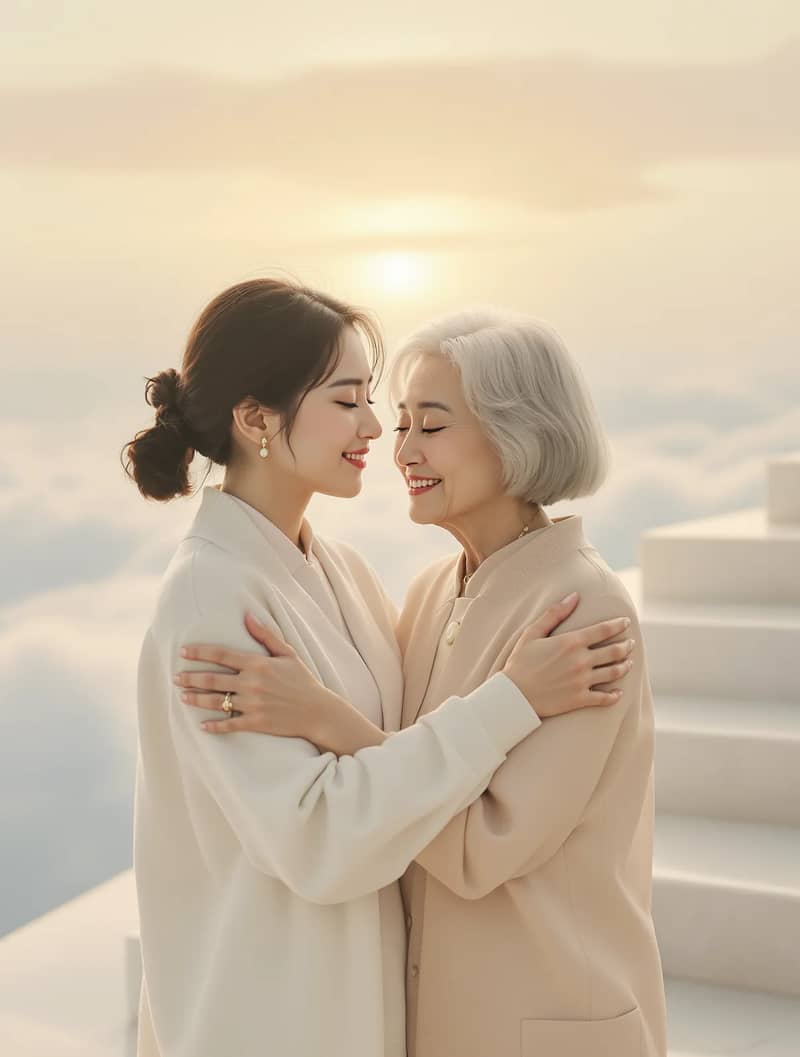
AI video effects are ready-made image to video AI templates. You upload a photo, and an AI video model turns it into a short clip with a specific scene and motion — two people sharing a warm hug, a reunion in the clouds, or the next trend making the rounds on TikTok.
Unlike a normal AI video generator, where you have to describe every detail yourself, each effect already comes with a tested prompt, camera movement and lighting. That makes it the fastest way to get a share-worthy video from a single picture, even if you have never written a prompt or opened a video editor.
- Your photo
- AI video effect
- Ready-to-share video
Why Use an AI Video Effects Generator Instead of a Video Editor?
Creating effects in After Effects, CapCut or an AI video editor usually means templates, keyframes and layers. An AI video effects generator skips all of that: the model creates the motion from your photo, so the whole process is upload, pick a model and generate.
No editing skills needed
No timelines, masks or keyframes. If you can upload a photo, you can make the video — a simple alternative to After Effects AI plugins for quick social clips.
Several AI models per effect
Run the same effect with Grok Imagine (Grok AI's video model), Seedance 2 Mini or Seedance 2.5, and keep the result you like best.
Free to try
New accounts get starter credits and you can earn more with the daily check-in, so you can test the AI video maker before choosing a plan.
Made for TikTok and Reels
Choose a vertical 9:16 or another aspect ratio before you generate, so the clip is ready to post without cropping.
No watermark
Videos you download from XImagineAI come without a watermark, including those made with starter credits.
Sound when the model supports it
Some models can add AI-generated sound or music to the clip — switch on audio in the panel when it is available.
How to Make a Video With AI Video Effects
- 1
Pick an effect
Browse the AI video effects above, filter by category and open the one you like. Each effect shows how many photos it needs.
- 2
Upload your photos
Clear, front-facing, evenly lit photos give the most natural result. When an effect asks for two photos, use one person per photo.
- 3
Choose a model and generate
Pick a supported model, set the aspect ratio, check the credit cost on the Generate button and start. Your video is usually ready to download in a few minutes.
AI Video Effects — FAQ
01What are AI video effects?
02Is there a free AI video generator for these effects?
03Do I need After Effects or a video editor?
04What is the difference between AI video effects and image to video AI?
05Which AI models do the effects use?
06Can I post the videos on TikTok?
07Do the videos have a watermark?
08Whose photos can I use?
Want More Control? Use Image to Video
Effects are the quickest path, but sometimes you have a specific idea in mind. On XImagineAI the Image to Video tool lets you write your own prompt and choose from models such as Kling 3.0, Seedance, Hailuo and Grok Imagine, while Text to Video creates clips without any photo at all. Compare every model on the Models page to find the one that fits your style.