Photo to Tattoo AI · Tattoo Design Generator · Virtual Tattoo Try On
AI Tattoo Generator from Photo
This AI tattoo generator from photo turns any picture into a tattoo design in seconds, and lets you preview it on your own skin before you book a session. Photo to tattoo, tattoo stencil maker and virtual tattoo try on live in one tool, powered by Nano Banana Edit.
Upload a photo of a person, pet, flower or object below. The AI converts it into a tattoo design. · Model: Nano Banana Edit
Made with this tool · small image = source photo · click a style to use it
- Photo to tattoo: line art and stencil-style designs
- AI tattoo try on: see how a tattoo looks on you
- Text to tattoo: describe an idea and get a design
- Free credits to start, then pay only for what you generate
How It Works
From Picture to Tattoo Design in Three Steps
Upload or describe
Drop in a photo of a pet, flower, portrait or body part, or just type a short tattoo idea.
Pick a style and placement
Choose fine line, minimalist, traditional, watercolor, realistic or blackwork, then the body part.
Generate and preview
Get your tattoo design or on-skin preview, download it, and take it to your tattoo artist.
Tattoo Styles
Tattoo Design Generator: 6 Styles to Start From
Click a card to load that style and idea into the generator above, then change the idea to make it yours — a fine line tattoo generator, a blackwork tattoo generator and more, all in one place.
Two Ways to Use It
Photo to Tattoo Stencil vs Virtual Tattoo Try On
Searches for an AI tattoo generator from photo usually mean one of two jobs. Both run in the generator above, so you can switch between them without leaving the page.
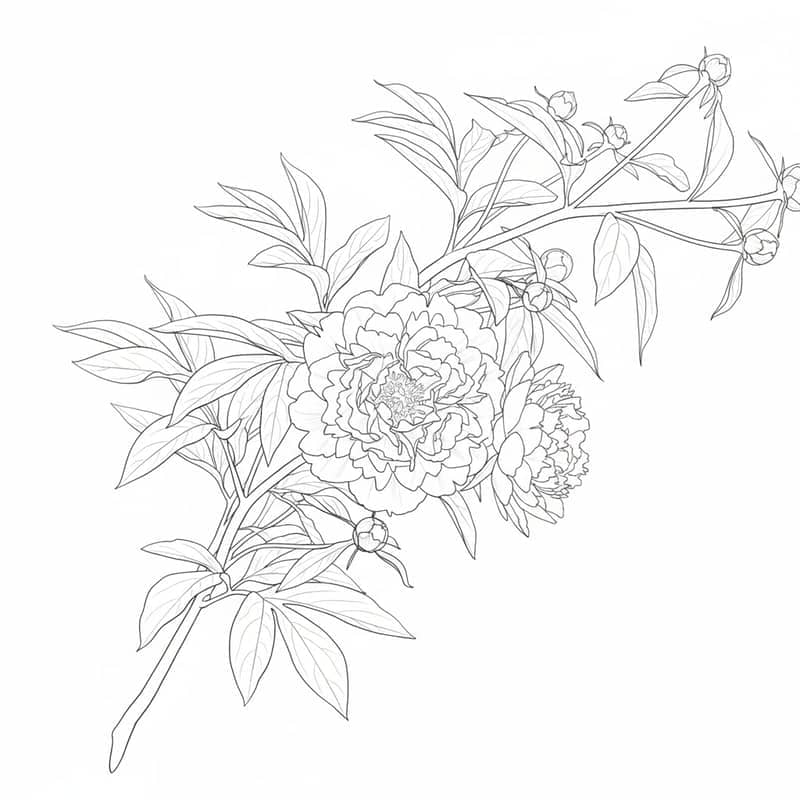
Photo to Tattoo
Upload a picture of a pet, a flower, a portrait or a place, and the tool converts the picture to a tattoo design with clean, tattoo-ready linework. It works as a simple tattoo stencil maker: a high-contrast outline on a plain background that you can bring to your artist as a starting reference.
Best for
- ✓Memorial tattoo from photo, pet portrait tattoo, couple tattoo
- ✓Getting a photo to tattoo stencil reference for your artist
- ✓Trying the same subject in fine line, blackwork or watercolor

Virtual Tattoo Try On
Upload a photo of your forearm, shoulder or back and the AI places a tattoo on it, following the shape and lighting of your skin. It acts as a tattoo placement preview and AI tattoo simulator, so you can see how a tattoo looks on you before committing to size and position.
Best for
- ✓Comparing placement: wrist vs forearm vs shoulder
- ✓Checking scale before you book a session
- ✓Showing friends or your artist the idea in context
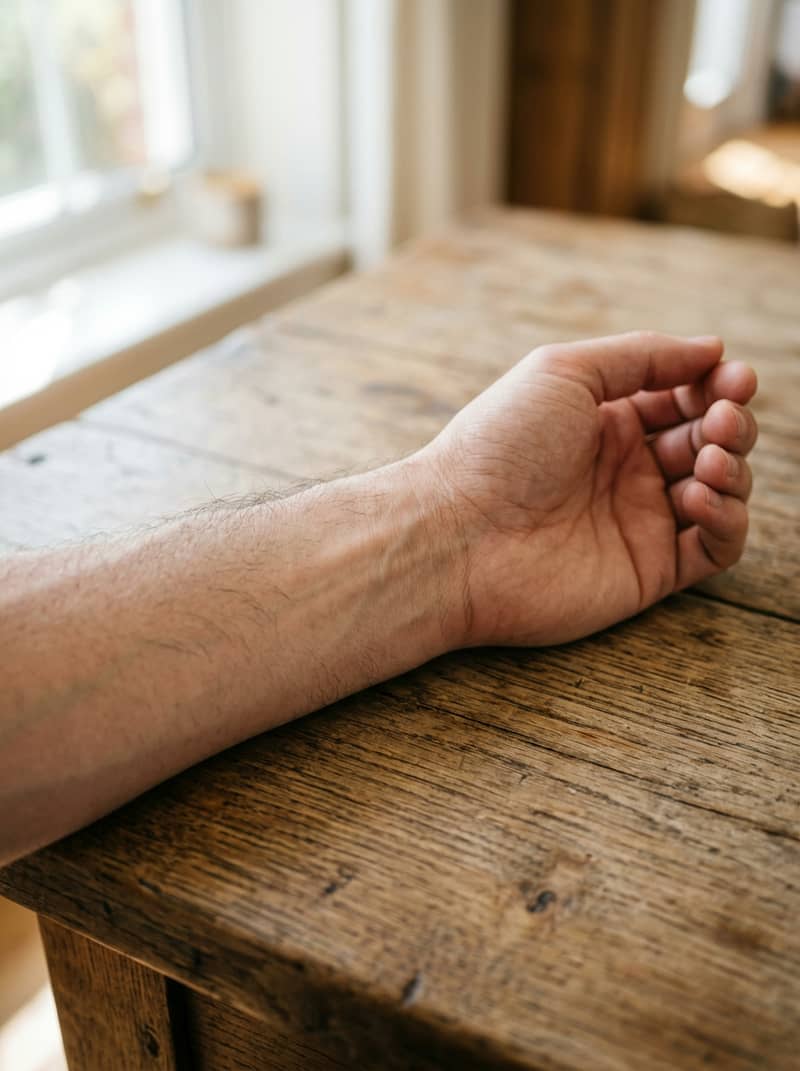
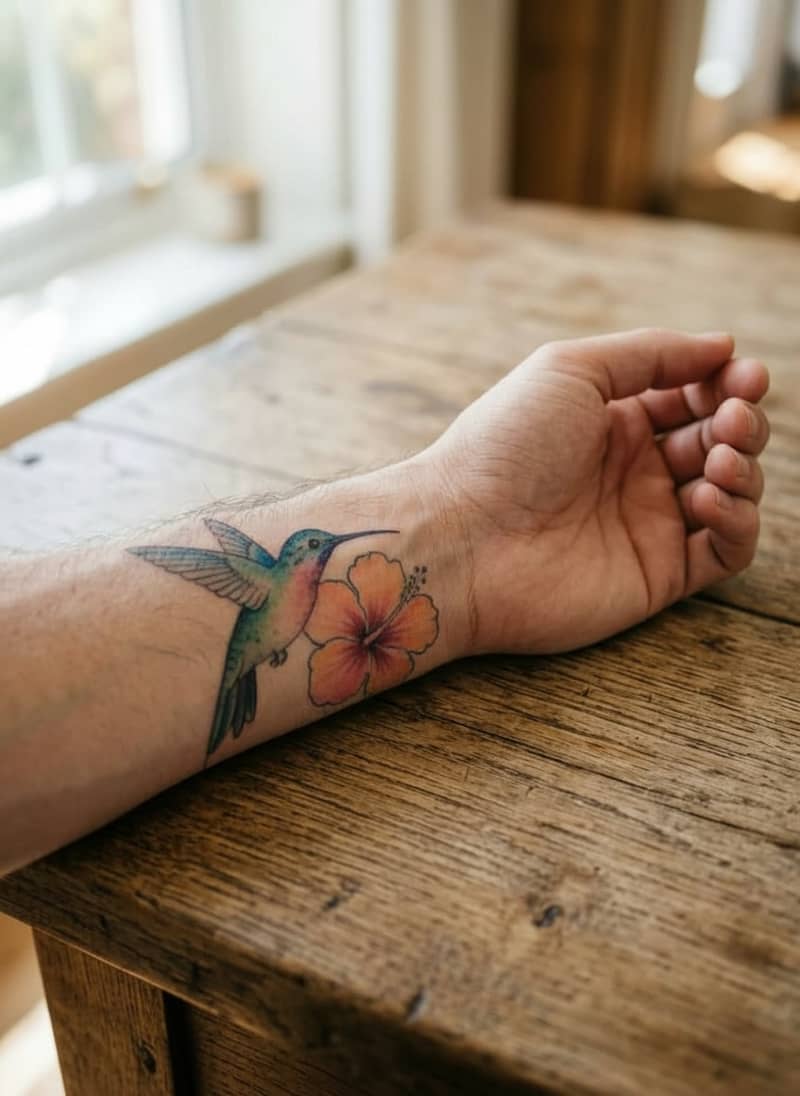
Most people start with Photo to Tattoo to get a design they like, then switch to Try On to preview it on their skin.
More Than One Model
One Account, Dozens of AI Models for Tattoo Art
X Imagine AI is a platform that gives you access to dozens of generation models from a single account. Instead of being locked into one tattoo AI with one look, you choose the model that suits your design: a different model can give cleaner linework, softer shading or a more faithful edit of your photo. This generator runs on Nano Banana Edit, which suits photo edits and try-ons; the other models below are available across the rest of the platform.
Photo editing and try-on
Nano Banana Edit
Edits an uploaded photo while keeping the rest intact, a natural fit for placing a tattoo on skin.
Text to tattoo
Nano Banana 2
Fast text-to-image generation for new tattoo ideas without a source photo.
Photo to tattoo
GPT Image 2 Edit
Follows detailed instructions, useful when you describe exact line weight or layout.
Photo to tattoo
Seedream 5 Lite Edit
Another take on image-to-image conversion, handy for comparing styles on the same photo.
Text to tattoo
Flux 2 Flex
A different visual character for tattoo flash and illustrative designs.
Text to tattoo
Z-Image
A lightweight model for quickly drafting several tattoo ideas.
A sample of the image models available on X Imagine AI. The tattoo generator above uses Nano Banana Edit; availability and credit cost per model are shown in the main image generator.
Before You Get Inked
Usage Notes for AI Tattoo Designs
AI results are design references
Treat every result as a reference, not a final stencil. Before the design goes on your skin, confirm the artwork, size and position with a professional tattoo artist.
Only upload photos you have the right to use
Upload photos of yourself or photos you have permission to use. Do not upload images of other people without their consent, or artwork you do not have the rights to.
Skin and placement change the result
The same design reads differently on a wrist, a shoulder or a back. A try-on preview helps you decide, but your artist knows how ink behaves on your skin.
AI Tattoo Generator from Photo — FAQ
Keep Creating
More from X Imagine AI
Make Your Tattoo Design Now, Try It on Your Skin
Credits-based pricing: pay for what you generate, with one account for dozens of AI models. Start with free credits and use other models across the platform.