Free credits for new users
OpenAI's newest image model

GPT Image 2.6Create and Edit Images Online

Turn a prompt into a finished image, or upload a photo and change just what you need. OpenAI's newest image model, ready in your browser — no OpenAI account or API key.

Start with an example prompt

Model
0/32000
Balance:0

Credits are estimated. The final charge can be higher or lower depending on actual usage.

100%

Examples

Configure parameters and click Generate

Key features

What Makes GPT Image 2.6 Different

Faster rendering, steadier edits and a model choice for every job.

Two models: Flare for speed, Sunburst for detail

GPT-Image-2.6 Flare is tuned for turnaround — about 6 seconds per image at low quality — and suits posters and product layouts. GPT-Image-2.6 Sunburst trades speed for finer detail and holds up better when you edit the same image again and again.

Try it now
Mark the spot, describe the change

Circle the exact area you want to change — a logo, a sky, a sleeve — and say what should go there. Everything outside the mark stays as it was, even after several rounds of edits.

Try it now

Start from your own photos

Upload reference images and describe the change in plain words: swap a backdrop, restyle an outfit or place your product into a new scene while keeping it recognizable.

Try it now

Layouts with readable text

Posters, menus, social cards and covers with several lines of copy. Put the exact wording in quotes and GPT Image 2.6 keeps the headline and body text legible.

Try it now

Turn images into looping GIFs

Animate a mascot, a product or a sketch from a prompt or a still image. Adjust the playback speed and fix individual frames until the loop feels right.

Try it now

Saved reference images and SVG export are ChatGPT features of ChatGPT Images 2.6 and are not part of this generator.

How it works

How to Use GPT Image 2.6

From idea to download in about a minute.

  1. 1

    Pick a mode

    Choose Text to Image to create from scratch, or Image to Image to work from photos you upload.

  2. 2

    Describe what you want

    Write the subject, setting, style and any text that should appear — or tap an example prompt to get going.

  3. 3

    Generate and download

    Check the credit cost, click Generate and download the result. Every image is saved to My Creations.

Use cases

What People Make with GPT Image 2.6

Four everyday jobs it handles well. Tap a card to load its prompt into the generator.

Product shots for every season
01E-commerce

Product shots for every season

Keep one clean packshot and restage it for summer, the holidays or a flash sale without booking another photo shoot.

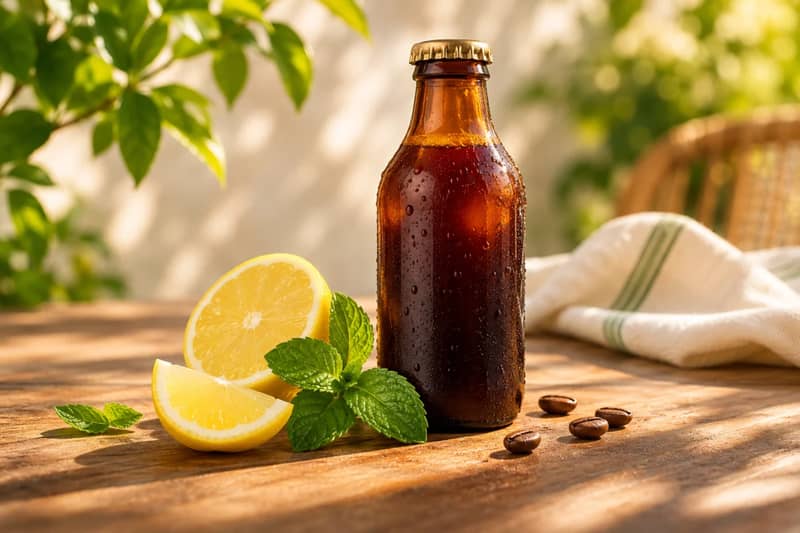
A glass bottle of cold brew coffee on a sunlit wooden table with lemon slices and fresh mint, bright summer morning light, shallow depth of field, crisp product photography
Posts with the words already on them
02Social media

Posts with the words already on them

Tips, quotes and announcements laid out with a clear headline, so you don't have to rebuild the post in a design tool.

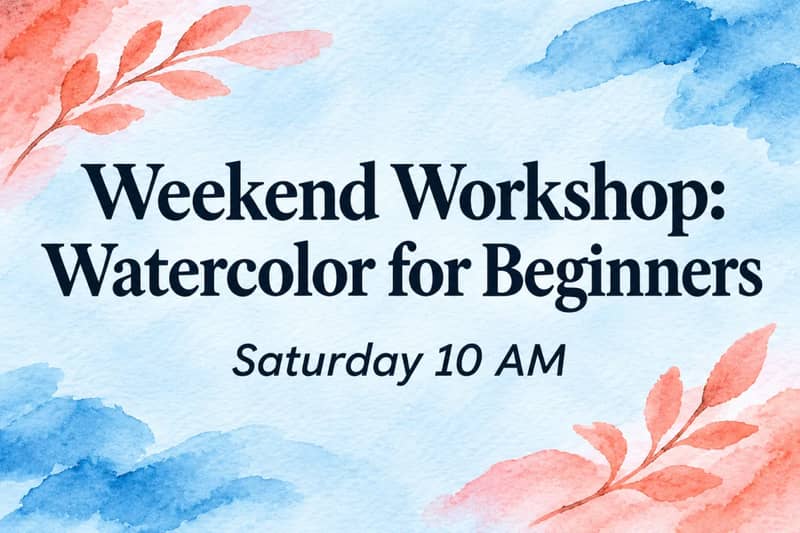
Vertical social media post announcing "Weekend Workshop: Watercolor for Beginners", Saturday 10 AM, playful hand-drawn brush strokes, soft blue and coral palette, clean readable typography
A mascot that stays the same character
03Branding

A mascot that stays the same character

Design a character once, then put it in new poses and scenes for stickers, packaging and campaign visuals.

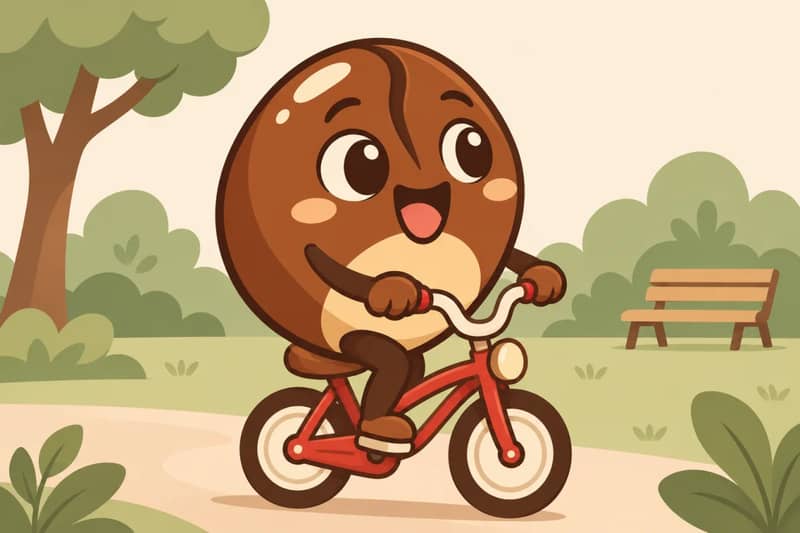
The same round coffee bean mascot with big eyes now riding a tiny red bicycle through a park, flat vector style, warm brown and cream palette, cheerful mood, white background
Ad variations from one base image
04Advertising

Ad variations from one base image

Change one element at a time — the headline, the color or the background — and compare versions side by side before you spend on media.

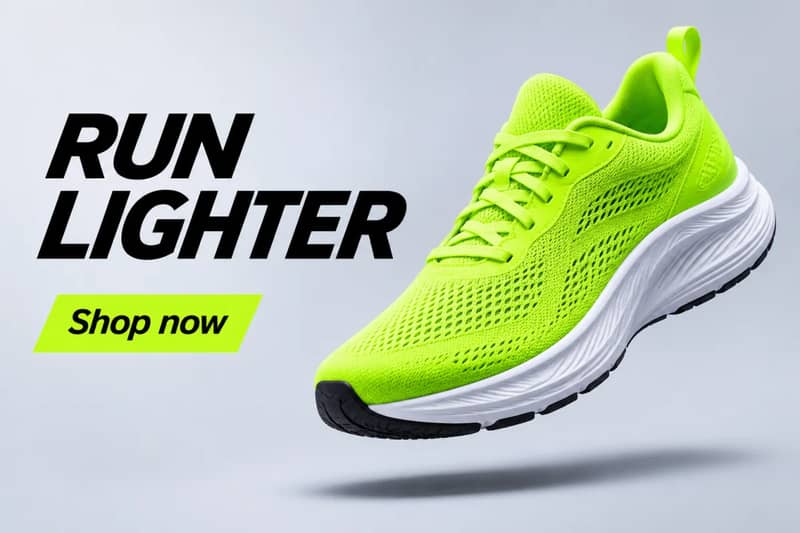
Clean banner ad for running shoes, a single neon green sneaker floating above a pale gray background, the headline "RUN LIGHTER" in bold italic sans-serif, small call to action "Shop now"

Price & free credits

GPT Image 2.6 Price and Free Credits

Use GPT Image 2.6 free on XImagineAI

  • New accounts get free credits on signup (10 credits; 4 in some regions).
  • Check in daily to claim 3 more free credits.
  • The credit cost of each generation is shown in the generator before you click Generate; higher resolutions cost more.

Need more credits? Buy a one-time credit pack or pick a plan — no OpenAI account or API key required.

See pricing

Using the OpenAI API instead?

OpenAI has not yet published API prices for GPT-Image-2.6 Flare or Sunburst. On XImagineAI you pay in credits, and the cost is shown before every generation.

Frequently Asked Questions

Keep exploring

Related Pages

  • GPT Image 2.5 — The previous version and its Flare and Sunburst models.
  • GPT Image 2 — The earlier OpenAI image model, also available on XImagineAI.
  • AI Image Generator — Switch between GPT Image 2, Nano Banana, Seedream, Flux and more.
  • All AI models — Every video, image and music model on XImagineAI.
  • Pricing — One-time credit packs and plans.

Start Creating with GPT Image 2.6

Turn your next idea into an image in seconds — one account, one credit balance for every model on XImagineAI.

XImagineAI — Dozens of AI Video and Image Models, One Account