
Grok Image Editor: Edit Any Image with a Text Prompt
Upload an existing photo and describe the change you want — Grok's AI transforms it based on your text instruction. Restyle, reframe, change backgrounds, modify subjects — no manual tools required.
Examples
Configure parameters and click Generate
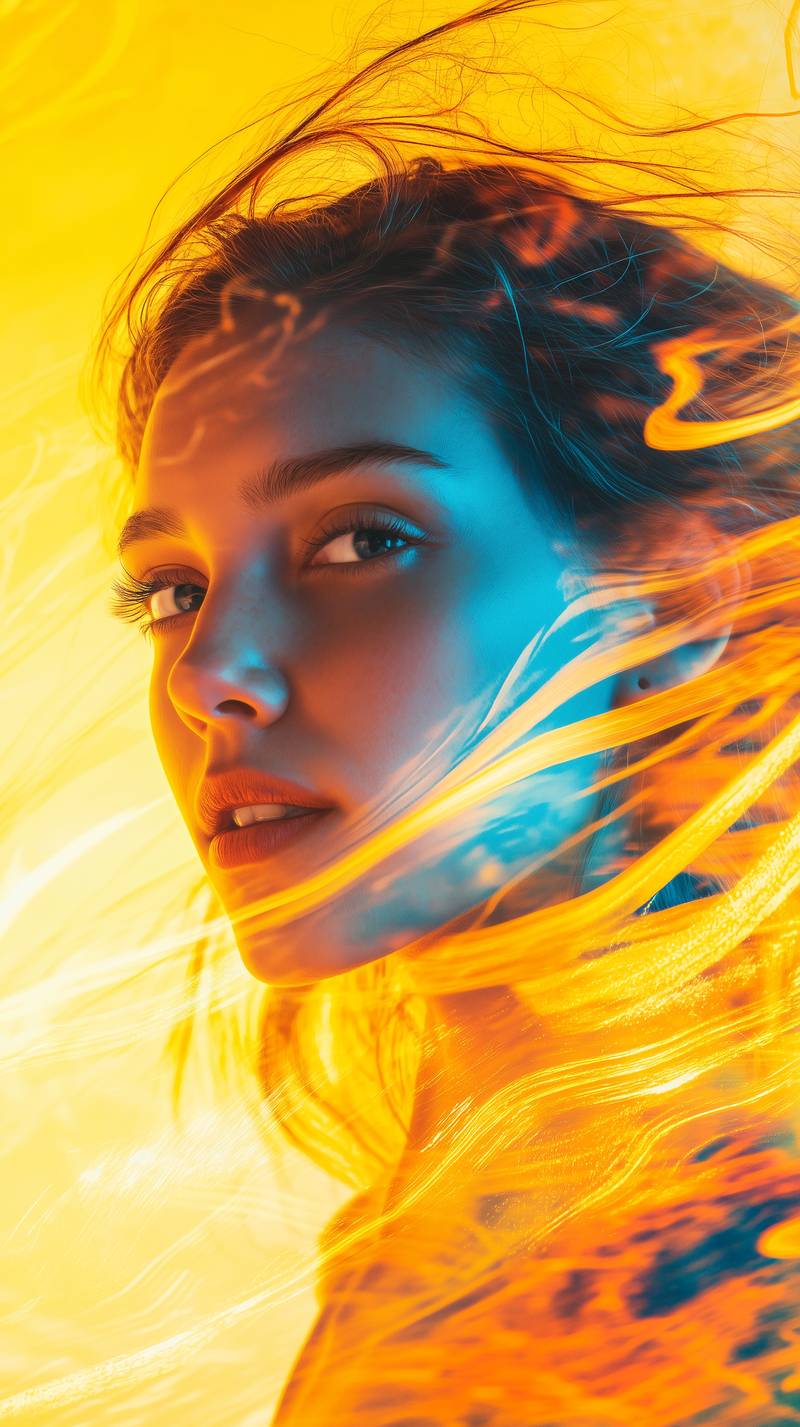
Bold Visual Idea
A playful high-contrast image with dynamic composition and social-ready framing.
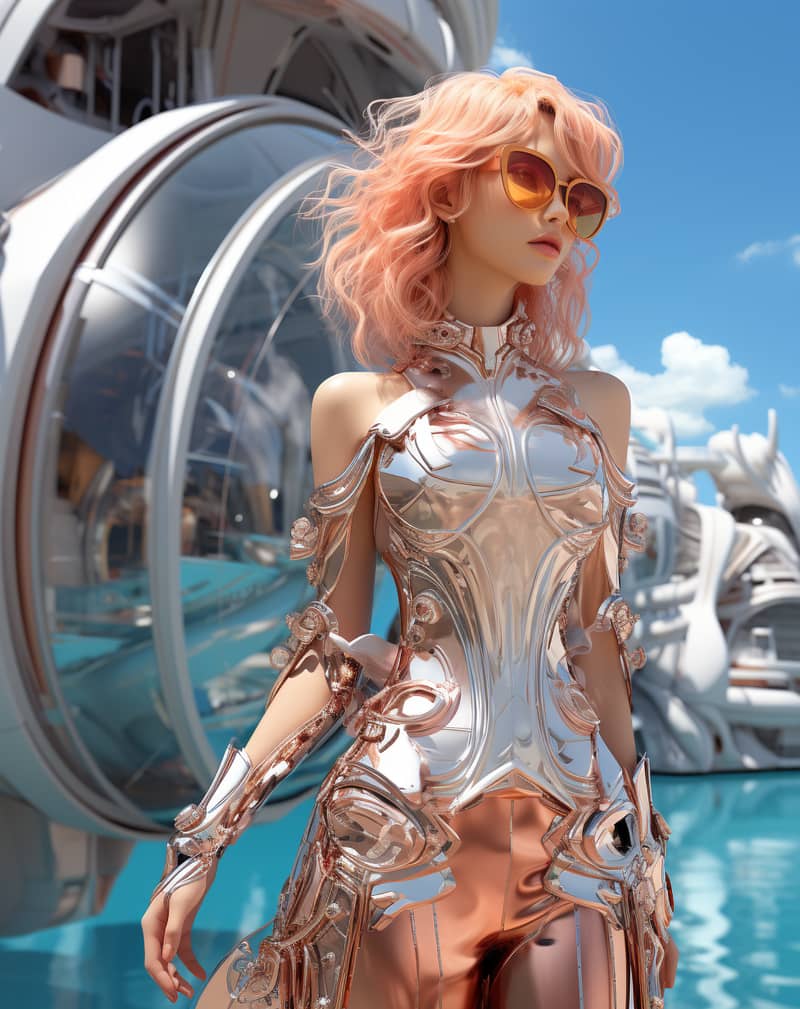
Stylized Character
A stylized character portrait with expressive detail and vivid color direction.
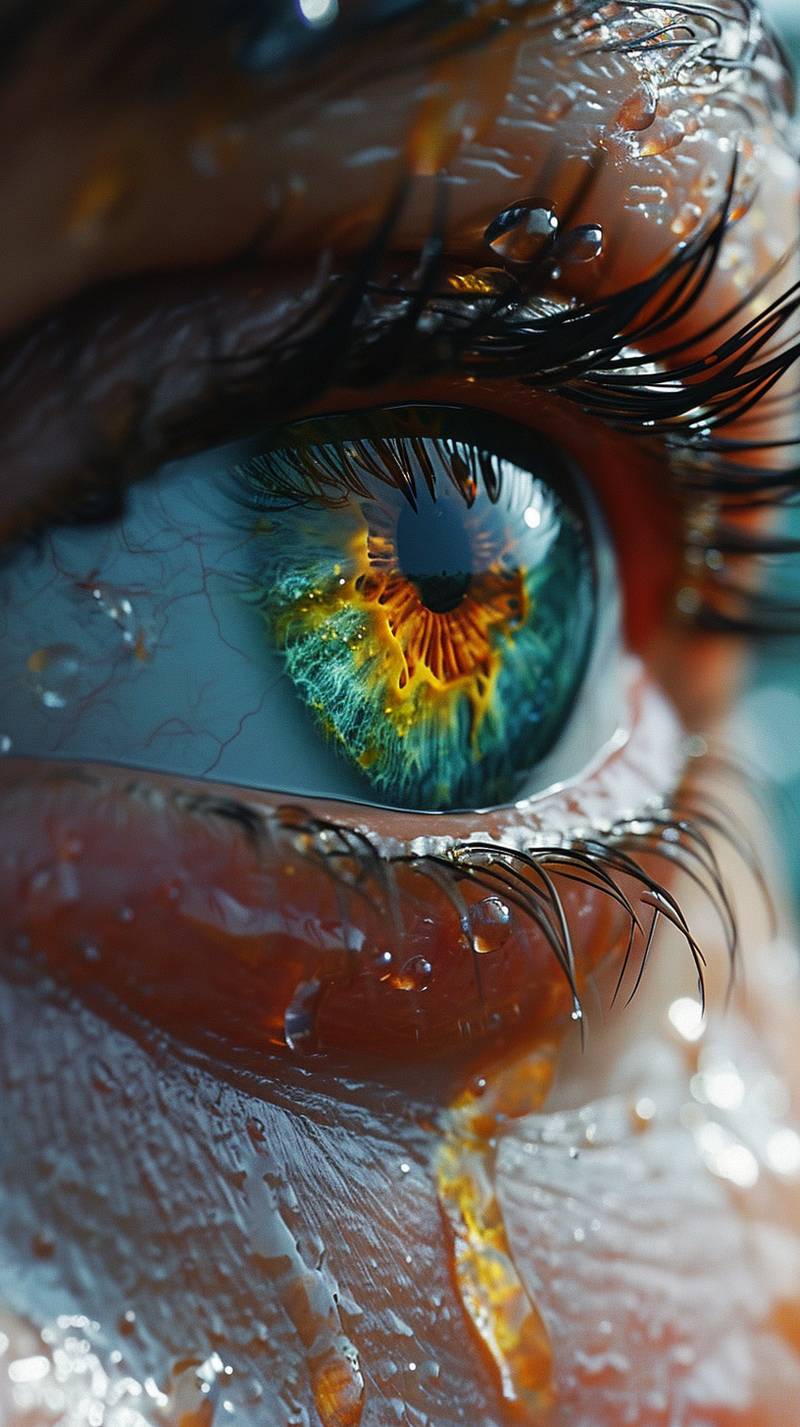
Creative Poster
A poster-style image with dramatic lighting and a clean central subject.
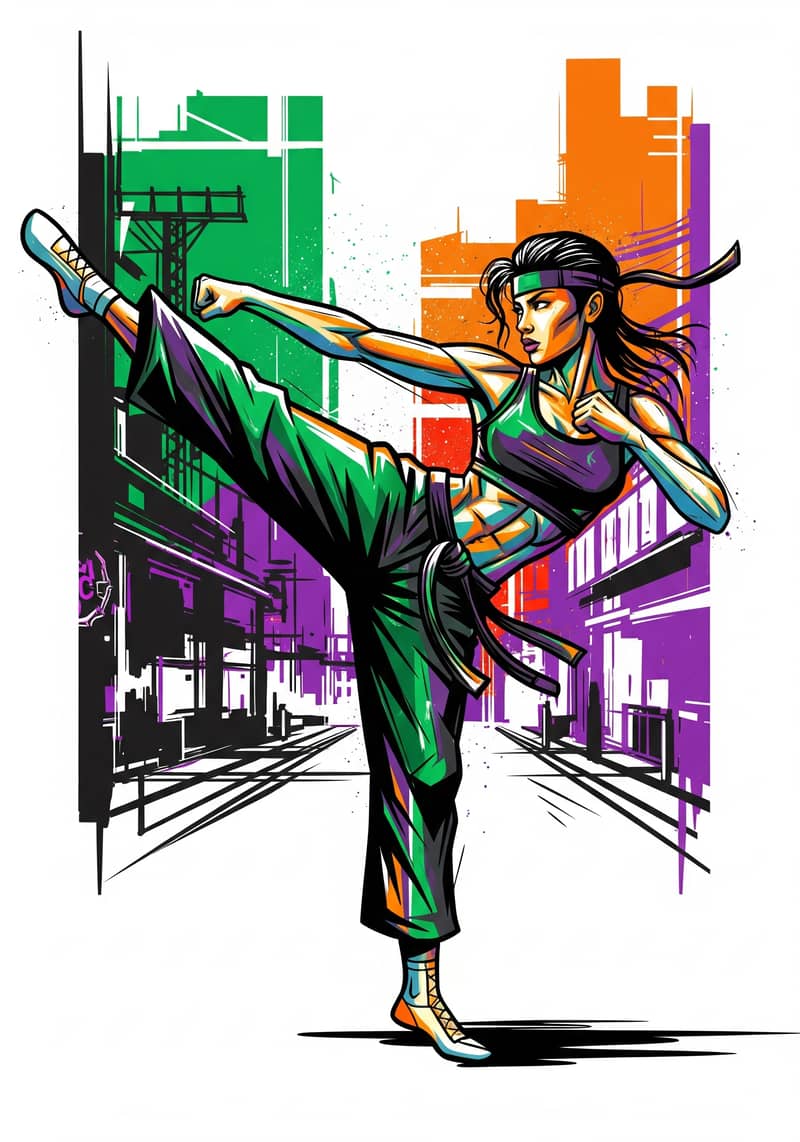
Street Art Figure
A vibrant street-art portrait with graceful movement, graphic color, and strong visual rhythm.
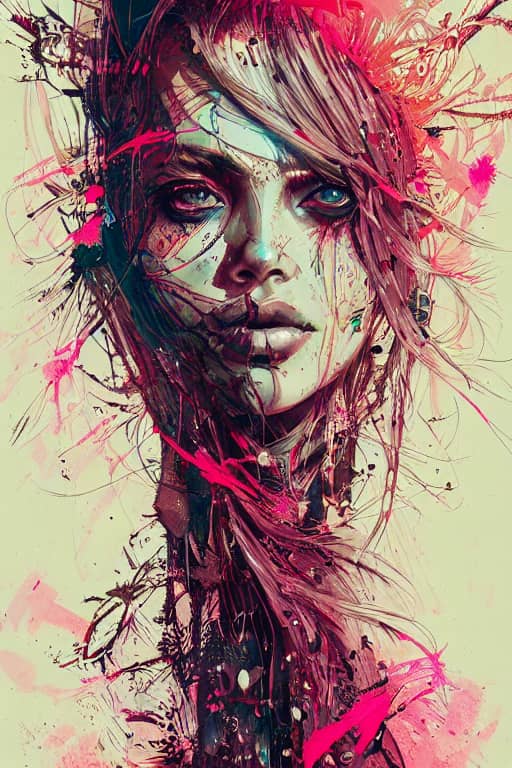
Warrior Princess
A detailed fantasy key visual with intricate linework, vibrant color, and cinematic presence.
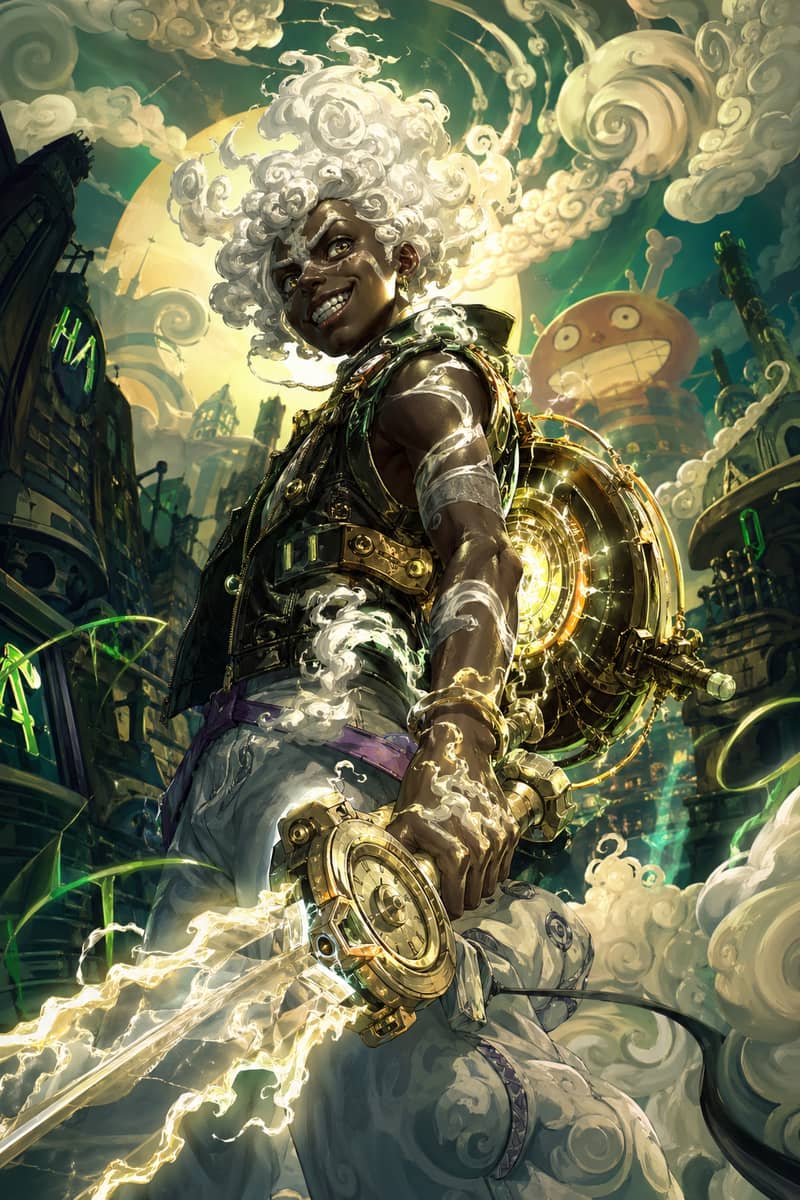
Mythic Character Fusion
A glowing fantasy character fusion with white cloud hair and energetic illustrated motion.
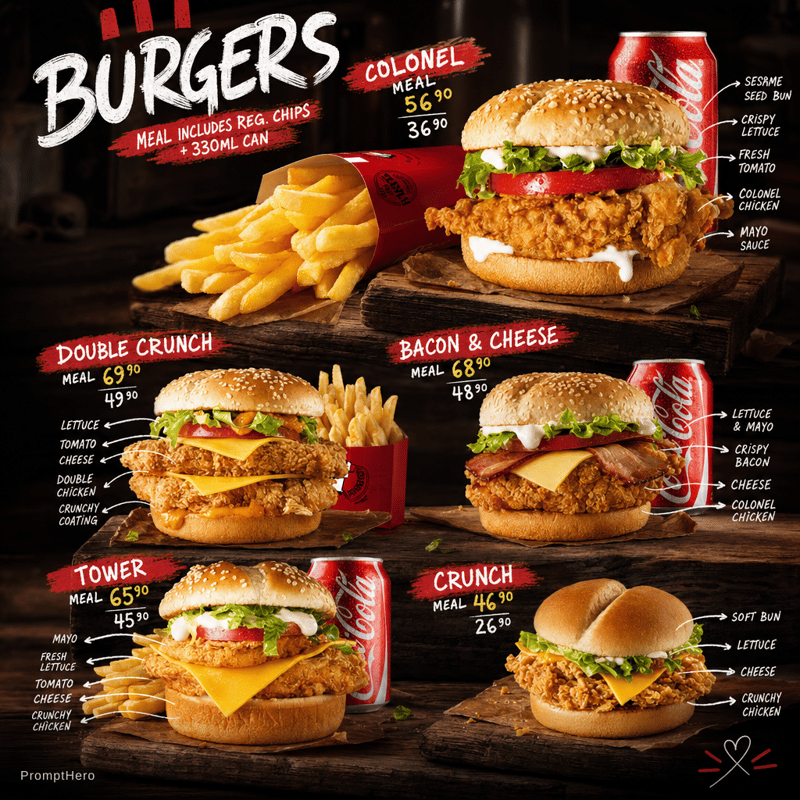
GPT Character Study
A polished character portrait with clean lighting, sharp detail, and vertical composition.
What Grok Image Editing Can Do
Grok AI Image Editing Features
Style Transformation
Change the visual style of any image with a single text instruction. Convert a photo to an oil painting, anime illustration, cinematic still, or watercolor — the Aurora model preserves the original composition while applying the new style.
Background Editing
Describe a new background and Grok replaces or modifies it around the subject. Change a studio backdrop to an outdoor scene, swap a plain white background for a textured surface, or remove distracting elements from the environment.
Subject Modification
Alter clothing, expressions, or the visual treatment of the main subject using text. Grok uses your prompt as a transformation directive while keeping the subject's identity and position stable in the frame.
Color & Lighting Adjustment
Change the overall color grade and lighting mood without any sliders. Prompts like "warm golden hour lighting" or "desaturated cinematic look" remap the tones across the whole image consistently.
Sketch to Rendered Image
Upload a rough sketch or line drawing and use a prompt to render it as a finished illustration, photograph-style scene, or 3D-rendered concept. Commonly used for concept art and storyboard prototyping.
Product Shot Restyling
Restyle an existing product photo for different contexts — change the background for an e-commerce listing, apply a lifestyle environment, or adjust the lighting for print use — without a new photoshoot.
Step-by-Step Guide
How to Edit an Image with Grok (Step by Step)
- 1
Open grok.com in your browser and sign in to your X account. Image editing requires at minimum a free X account — no paid subscription is needed for basic access.
- 2
Click the Imagine tab in the left sidebar. This is where all of Grok's image generation and editing capabilities live.
- 3
Click the image upload button (camera or attachment icon) in the prompt area. Select the photo you want to edit — JPEG, PNG, and WebP are all supported. Minimum recommended size is 512×512 pixels.
- 4
Write your editing instruction in the text field. Be specific: describe what should change, the target style, and any mood or lighting direction. Example: "Change the background to a snowy mountain landscape, keep cinematic lighting."
- 5
Optionally adjust the influence weight if available — higher influence keeps the original composition closer; lower influence lets the prompt drive more of the output.
- 6
Click Generate and wait for the edit to render. Grok produces one output by default on most tiers. Review the result — if the edit direction is right but needs refinement, adjust your prompt and regenerate.
- 7
Download the edited image directly from the Grok interface. If you need edits without daily generation limits, try it on xImagineai.com — the same image editing workflow runs on a credit balance with no daily reset.
Daily Limits
Grok Image Editing Daily Limits
Free X accounts can perform approximately 10 image edits per 24-hour window before hitting the daily quota. X Premium ($8/month) raises this to roughly 200 edits per day; SuperGrok ($30/month) provides the highest daily edit ceiling. Image editing and image generation draw from the same daily quota pool — they are not tracked separately.
The image editing quota and image generation quota on Grok share the same daily pool. They are separate from the video generation quota.
What Makes Grok an AI Image Editor (Not Just a Generator)
Most AI tools labeled as image generators — including Grok Imagine — support a second workflow that functions as an AI image editor: you provide a source image alongside your text prompt, and the model uses the uploaded image as a structural anchor rather than building from scratch. This is called image-to-image or reference-guided editing. In Grok's Aurora model, the source image contributes layout, subject placement, and approximate proportions to the output, while the text prompt controls what changes. The result is a new image that reflects your edit instruction while staying coherent with the original scene. This is fundamentally different from text-only generation — instead of directing an empty canvas, you are directing a transformation of something that already exists. For practical use: if you want to keep a specific person, product, or composition intact but restyle everything around it, Grok image editing is the right workflow. If you are starting from scratch, use Grok image generation instead.
Grok Image Editing vs Photoshop: Different Tools for Different Tasks
Grok's AI image editor works at the prompt level — you describe what you want and the model applies the change holistically across the image. This is distinct from tools like Photoshop, GIMP, or Lightroom, which give you manual control over individual pixels, layers, and adjustment curves. Grok is faster and requires no technical skill for broad changes: restyling a photo, replacing a background, adjusting the overall mood. It is not designed for pixel-precise masking, typography editing, or multi-layer compositing. Where Grok image editing excels is in rapid iteration — generating multiple stylistic variants of the same source image, testing different backgrounds for a product shot, or exploring art direction options before committing to a final direction. For precision retouching or document layout, a dedicated graphics editor remains the appropriate tool.
Related Grok Features
Editing, Generation, and Video — Three Separate Features
Grok image editing (uploading a photo and transforming it) is a different feature from Grok image generation (creating images from text only) and Grok image-to-video (animating a still image into a video clip). Each uses a different entry point in the Grok Imagine interface and draws from separate or partially shared quota pools.
XImagineAI Pricing for AI Image & Video Generation
X Imagine AI brings Grok Imagine image generation, Grok Video creation, and Spicy Mode together on a single platform — with credits you can buy annually, subscribe to monthly, purchase for a project, or keep forever with a Lifetime Credit Pack. No X Premium subscription. No hitting a daily generation limit mid-project. 15,000+ creators, studios, and agencies have already made the switch.
Annual one-time payment, credits valid for 12 months
Annual Starter
29% OFFYearlyLowest monthly rate for a full year of creation
≈ $30.00 per 1,000 credits
Creators · Solo Artists
Annual access at the lowest monthly entry price
- Grok Imagine1K
- Nano Banana 21K
- GPT Image 2Limited-time unlock
- Grok Imagine 1.5480p
- Seedance 2.5Limited-time unlock
- Kling 3.0Limited-time unlock
- 4,000 AI generation credits
- Grok Imagine image generation — full access
- Grok Video generation — cinematic AI video
- Spicy Mode unlocked
- Flux-based engine — advanced processing
- Professional-grade output quality
- Priority generation queue — no wait
- 12-month credit validity
- $120 billed once for the year
- No X Premium subscription needed
Annual Creator
17% OFFMost PopularMore annual credits for consistent creative output
≈ $25.00 per 1,000 credits
Creators · Studios
A balanced annual plan for regular Grok Imagine and Grok Video use
- Grok Imagine2K
- Nano Banana 22K
- GPT Image 21K
- Grok Imagine 1.5720p
- Seedance 2.5480p
- Kling 3.0Limited-time unlock
- 9,600 AI generation credits
- Grok Imagine image generation — full access
- Grok Video generation — cinematic AI video
- Image-to-video conversion
- Spicy Mode — unlimited access
- Flux-based engine — advanced processing
- Professional-grade output quality
- Priority generation queue — no wait
- 12-month credit validity
- $240 billed once for the year
- No X Premium subscription needed
Annual Studio
20% OFFHigh-volume annual credits for serious production
≈ $24.38 per 1,000 credits
Studios · Teams · Agencies
Built for high-volume annual creative production
- Grok Imagine2K
- Nano Banana 24K
- GPT Image 22K
- Grok Imagine 1.51080p
- Seedance 2.5720p
- Kling 3.0Limited-time unlock
- 19,200 AI generation credits
- Grok Imagine image generation — unrestricted
- Grok Video generation — cinematic AI video
- Image-to-video conversion
- Spicy Mode — unlimited access
- Flux-based engine — advanced features
- Ultra-high resolution output
- Priority generation — no queue
- Batch image processing
- 12-month credit validity
- $468 billed once for the year
- Priority technical support
Annual Scale
34% OFFMaximum annual credits for teams and agencies
≈ $21.07 per 1,000 credits
Agencies · Production Teams · Businesses
The largest annual credit pool for sustained production
- Grok Imagine4K
- Nano Banana 24K
- GPT Image 24K
- Grok Imagine 1.51080p
- Seedance 2.51080p
- Kling 3.01080p
- 33,600 AI generation credits
- Grok Imagine image generation — unrestricted
- Grok Video generation — cinematic AI video
- Image-to-video conversion
- Spicy Mode — unlimited access
- Flux-based engine — advanced features
- Ultra-high resolution output
- Priority generation — no queue
- Batch image processing
- 12-month credit validity
- $708 billed once for the year
- Priority technical support
Annual Starter
29% OFFYearlyLowest monthly rate for a full year of creation
≈ $30.00 per 1,000 credits
Creators · Solo Artists
Annual access at the lowest monthly entry price
- Grok Imagine1K
- Nano Banana 21K
- GPT Image 2Limited-time unlock
- Grok Imagine 1.5480p
- Seedance 2.5Limited-time unlock
- Kling 3.0Limited-time unlock
- 4,000 AI generation credits
- Grok Imagine image generation — full access
- Grok Video generation — cinematic AI video
- Spicy Mode unlocked
- Flux-based engine — advanced processing
- Professional-grade output quality
- Priority generation queue — no wait
- 12-month credit validity
- $120 billed once for the year
- No X Premium subscription needed
Annual Creator
17% OFFMost PopularMore annual credits for consistent creative output
≈ $25.00 per 1,000 credits
Creators · Studios
A balanced annual plan for regular Grok Imagine and Grok Video use
- Grok Imagine2K
- Nano Banana 22K
- GPT Image 21K
- Grok Imagine 1.5720p
- Seedance 2.5480p
- Kling 3.0Limited-time unlock
- 9,600 AI generation credits
- Grok Imagine image generation — full access
- Grok Video generation — cinematic AI video
- Image-to-video conversion
- Spicy Mode — unlimited access
- Flux-based engine — advanced processing
- Professional-grade output quality
- Priority generation queue — no wait
- 12-month credit validity
- $240 billed once for the year
- No X Premium subscription needed
Annual Studio
20% OFFHigh-volume annual credits for serious production
≈ $24.38 per 1,000 credits
Studios · Teams · Agencies
Built for high-volume annual creative production
- Grok Imagine2K
- Nano Banana 24K
- GPT Image 22K
- Grok Imagine 1.51080p
- Seedance 2.5720p
- Kling 3.0Limited-time unlock
- 19,200 AI generation credits
- Grok Imagine image generation — unrestricted
- Grok Video generation — cinematic AI video
- Image-to-video conversion
- Spicy Mode — unlimited access
- Flux-based engine — advanced features
- Ultra-high resolution output
- Priority generation — no queue
- Batch image processing
- 12-month credit validity
- $468 billed once for the year
- Priority technical support
Annual Scale
34% OFFMaximum annual credits for teams and agencies
≈ $21.07 per 1,000 credits
Agencies · Production Teams · Businesses
The largest annual credit pool for sustained production
- Grok Imagine4K
- Nano Banana 24K
- GPT Image 24K
- Grok Imagine 1.51080p
- Seedance 2.51080p
- Kling 3.01080p
- 33,600 AI generation credits
- Grok Imagine image generation — unrestricted
- Grok Video generation — cinematic AI video
- Image-to-video conversion
- Spicy Mode — unlimited access
- Flux-based engine — advanced features
- Ultra-high resolution output
- Priority generation — no queue
- Batch image processing
- 12-month credit validity
- $708 billed once for the year
- Priority technical support
Grok Image Editor — Frequently Asked Questions
Edit Images with AI — No Daily Limit, No X Account Required
xImagineai gives you the same AI image editing workflow as Grok — upload a photo, write a prompt, get the transformation — on a credit model with no daily reset and no social platform dependency. Start with 100 free credits.