
Grok Imagine 2.0 vs GPT Image 2 · August 2026
Grok Imagine 2.0 vs GPT Image 2 — Which Should You Use?
Quick answer: on Arena as of August 2026, GPT Image 2 sits at #1 and Imagine Image 2.0 sits at #2 on both the text-to-image and the image-editing boards. That is a one-place gap between two models in the same tier — close enough that the winner flips depending on the prompt you throw at it. So the useful question is not which model is better overall, but which one is better at the specific job in front of you: Grok Imagine 2.0 for region-level retouching, GPT Image 2 for text inside the frame and for anything you need to call from code.
Examples
Configure parameters and click Generate
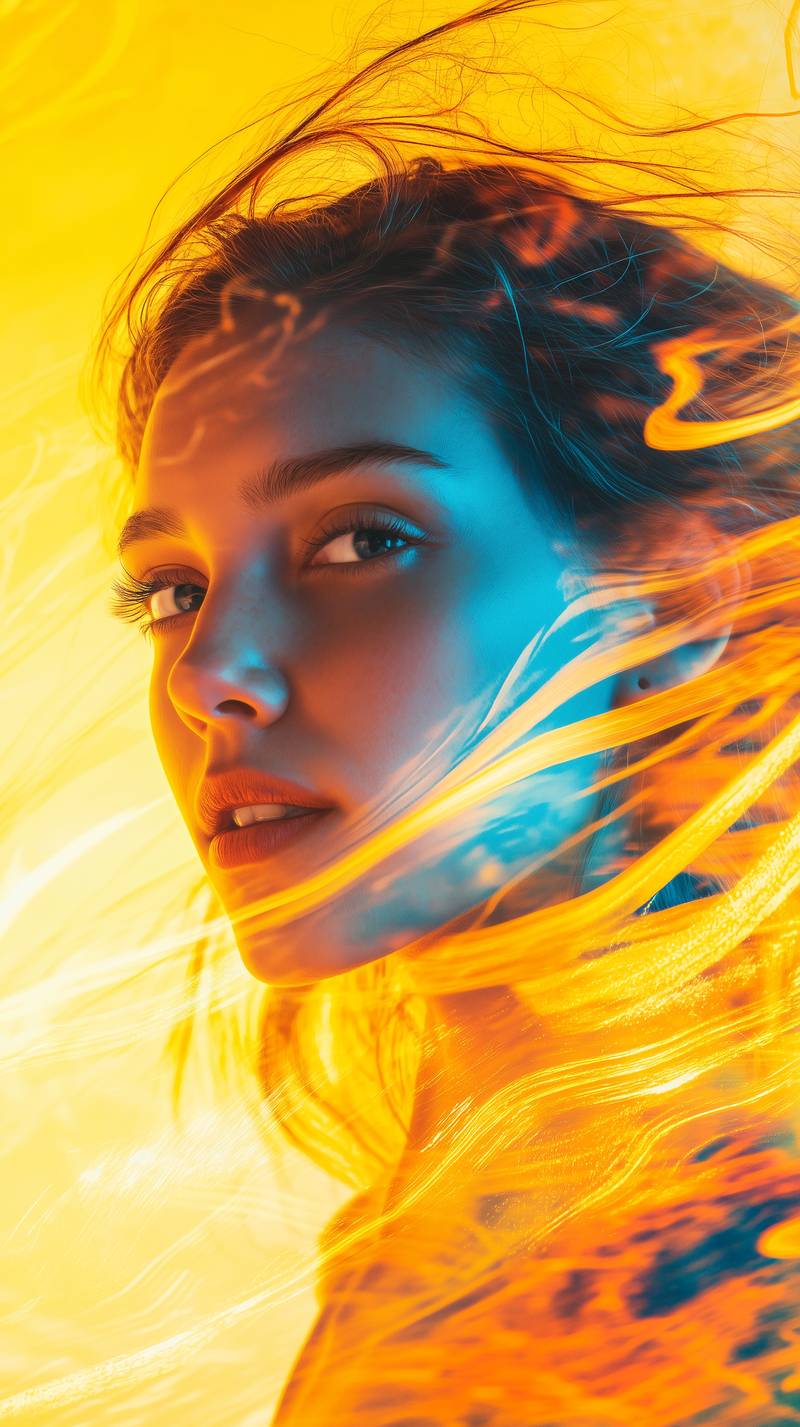
Bold Visual Idea
A playful high-contrast image with dynamic composition and social-ready framing.
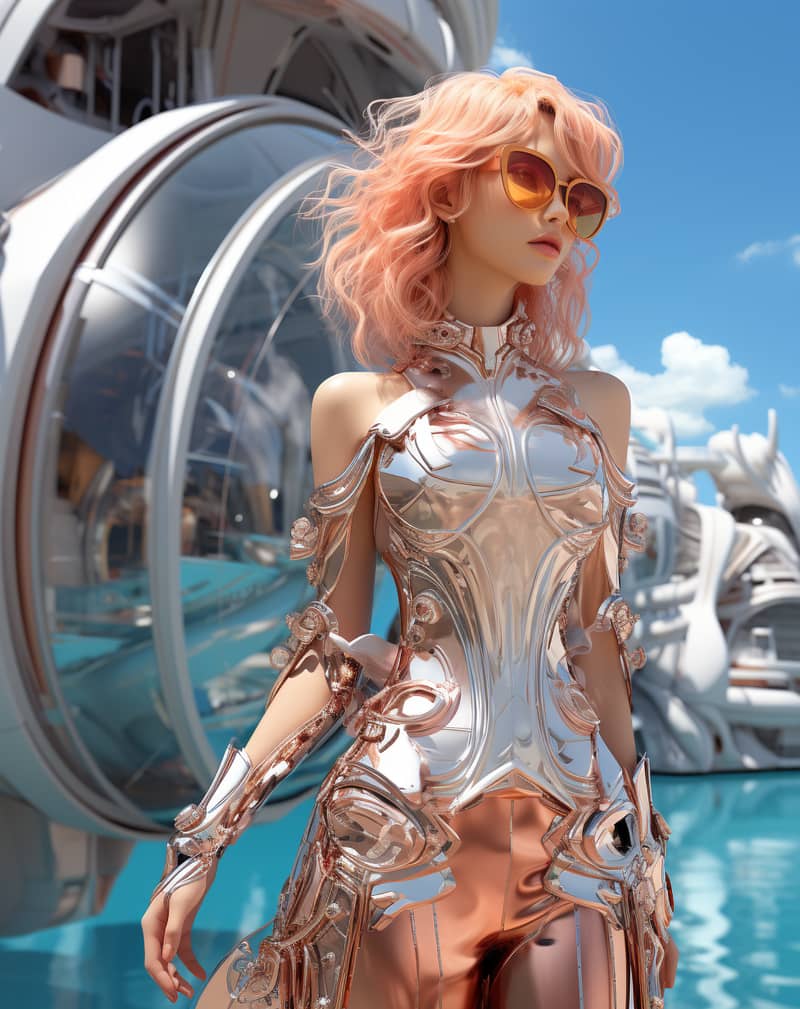
Stylized Character
A stylized character portrait with expressive detail and vivid color direction.
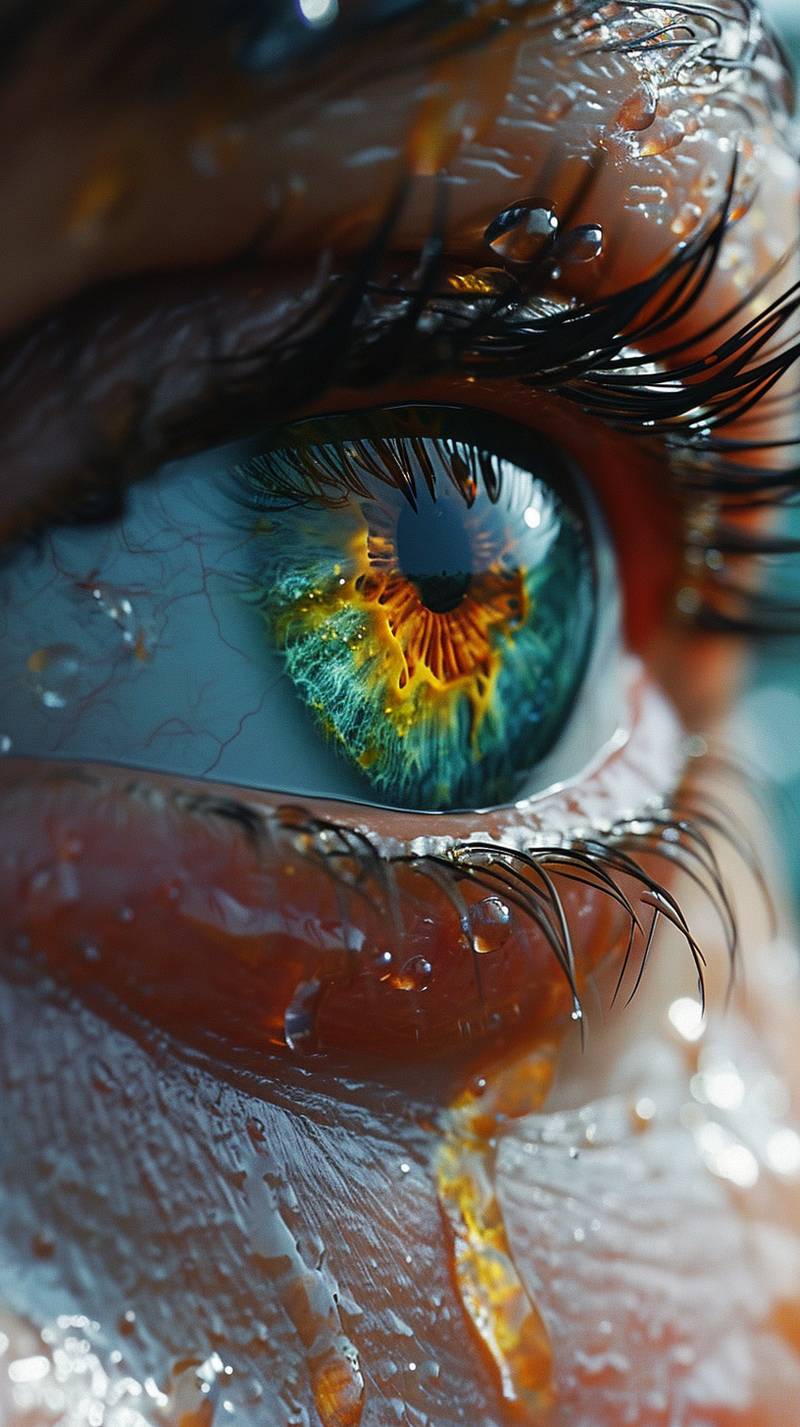
Creative Poster
A poster-style image with dramatic lighting and a clean central subject.
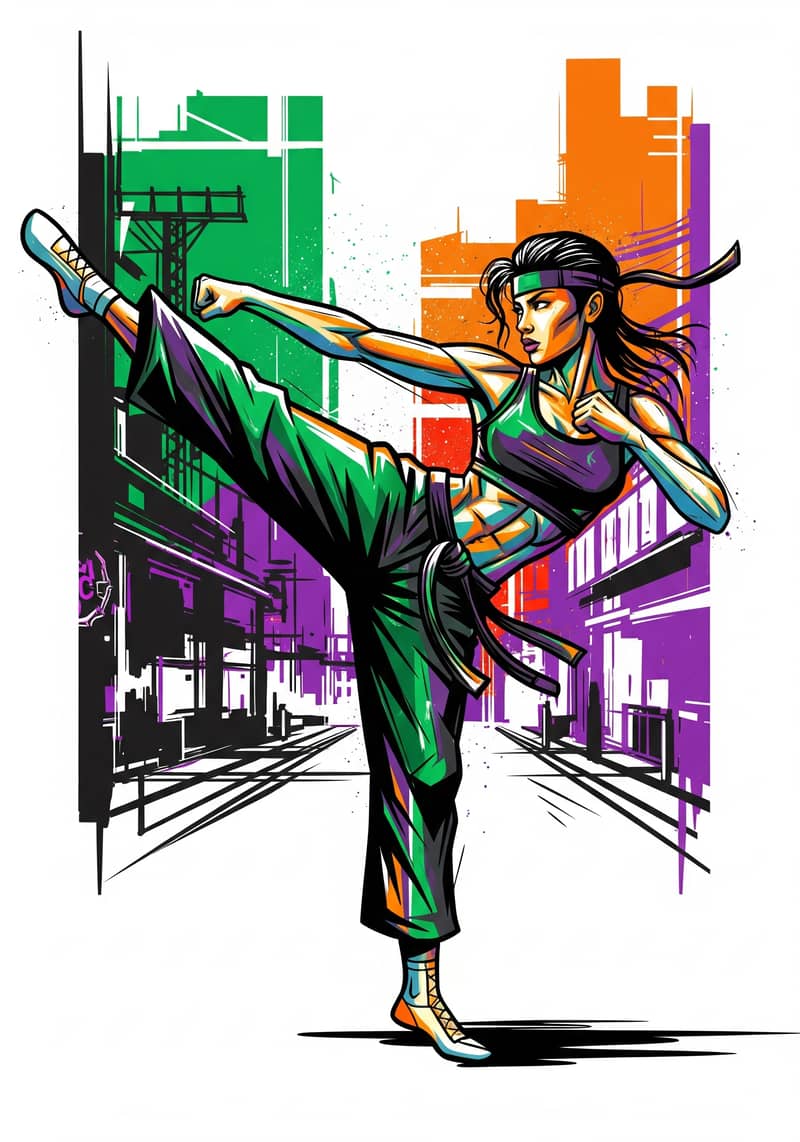
Street Art Figure
A vibrant street-art portrait with graceful movement, graphic color, and strong visual rhythm.
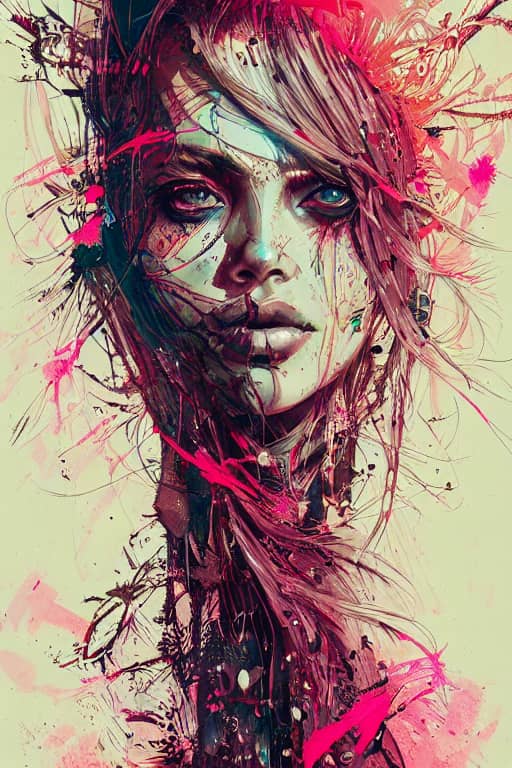
Warrior Princess
A detailed fantasy key visual with intricate linework, vibrant color, and cinematic presence.
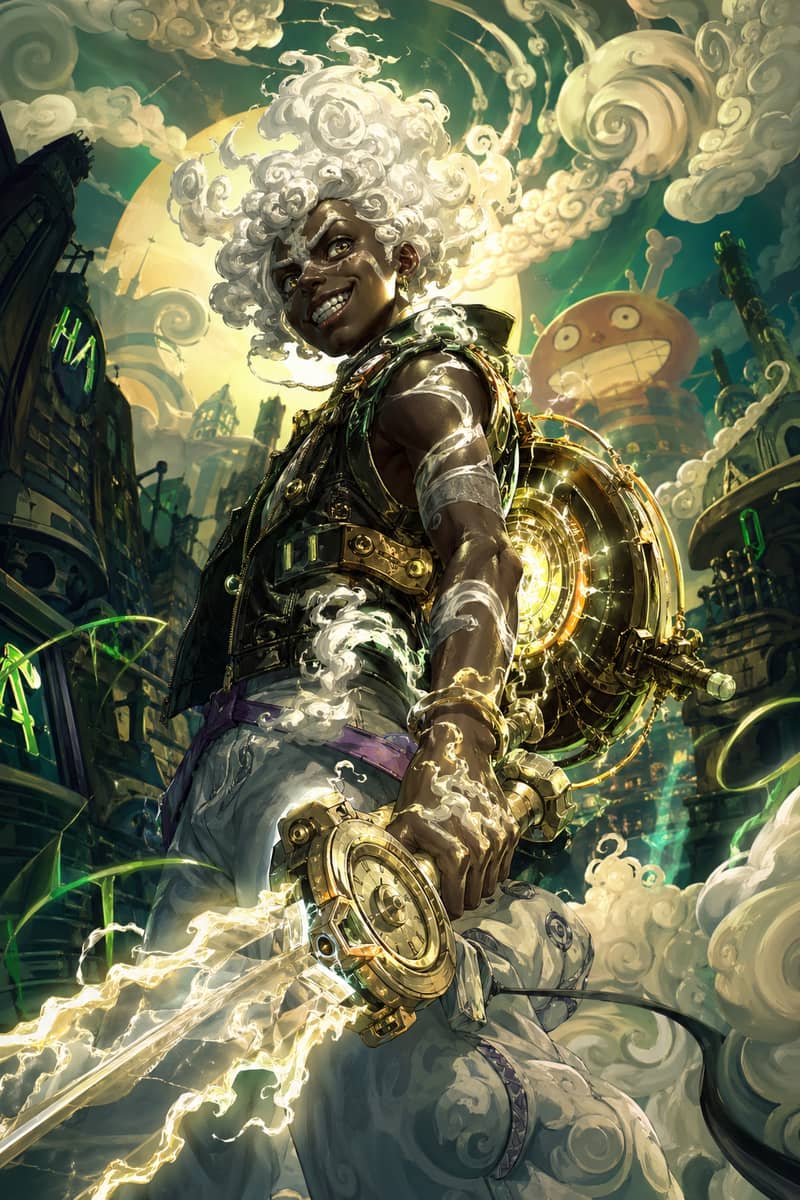
Mythic Character Fusion
A glowing fantasy character fusion with white cloud hair and energetic illustrated motion.
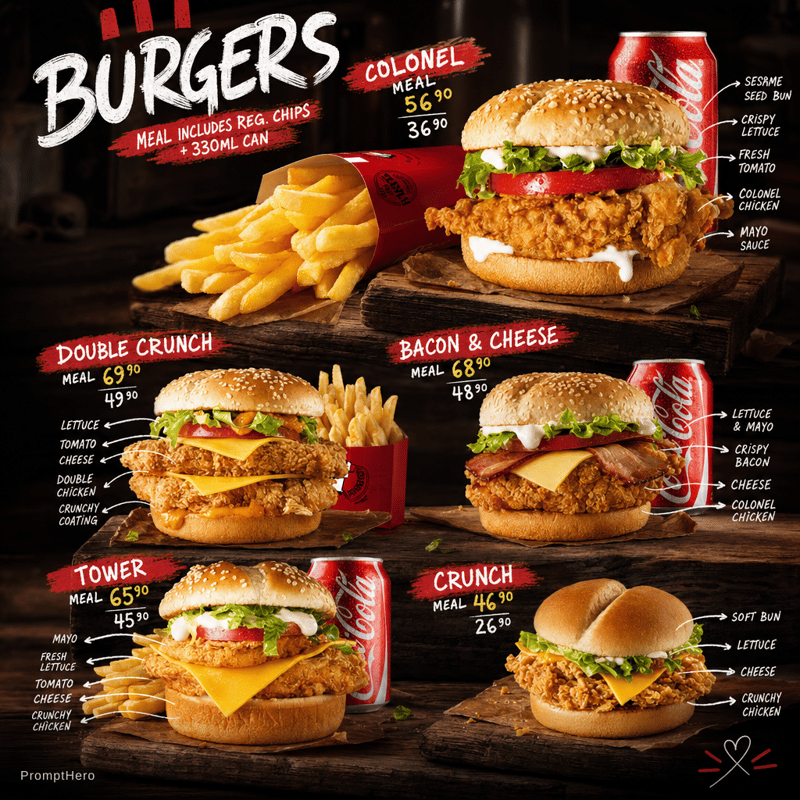
GPT Character Study
A polished character portrait with clean lighting, sharp detail, and vertical composition.
Feature Comparison · August 2026
Grok Image 2.0 vs GPT Image 2 — Side by Side
| Feature | Grok Imagine 2.0 | GPT Image 2 | xImagineaiRecommended | Edge |
|---|---|---|---|---|
| Arena text-to-image rank | #2 globally (Aug 2026) | #1 globally (Aug 2026) | Multi-model — pick per job | GPT Image 2 |
| Arena image-editing rank | #2 globally (Aug 2026) | #1 globally (Aug 2026) | Multi-model — pick per job | GPT Image 2 |
| Region-level local edits | ✓Magic Wand, point-and-describe | ✓Mask-based inpainting | ✓Prompt-driven editing | Grok Imagine 2.0 |
| Object-aware selection | ✓Segmentation built in | ✗You supply the mask | ✓Upload and describe the change | Grok Imagine 2.0 |
| Smart resize / recompose | ✓Smart Resize fills new space | Partial — via the edit endpoint | ✓Aspect-ratio presets | Grok Imagine 2.0 |
| Text rendering inside images | Strong | Best in class | Model-dependent | GPT Image 2 |
| Multi-image reference | ✓Up to 5 reference images | ✓Multiple references via API | ✓Reference upload supported | Tie |
| Transparent background export | ✗Not documented at launch | ✓Transparent PNG / WebP | ✓Background removal in the editor | GPT Image 2 |
| Public image API | ✗No dedicated image endpoint published | ✓gpt-image-1 in the Images API | Browser workflow, no key needed | GPT Image 2 |
| Where you use it | Grok app and grok.com | ChatGPT and OpenAI API | ✓Any browser, no install | xImagineai ✓ |
| Pricing model | Folded into Grok subscription tiers | Per-image API billing (~$0.011–$0.25) | ✓One-time credit packs | xImagineai ✓ |
| Free way to start | Limited free tier with a daily reset | ✗Paid plan or billing set up first | ✓Free trial credits, no daily reset | xImagineai ✓ |
Leaderboard positions reflect Arena, a third-party community evaluation, as of August 2026 — not a vendor self-assessment. Feature and pricing rows summarise what each vendor had published at that date. All three move; check the live board and the current pricing page before you commit a budget to either model.
Scenario Recommender
Which Is Better, Grok Imagine or GPT Image 2 — By Job
Retouching one region of an existing image
Grok Imagine 2.0. Magic Wand plus Segmentation means you select the object and describe the change — no mask to draw, no round trip through another tool. GPT Image 2 can do the same edit, but you have to define the masked area first.
Posters, packaging, icons — text inside the frame
GPT Image 2, and it is not particularly close on long copy. Judge by string length: short labels come out clean on both, but a headline plus subhead plus footer is where GPT Image 2's lead shows. Fix any single broken word afterwards with Grok's Magic Wand.
E-commerce product photos at volume
GPT Image 2 for the cutout itself — transparent PNG export lands the product on any background without a separate masking pass. But per-image billing at high quality gets expensive across a full catalogue, so run the hero shots there and the bulk variations on cheaper credits.
Calling it from your own code
GPT Image 2, by default rather than by preference. It has a documented Images API with the gpt-image-1 model ID, mask-based edits, and per-image billing. xAI has not published a dedicated image endpoint for Imagine Image 2.0, so there is no supported programmatic path to compare against yet.
Spiky usage and a budget you have to defend
Neither pricing model is kind to unpredictable volume. A subscription charges in months you barely use it; per-image API billing charges without a ceiling in the month a project blows up. One-time credit packs sit between the two — you pay once, and unused balance does not evaporate on a monthly reset.
You genuinely cannot tell from the rankings
Then stop reading rankings. A one-place Arena gap tells you far less about your work than five minutes of the same prompt through both models. Run your real brief, not a benchmark prompt, and let the outputs decide.
Detailed Analysis
Grok Image 2.0 vs GPT Image 2: Editing an Image You Already Have
This is the clearest split between the two. Grok Imagine 2.0 shipped Magic Wand and Segmentation on August 7, 2026 — you point at a region, describe the change, and the model rewrites that region while the rest of the frame stays put, with object boundaries handled for you. GPT Image 2 does inpainting too, but through a mask: you decide where the edit lands, and if you are working through the API you have to produce that mask yourself. For a designer fixing one sign, one jacket, or one background element, Grok Imagine 2.0 removes a whole step. For a pipeline that already generates masks programmatically, GPT Image 2's approach is the more controllable of the two, because the mask is explicit rather than inferred.
Imagine Image 2.0 vs GPT Image 2: Text Rendering and Layout
GPT Image 2 built its reputation on legible text — headlines, packaging copy, UI labels, signage — and that advantage has held. Grok Imagine 2.0 narrowed the gap considerably and handles short strings well, but on dense multi-line layouts, unusual typefaces, and copy that has to stay spelled correctly at small sizes, GPT Image 2 is still the safer default. The practical test is length: a two-word logo comes out fine on both, while a poster with a headline, a subhead, and a footer line is where GPT Image 2 pulls ahead. If your deliverable has typography in it that a client will proofread, start with GPT Image 2 and use Grok's Magic Wand afterwards if a single element needs fixing.
GPT Image 2 vs Grok Imagine: API Access and What Each Costs
These two are not comparable on price because they are not sold the same way. GPT Image 2 bills per image through the Images API — roughly $0.011 at low quality and up to about $0.25 for the largest high-quality output as published — so a thousand renders is a line item you can forecast, and a thousand renders you did not plan for is a bill you did not plan for. Grok Imagine 2.0 is folded into Grok's subscription tiers rather than sold as a standalone image product, and xAI did not publish a dedicated image API endpoint for Image 2.0 alongside the announcement. That single fact settles the choice for anyone building automation: if the images have to come out of your own code today, GPT Image 2 is the one with a documented path. Pricing and API availability both change — confirm current terms with each vendor before you build against them.
Leaderboard data
Grok Imagine 2.0 Arena Ranking vs GPT Image 2 Arena Ranking
Arena runs blind head-to-head comparisons voted on by the public, then ranks models by the results. It is the closest thing the field has to a neutral scoreboard for the best AI image model 2026 question — and as of August 2026, the top two slots on both boards belong to these two models.
Text-to-image leaderboard
As of August 2026Arena image editing leaderboard
As of August 2026Read the ranking with these four caveats
- 1Arena is a third-party community evaluation, not a vendor self-assessment. Neither xAI nor OpenAI sets these positions.
- 2The snapshot above is August 2026, taken shortly after the Imagine Image 2.0 release on August 7. Boards move as new models arrive — check the live leaderboard before quoting a position anywhere.
- 3A one-place gap between #1 and #2 is small. On any individual task the order can reverse, and on the categories below it regularly does.
- 4Aggregate voting rewards broad appeal, not your specific job. A model that wins overall can still lose on product cutouts, on dense typography, or on the exact style you work in.
Prompt Compatibility
Prompts That Actually Separate These Two Models
Generic prompts make every top model look identical. These stress the exact places Grok Imagine 2.0 and GPT Image 2 diverge — typography, local edits, cutouts, and multi-reference composition. Click one to load it, then run it in the generator above.
Why xImagineai
You Do Not Have to Pick One of Them
The honest conclusion of any Grok Imagine 2.0 vs GPT Image 2 comparison is that the answer changes per task — which is an awkward conclusion if committing means a subscription on one side and an API bill on the other. xImagineai runs several models behind one account and one credit balance, so choosing per job costs you nothing extra and comparing them costs you a minute.
- ✓Multiple image models from one account — no second subscription to justify
- ✓Free trial credits to start, no card required
- ✓One-time credit packs instead of a monthly charge you forget to cancel
- ✓No daily reset — your balance is still there tomorrow
- ✓Generate and edit in the browser, nothing to install
- ✓Image and video generation on the same credits
XImagineAI Pricing for AI Image & Video Generation
X Imagine AI brings Grok Imagine image generation, Grok Video creation, and Spicy Mode together on a single platform — with credits you can buy annually, subscribe to monthly, purchase for a project, or keep forever with a Lifetime Credit Pack. No X Premium subscription. No hitting a daily generation limit mid-project. 15,000+ creators, studios, and agencies have already made the switch.
Annual Starter
Total $120 · All credits available immediately
- 4,000 AI generation credits
- Grok Imagine image generation — full access
- Grok Video generation — cinematic AI video
- Spicy Mode unlocked
- Flux-based engine — advanced processing
- Professional-grade output quality
- Priority generation queue — no wait
- 12-month credit validity
- $120 billed once for the year
- No X Premium subscription needed
Annual Creator
Total $240 · All credits available immediately
- 9,600 AI generation credits
- Grok Imagine image generation — full access
- Grok Video generation — cinematic AI video
- Image-to-video conversion
- Spicy Mode — unlimited access
- Flux-based engine — advanced processing
- Professional-grade output quality
- Priority generation queue — no wait
- 12-month credit validity
- $240 billed once for the year
- No X Premium subscription needed
Annual Studio
Total $468 · All credits available immediately
- 19,200 AI generation credits
- Grok Imagine image generation — unrestricted
- Grok Video generation — cinematic AI video
- Image-to-video conversion
- Spicy Mode — unlimited access
- Flux-based engine — advanced features
- Ultra-high resolution output
- Priority generation — no queue
- Batch image processing
- 12-month credit validity
- $468 billed once for the year
- Priority technical support
Annual Scale
Total $708 · All credits available immediately
- 33,600 AI generation credits
- Grok Imagine image generation — unrestricted
- Grok Video generation — cinematic AI video
- Image-to-video conversion
- Spicy Mode — unlimited access
- Flux-based engine — advanced features
- Ultra-high resolution output
- Priority generation — no queue
- Batch image processing
- 12-month credit validity
- $708 billed once for the year
- Priority technical support
Annual Starter
Total $120 · All credits available immediately
- 4,000 AI generation credits
- Grok Imagine image generation — full access
- Grok Video generation — cinematic AI video
- Spicy Mode unlocked
- Flux-based engine — advanced processing
- Professional-grade output quality
- Priority generation queue — no wait
- 12-month credit validity
- $120 billed once for the year
- No X Premium subscription needed
Annual Creator
Total $240 · All credits available immediately
- 9,600 AI generation credits
- Grok Imagine image generation — full access
- Grok Video generation — cinematic AI video
- Image-to-video conversion
- Spicy Mode — unlimited access
- Flux-based engine — advanced processing
- Professional-grade output quality
- Priority generation queue — no wait
- 12-month credit validity
- $240 billed once for the year
- No X Premium subscription needed
Annual Studio
Total $468 · All credits available immediately
- 19,200 AI generation credits
- Grok Imagine image generation — unrestricted
- Grok Video generation — cinematic AI video
- Image-to-video conversion
- Spicy Mode — unlimited access
- Flux-based engine — advanced features
- Ultra-high resolution output
- Priority generation — no queue
- Batch image processing
- 12-month credit validity
- $468 billed once for the year
- Priority technical support
Annual Scale
Total $708 · All credits available immediately
- 33,600 AI generation credits
- Grok Imagine image generation — unrestricted
- Grok Video generation — cinematic AI video
- Image-to-video conversion
- Spicy Mode — unlimited access
- Flux-based engine — advanced features
- Ultra-high resolution output
- Priority generation — no queue
- Batch image processing
- 12-month credit validity
- $708 billed once for the year
- Priority technical support
Related pages
Go Deeper on Either Model
This page compares the two. These cover each one on its own, plus what a render costs here.
Grok Imagine 2.0
The full Imagine Image 2.0 breakdown — Magic Wand, Segmentation, Smart Resize, and how the 2.0 image release differs from Grok Imagine video 1.5.
Open the 2.0 guide →GPT Image 2
How to use gpt-image-1, prompt structure that works with it, the per-image API pricing table, and when an alternative costs less.
Open the GPT Image 2 guide →Credit pricing
What a render costs once the trial credits run out. One-time packs, no monthly commitment, no daily reset.
See pricing →Grok Imagine 2.0 vs GPT Image 2 — FAQ
Stop Reading Leaderboards. Run the Prompt.
A one-place Arena gap tells you less about your work than one honest side-by-side. Bring your real brief, run it through more than one model, and let the output pick the winner.