Grok Image Generation Temporarily Limited? Here Is What Is Going On
That message usually means Grok has paused image generation for a while. It may be because you generated too many images, retried too quickly, reached a quota, or hit the service during a busy period. You can wait it out, or keep making images with the tool below.
Do not wait
Make the image here while Grok is unavailable
Use the same prompt, or clean it up before generating. This is useful when Grok is temporarily limited but you still need a finished image for a post, mockup, moodboard, thumbnail, or campaign draft.
Examples
Configure generation parameters to initialize
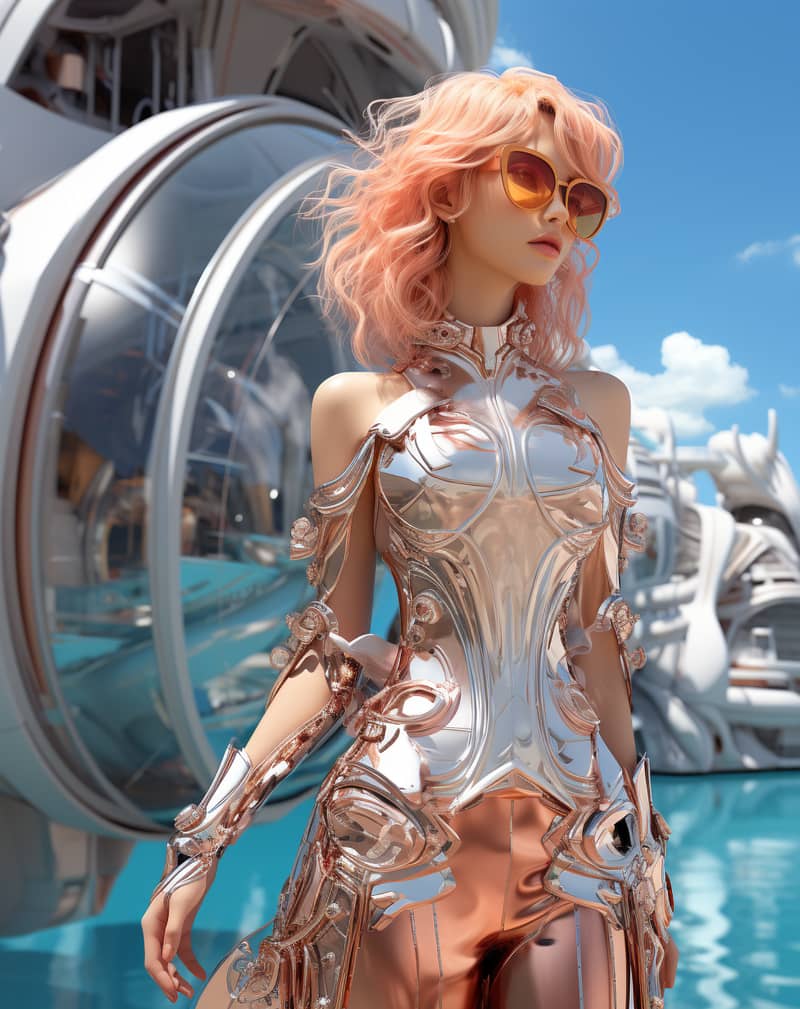
Image Remix
Remix a source image into a vivid creative direction with bold visual energy.

Bold Visual Idea
A playful high-contrast image with dynamic composition and social-ready framing.
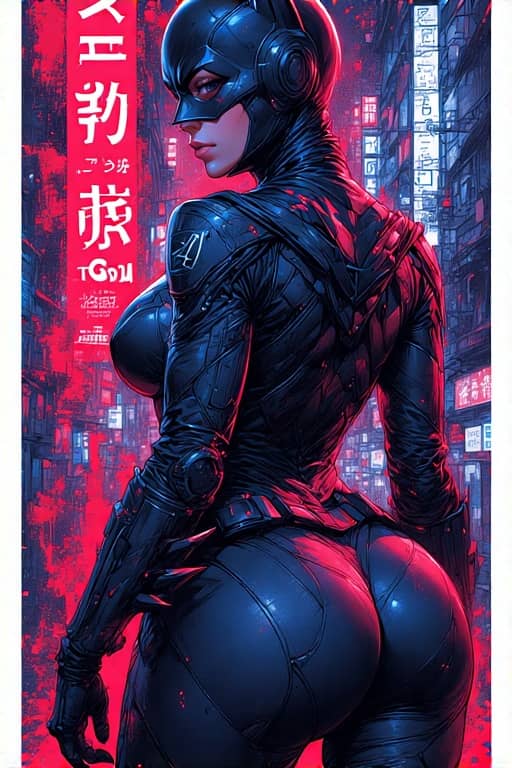
Tokyo Character Poster
A precise poster-style character composition with cyberpunk detail and strong vertical layout.
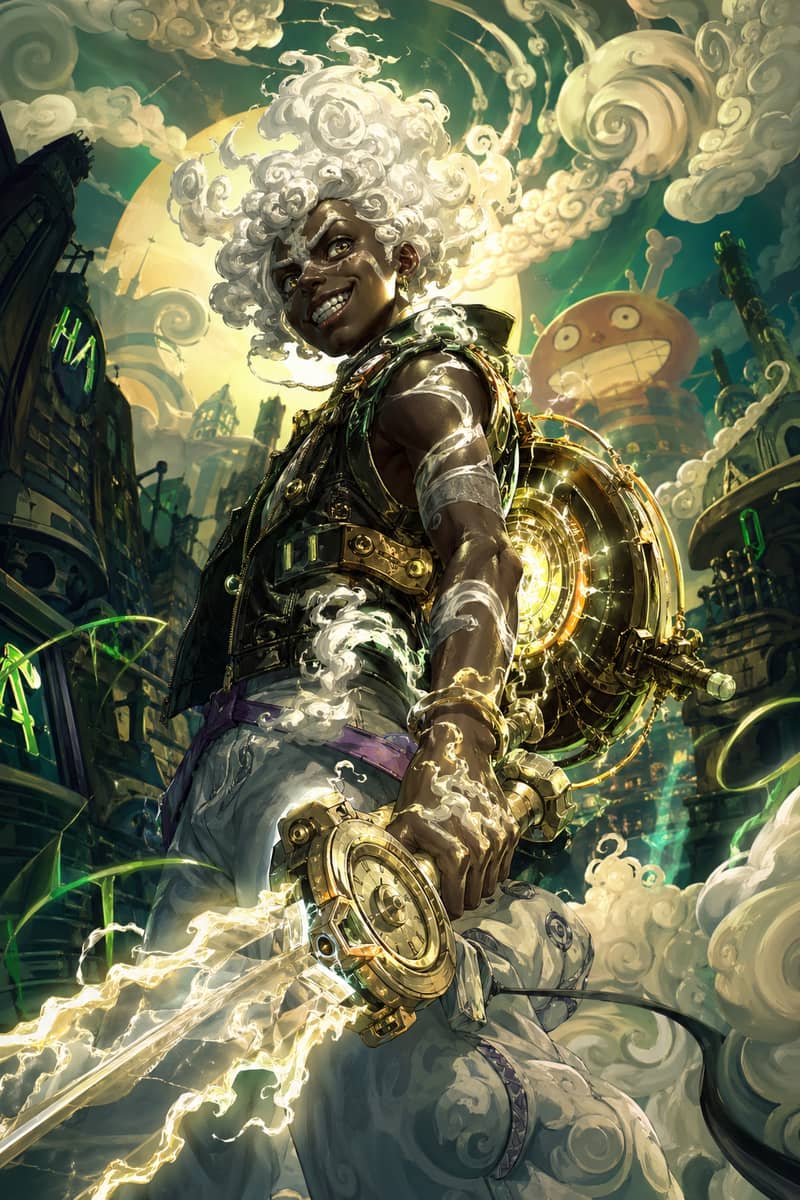
Hero Fusion Edit
Turn a character reference into a glowing mythic hero portrait with cloud-like energy.
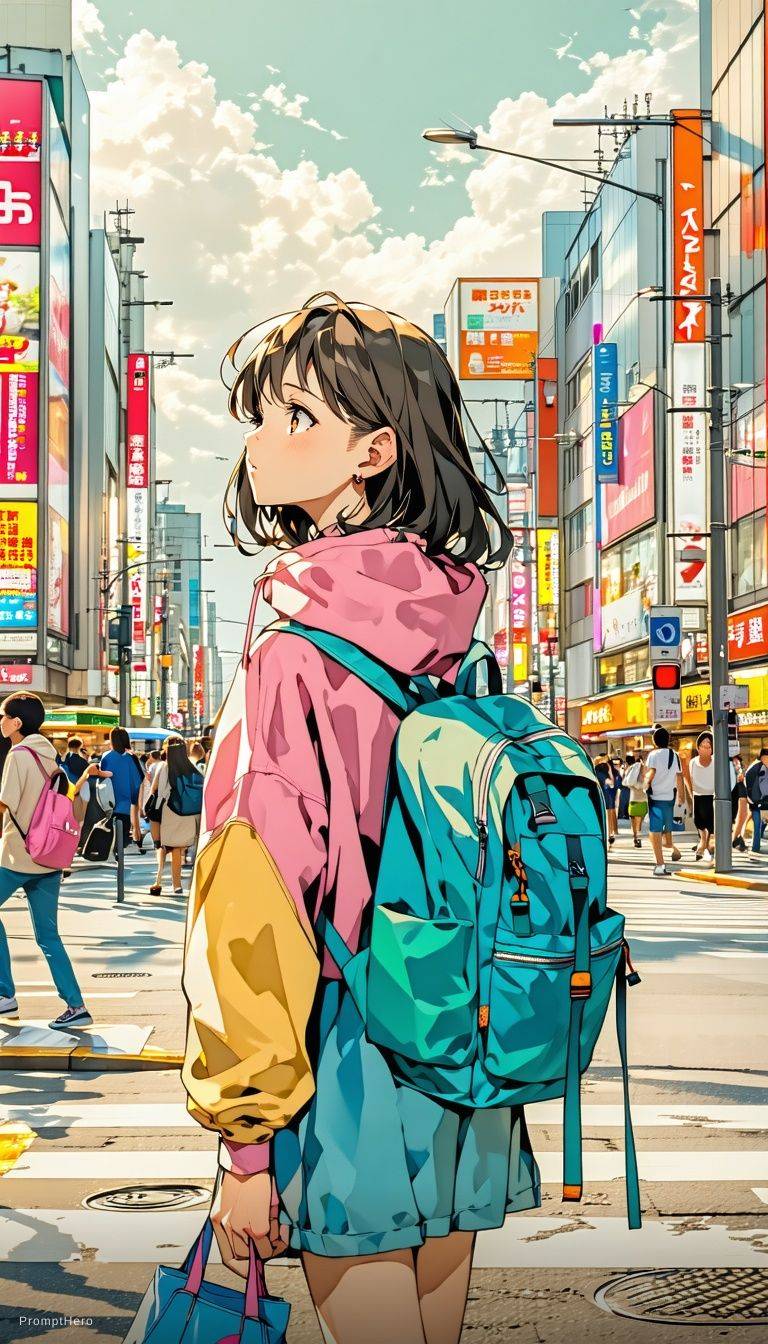
Anime Lighting Pass
Enhance an anime-style scene with cinematic lighting, bloom, and expressive detail.
Expressive Anime Duo
A cinematic anime-style character scene with expressive eyes and glowing volumetric light.
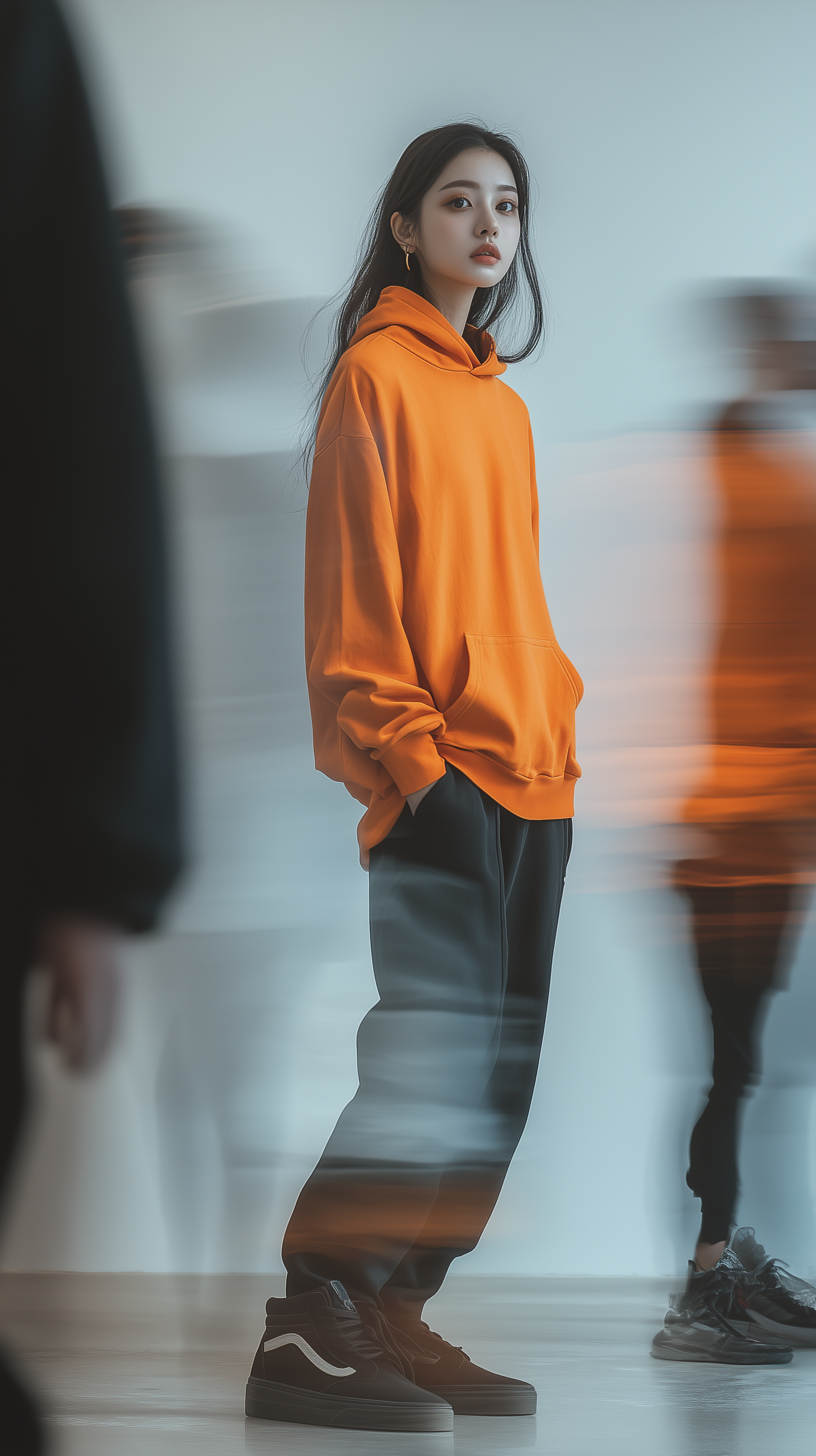
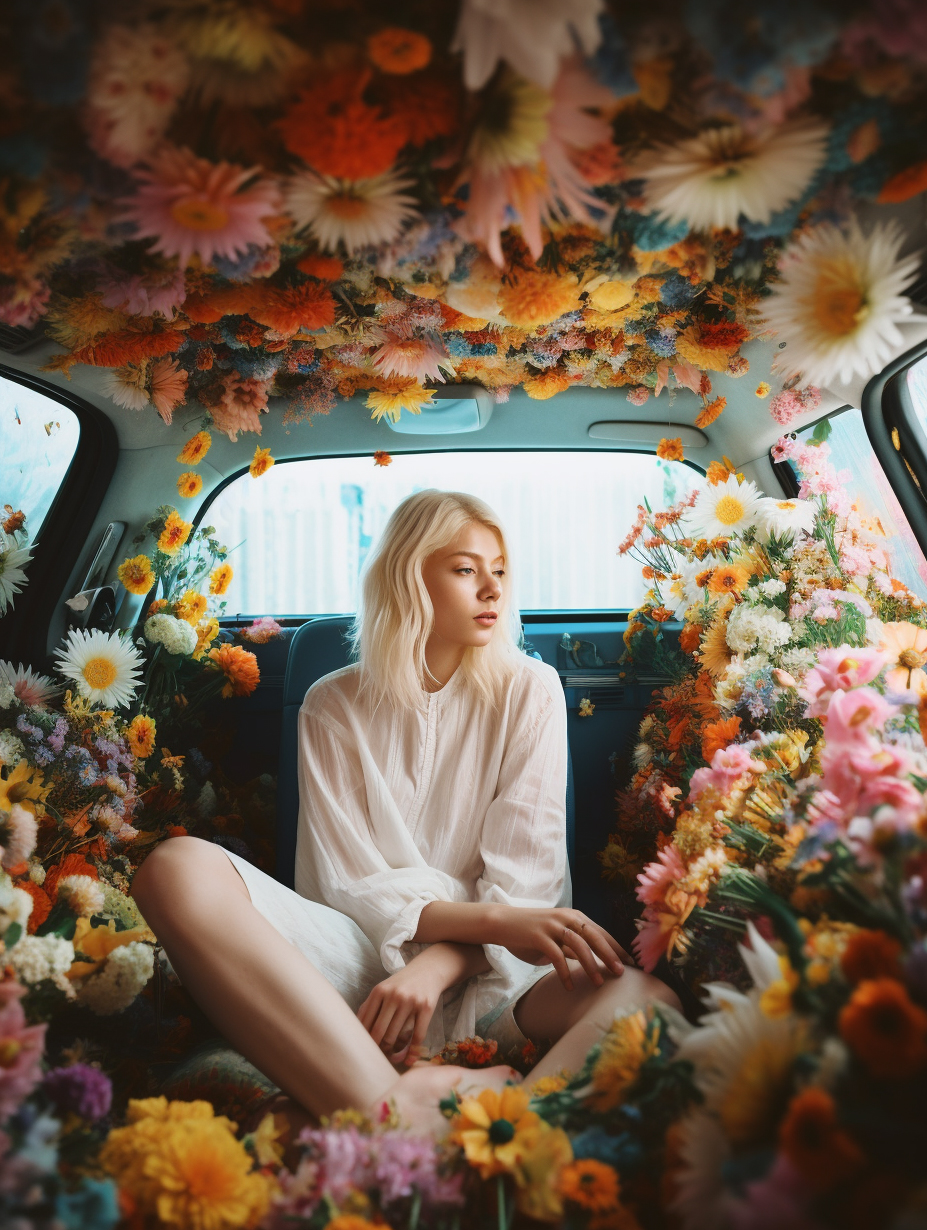
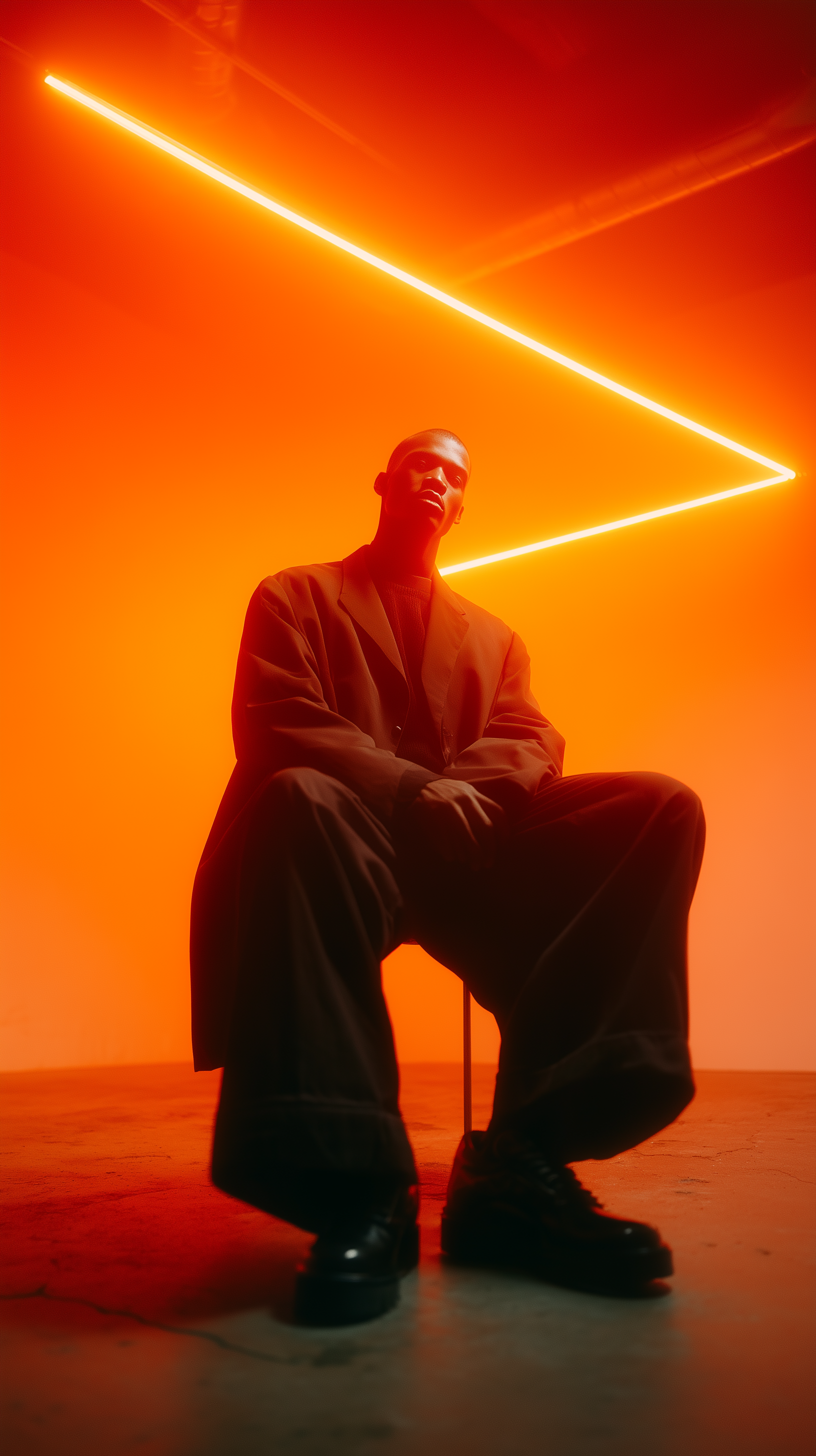
AI-Generated by X Imagine AI
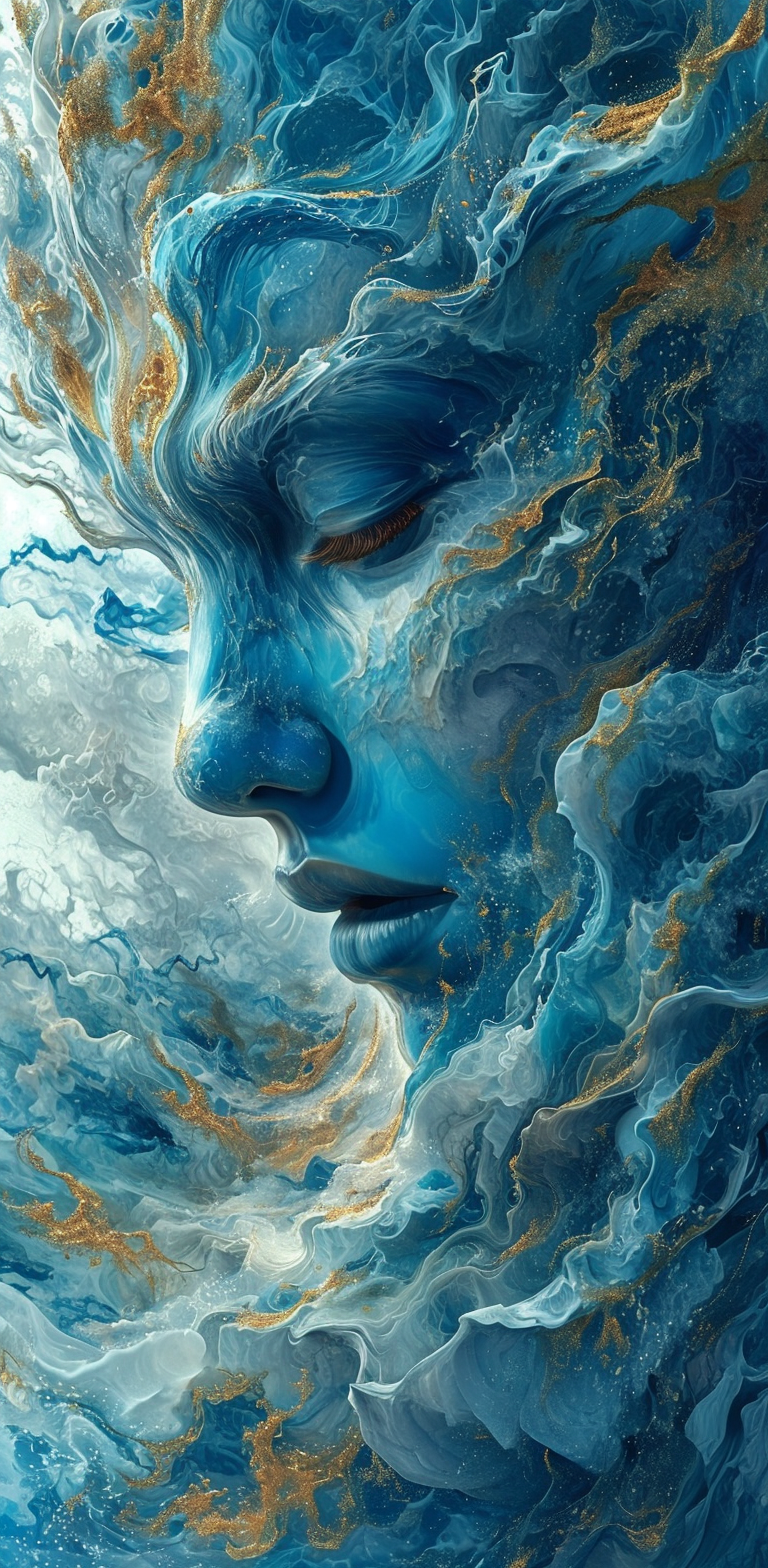
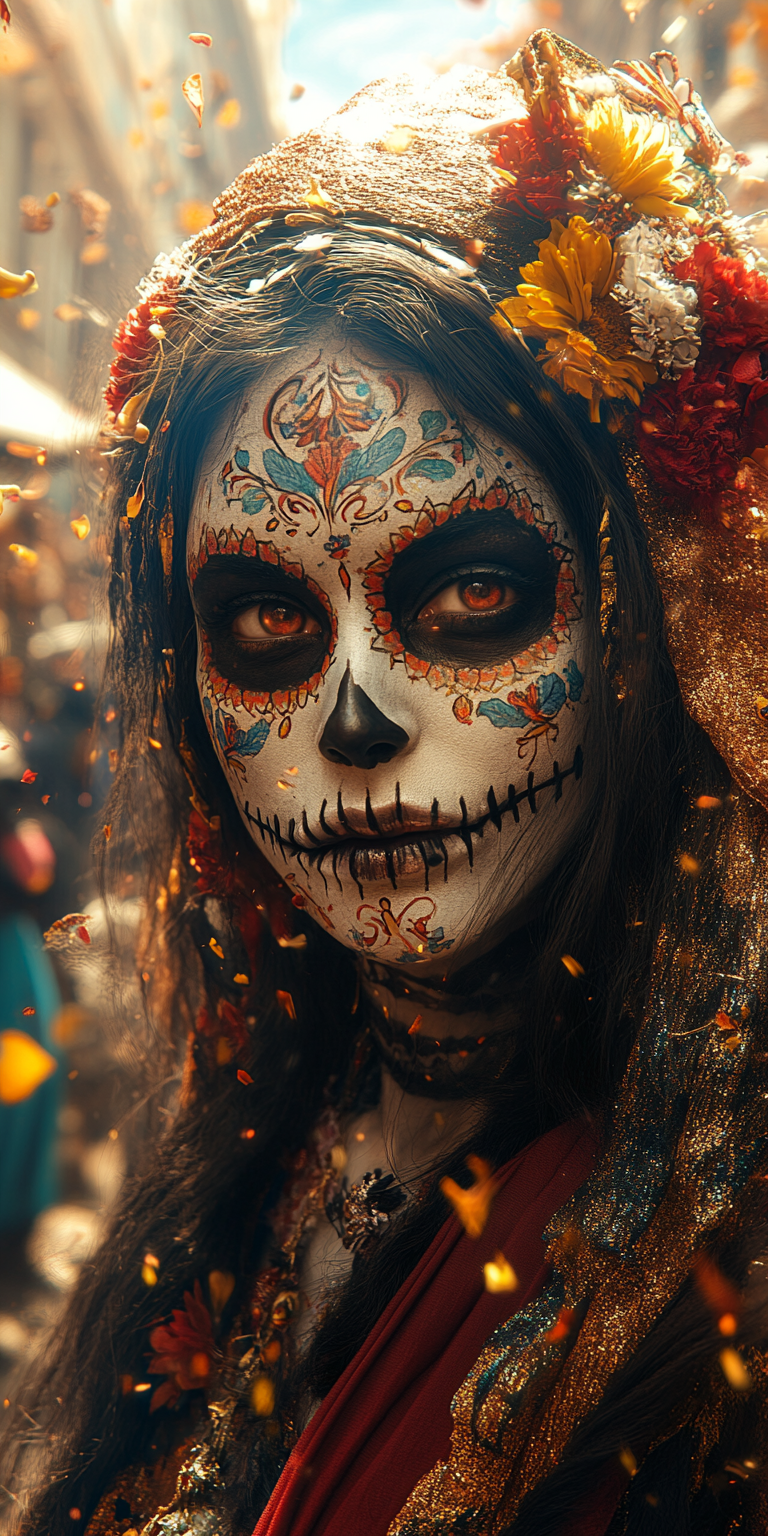
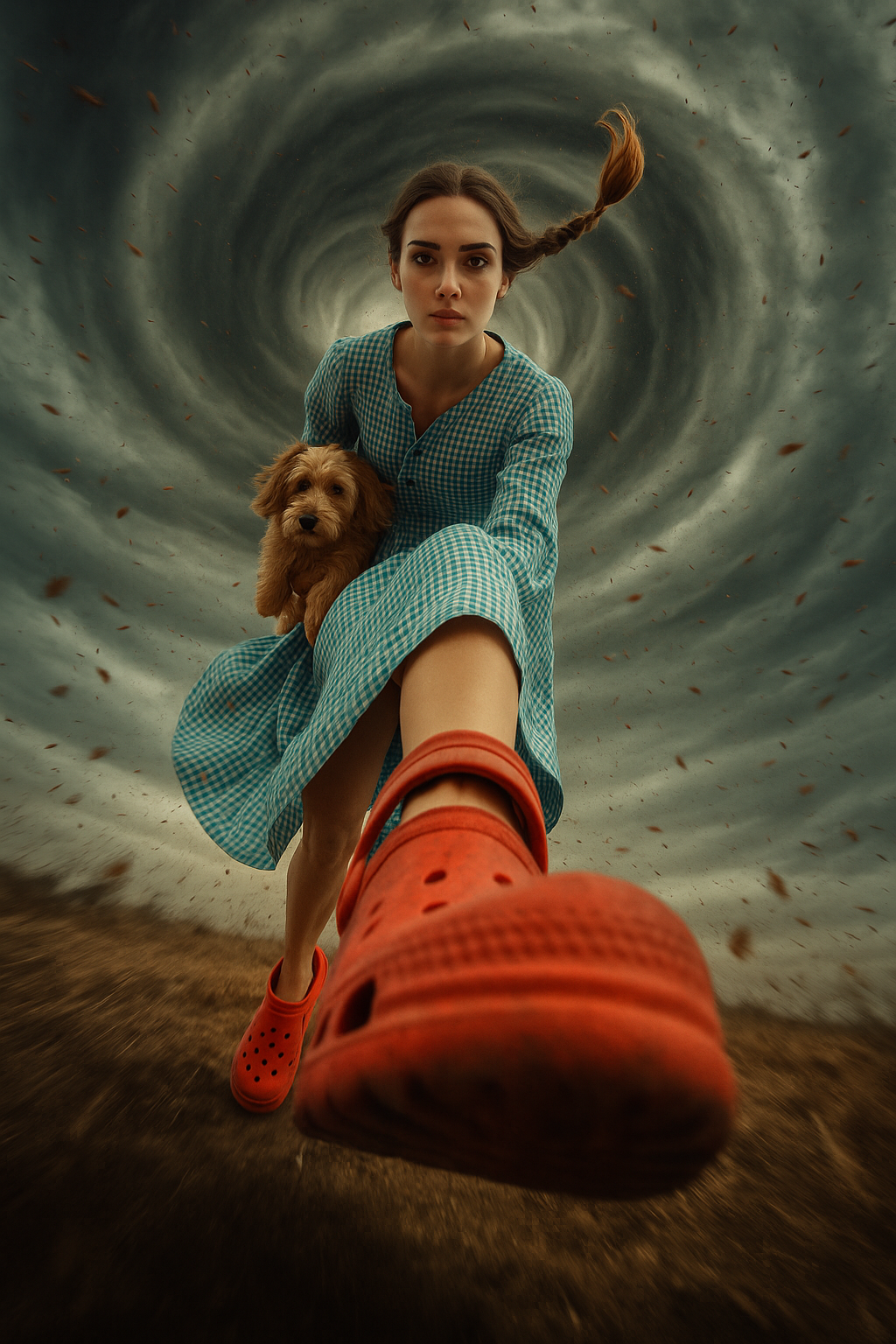
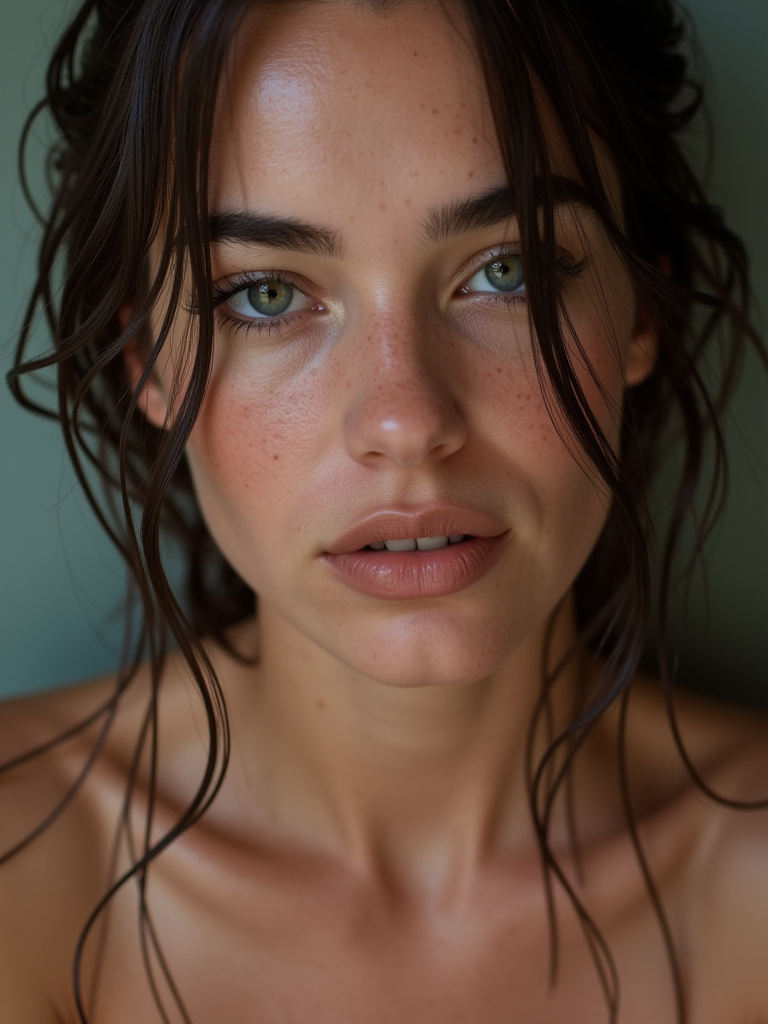
What the Message Usually Means
Grok has paused new images
The block is usually temporary. It does not always mean your account is banned or broken.
The cause can vary
Heavy use, rapid retries, quota pressure, and demand spikes can all lead to the same temporarily limited message.
You have two choices
Wait and try Grok later, or use another image generator now so the project does not stall.
Next steps
What to Do When Grok Temporarily Limits Image Generation
- 1
Stop retrying for a few minutes. Repeated clicks usually do not make the temporarily limited message disappear.
- 2
Copy the prompt you were using, especially if it had a strong composition, style, or character description.
- 3
Try again later if you want to stay inside Grok. If the message comes back, you may be dealing with a daily limit or heavy-usage limit.
- 4
Use the generator on this page when you need the image now. You can always compare it with Grok later.
Waiting for Grok vs Generating Now
If timing matters, a temporary limit should not block the whole creative session.
| Need | Waiting for Grok | Using xImagineai |
|---|---|---|
| Get an image immediately | No | Yes |
| Keep testing prompts | Paused | Continue editing |
| Meet a deadline | Depends on reset time | Create a backup result |
| Use outside Grok | No | Yes |
| Best fit | When you can wait | When you need progress now |
Why Grok Says Image Generation Is Temporarily Limited
Grok uses temporary limits to slow down image requests when usage gets too heavy. You might see the message after making several images in a row, changing prompts quickly, or generating during a busy period. The phrase can be vague, but the meaning is simple: Grok is not taking more image requests from your session right now.
How Long Will It Stay Temporarily Limited?
It depends on the kind of limit. A short cooldown may clear quickly. A quota-related limit can last longer and may not clear until the next reset window. If you do not have a deadline, waiting is fine. If you need a visual right away, it is faster to continue with another generator.
Keep the Prompt, Change the Tool
The prompt is the valuable part. Do not lose it just because Grok stopped. Copy the wording, remove anything unnecessary, and run the idea through xImagineai. You may get a useful version immediately, and you can still return to Grok after the temporary limit clears.
Temporarily Limited FAQ
Do Not Let a Temporary Limit Kill the Idea
Move the prompt into xImagineai and generate the image now.