Grok Image Generator Alternative
If Grok image generation is temporarily limited or stops mid-session, xImagineAI gives users a credit-based way to keep creating AI images without relying on an X account or daily reset.
Examples
Configure generation parameters to initialize
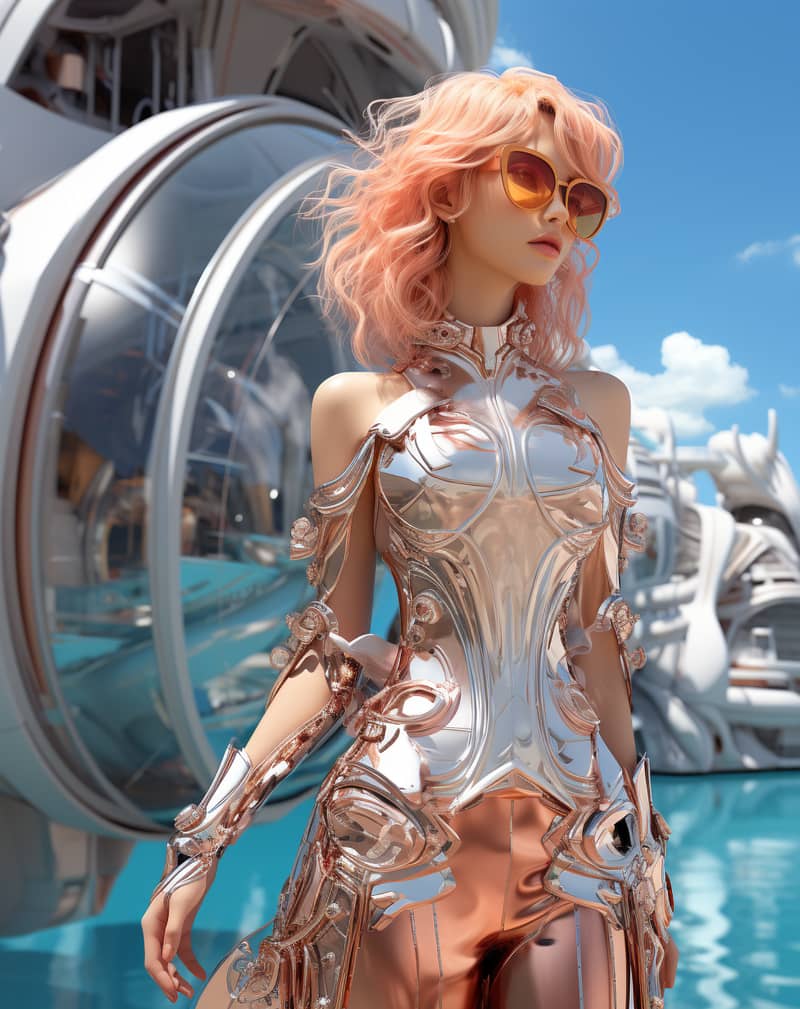
Image Remix
Remix a source image into a vivid creative direction with bold visual energy.
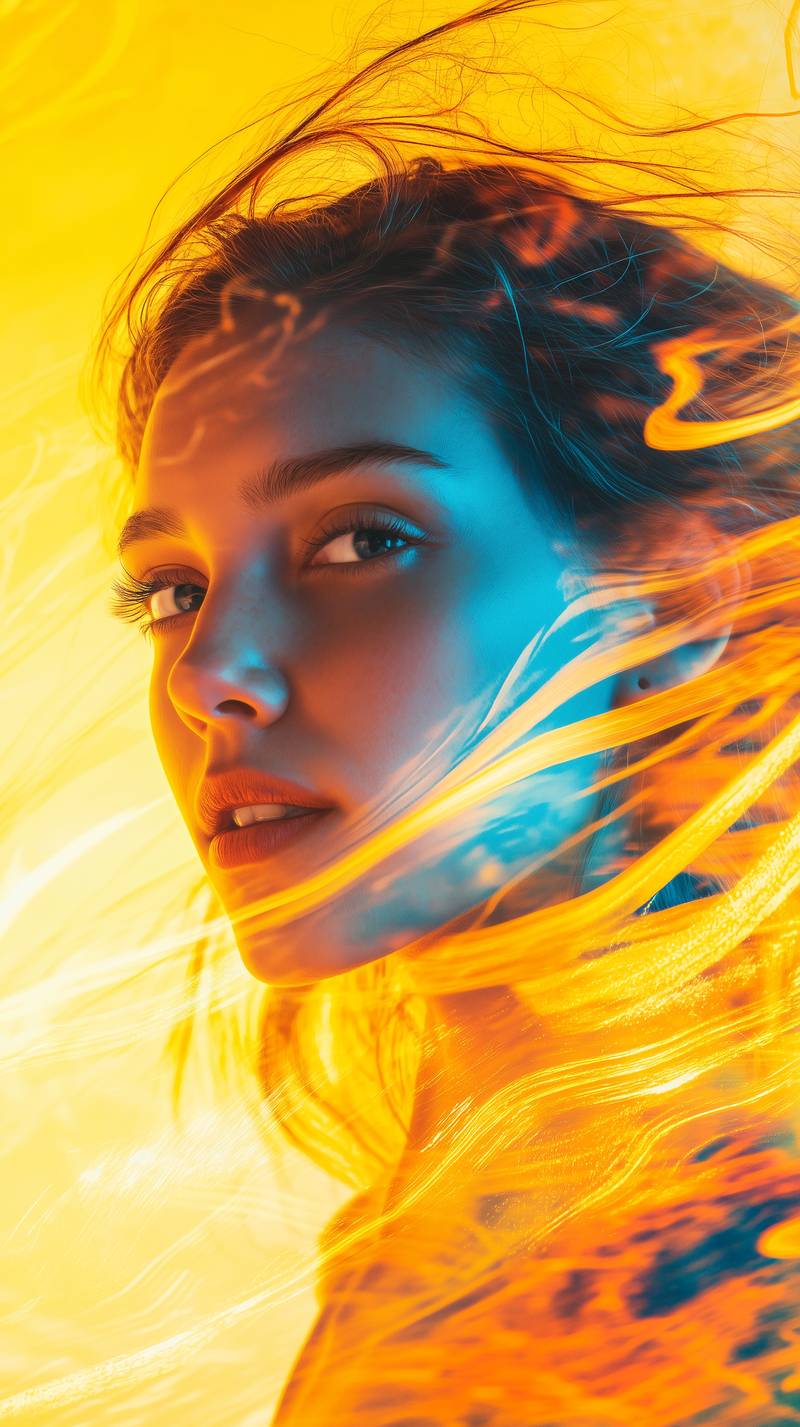
Bold Visual Idea
A playful high-contrast image with dynamic composition and social-ready framing.
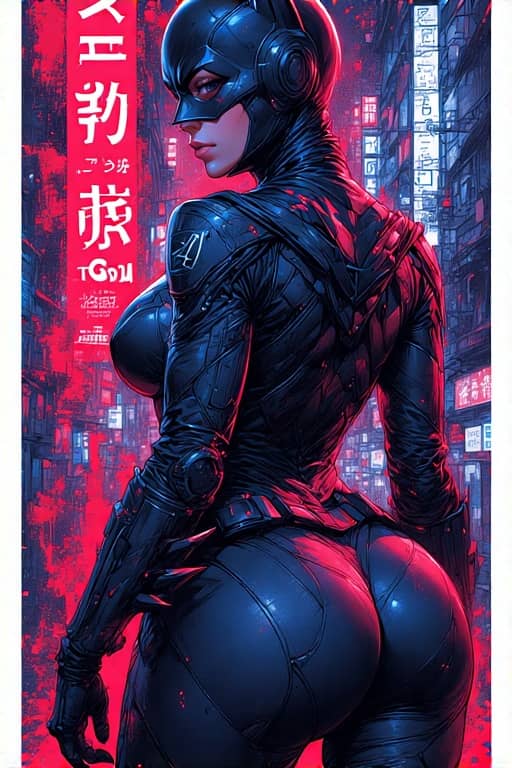
Tokyo Character Poster
A precise poster-style character composition with cyberpunk detail and strong vertical layout.
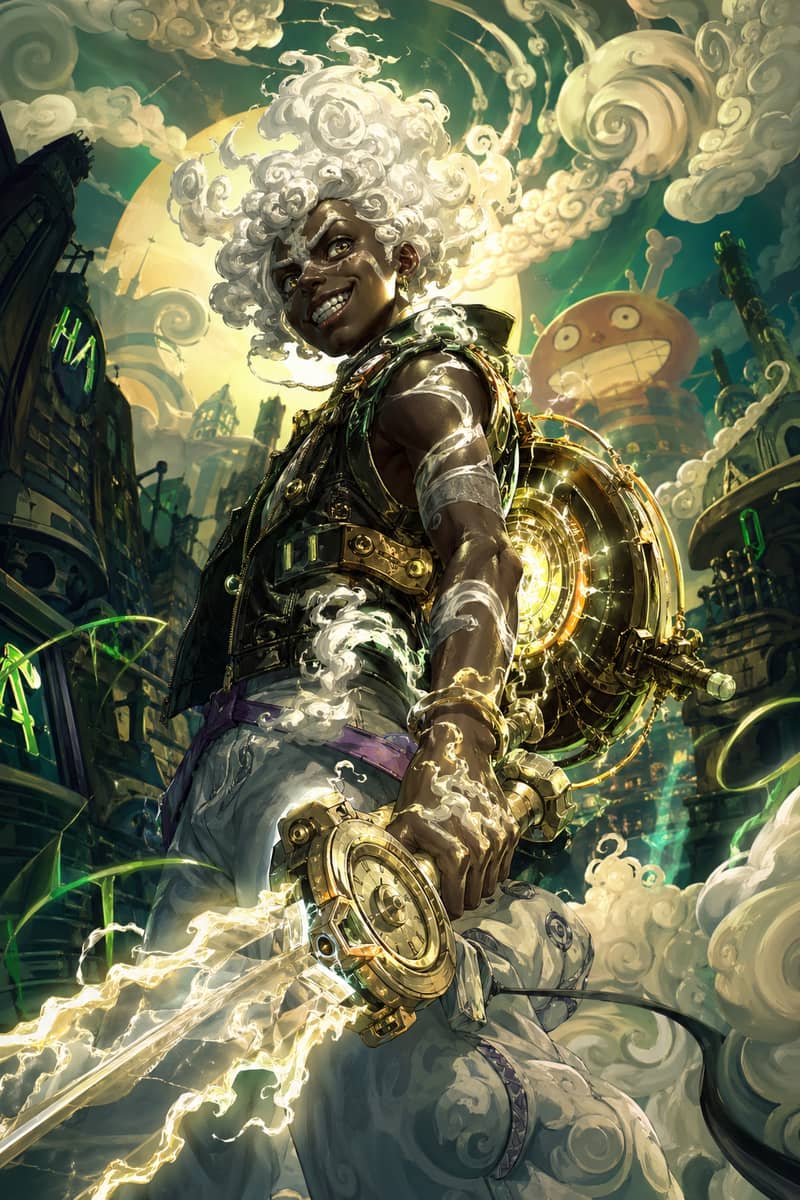
Hero Fusion Edit
Turn a character reference into a glowing mythic hero portrait with cloud-like energy.
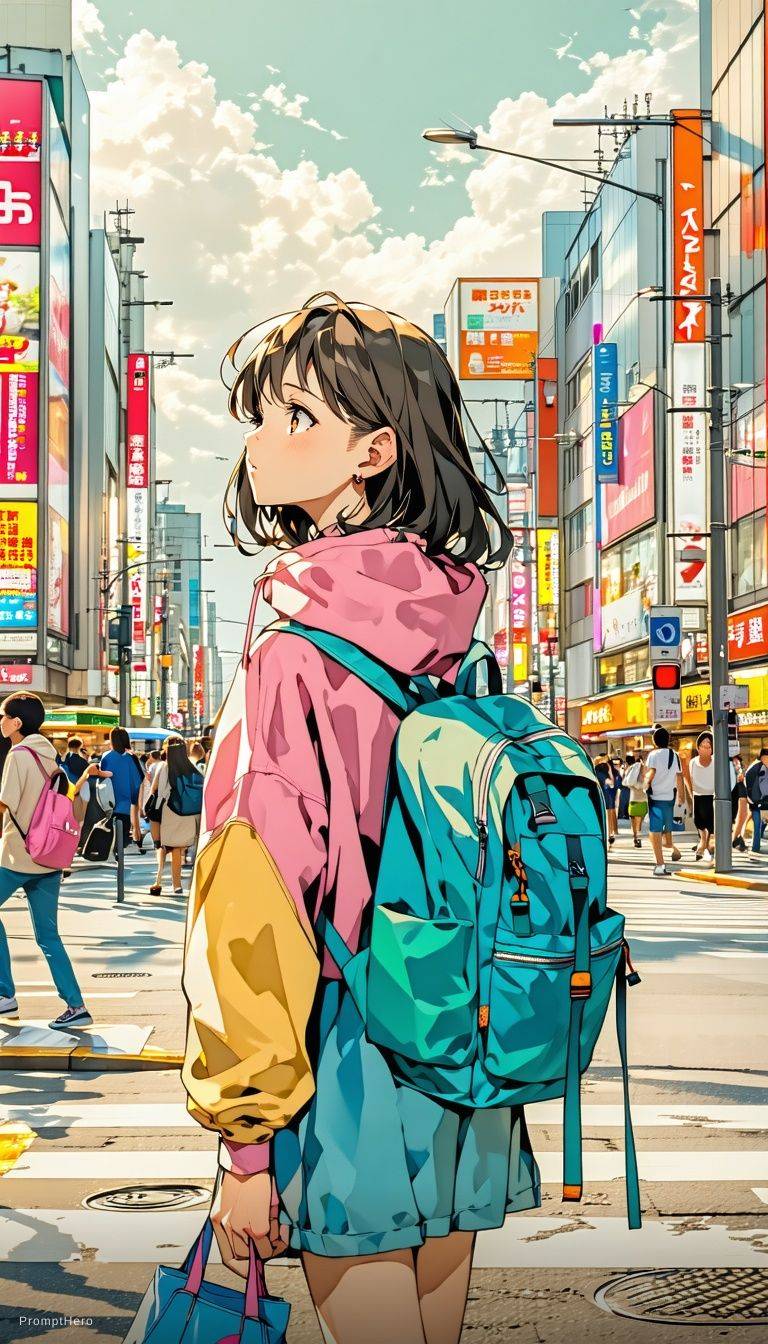
Anime Lighting Pass
Enhance an anime-style scene with cinematic lighting, bloom, and expressive detail.
Expressive Anime Duo
A cinematic anime-style character scene with expressive eyes and glowing volumetric light.
Why Users Need a Grok Image Generator Alternative
AI image work often depends on fast iteration. When Grok image generation shows temporarily limited messages, reaches daily image limits, requires X account access, or stops during prompt testing, creators need a separate image generator that keeps the session moving.
Temporarily limited messages
A temporary limit can stop an image workflow just when you are refining a useful prompt.
Daily image limits
Daily caps can be enough for casual use, but they slow down prompt testing and image variations.
X account requirement
Some users want a Grok image generator without X account dependency or X Premium friction.
Interrupted image workflows
A separate image generator helps you continue AI character, campaign, and concept work.
Create AI Images Without a Daily Cap
xImagineAI uses credit-based image generation, so your workflow is controlled by available credits instead of a daily reset. You can test prompts, create image variations, explore spicy image generation, and start with free credits before deciding whether to add more.
Prompt testing
Compare wording, style, lighting, composition, and subject details across multiple generations.
Image variations
Iterate on a promising output with new angles, styles, and details.
Free credits to start
Try the image workflow first, then continue with credits if it fits your project.
Grok Image Generator vs xImagineAI
A practical image-generation comparison for users who need more prompt testing and fewer workflow interruptions.
| Feature | Grok Image Generation | xImagineAI |
|---|---|---|
| Image generation | Available inside Grok Imagine | Credit-based AI image generation |
| X account requirement | Usually tied to X access | No X account required |
| Daily quota | May stop until reset | No daily quota; use available credits |
| Credit-based usage | Quota-based experience | Credits control generation volume |
| Prompt testing | Can be interrupted by limits | Keep testing while credits remain |
| Spicy image generation | Access may vary by plan and policy | Supported where available in xImagineAI |
| Video support | Part of the broader Grok Imagine experience | Secondary feature available in video workflows |
Best Use Cases for AI Image Generation
This Grok image generator alternative is built for users who care mainly about AI image output. Use it for AI characters, social media images, creative campaigns, spicy image generation, prompt testing, and visual concept creation.
AI characters
Create consistent character concepts for stories, creator accounts, thumbnails, or visual series.
Social media images
Generate post visuals, profile concepts, campaign tests, and attention-grabbing creative drafts.
Visual concept creation
Explore early art direction, product looks, scene concepts, and brand visuals.
Need Video Too?
This page focuses on image generation. If you also want to animate an image, test image-to-video prompts, or make short AI clips, use the video-focused Grok Video Generator Alternative page.
Grok Image Generator Alternative FAQ
Create AI Images With Credits Instead of Daily Resets
Start with free credits and use xImagineAI as your Grok image generator alternative for prompt testing, image variations, and visual concept creation.