

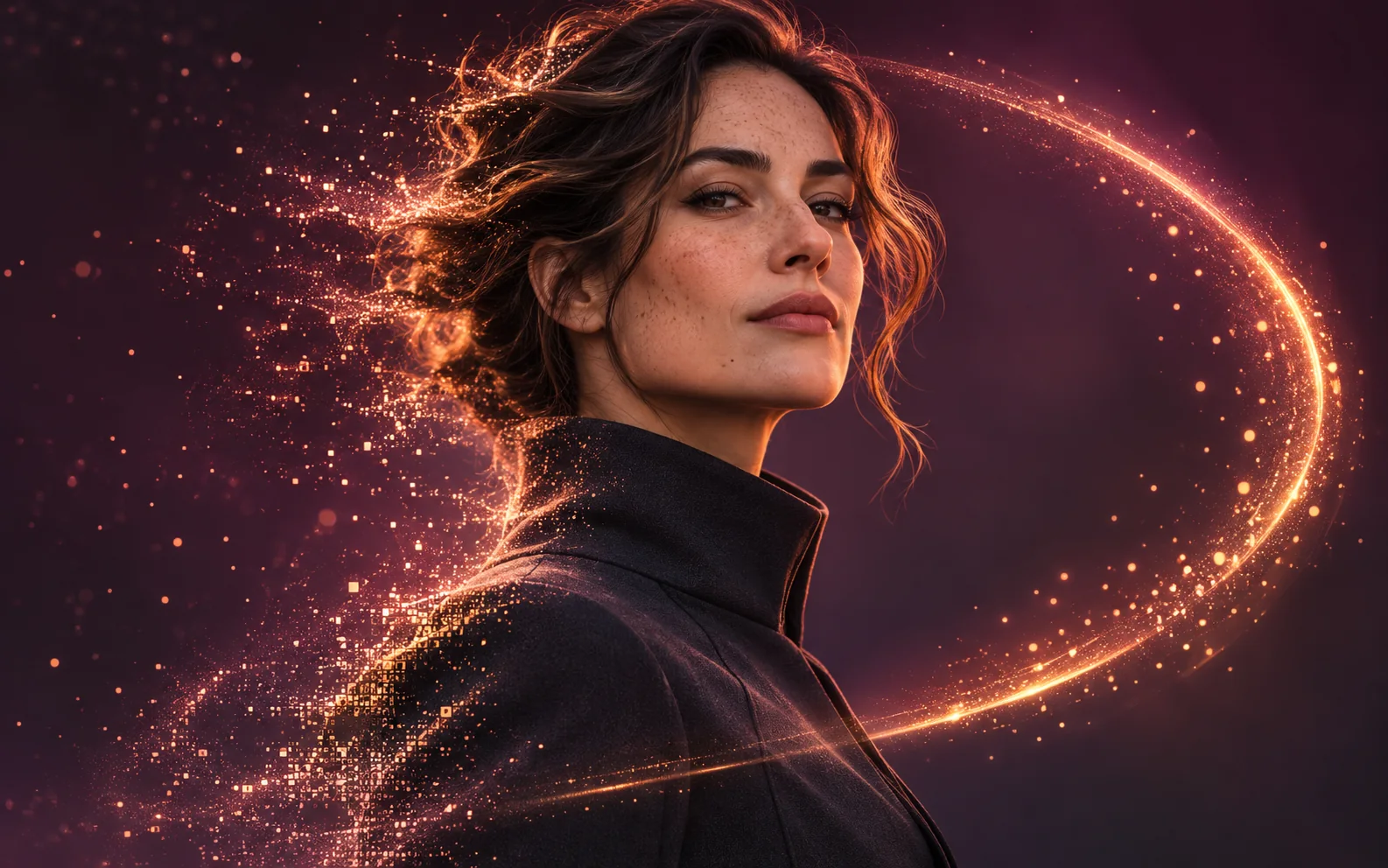
AI image generator

Imagine Spicy.

A new idea. A different mood. Create images and edit photos with Spicy Mode.

IMAGINE AI

Auto-Routing Generation Module

Up to 14 reference images · PNG, JPG up to 10MB

Required
Spicy Mode
●System Ready
0 Credits Available
100%
IMAGINE AI

Examples

Configure generation parameters to initialize

Image Remix

Image Remix

Remix a source image into a vivid creative direction with bold visual energy.

Bold Visual Idea

Bold Visual Idea

A playful high-contrast image with dynamic composition and social-ready framing.

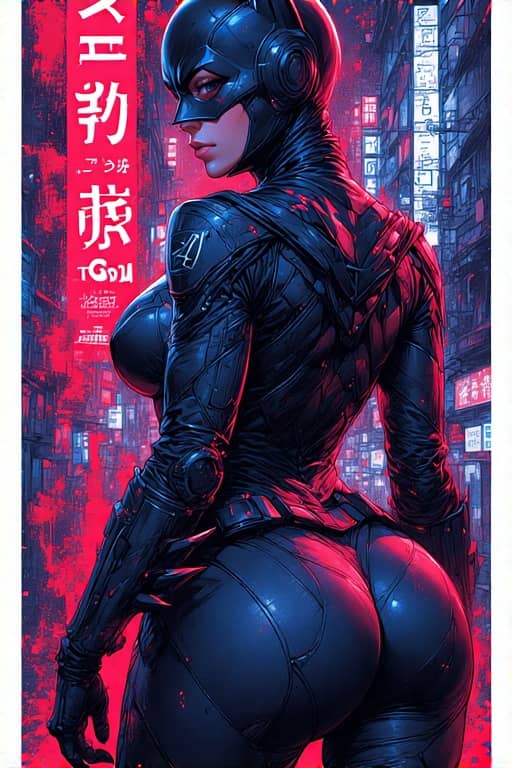
Tokyo Character Poster

Tokyo Character Poster

A precise poster-style character composition with cyberpunk detail and strong vertical layout.

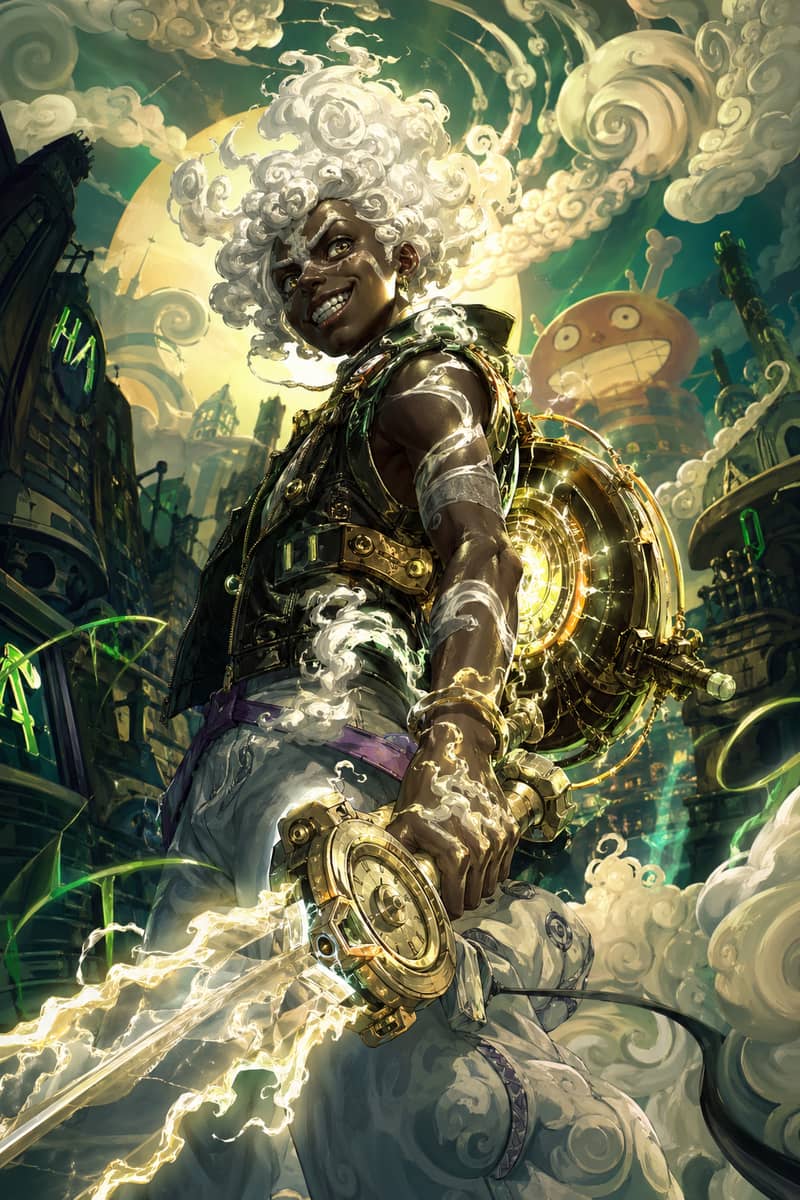
Hero Fusion Edit

Hero Fusion Edit

Turn a character reference into a glowing mythic hero portrait with cloud-like energy.

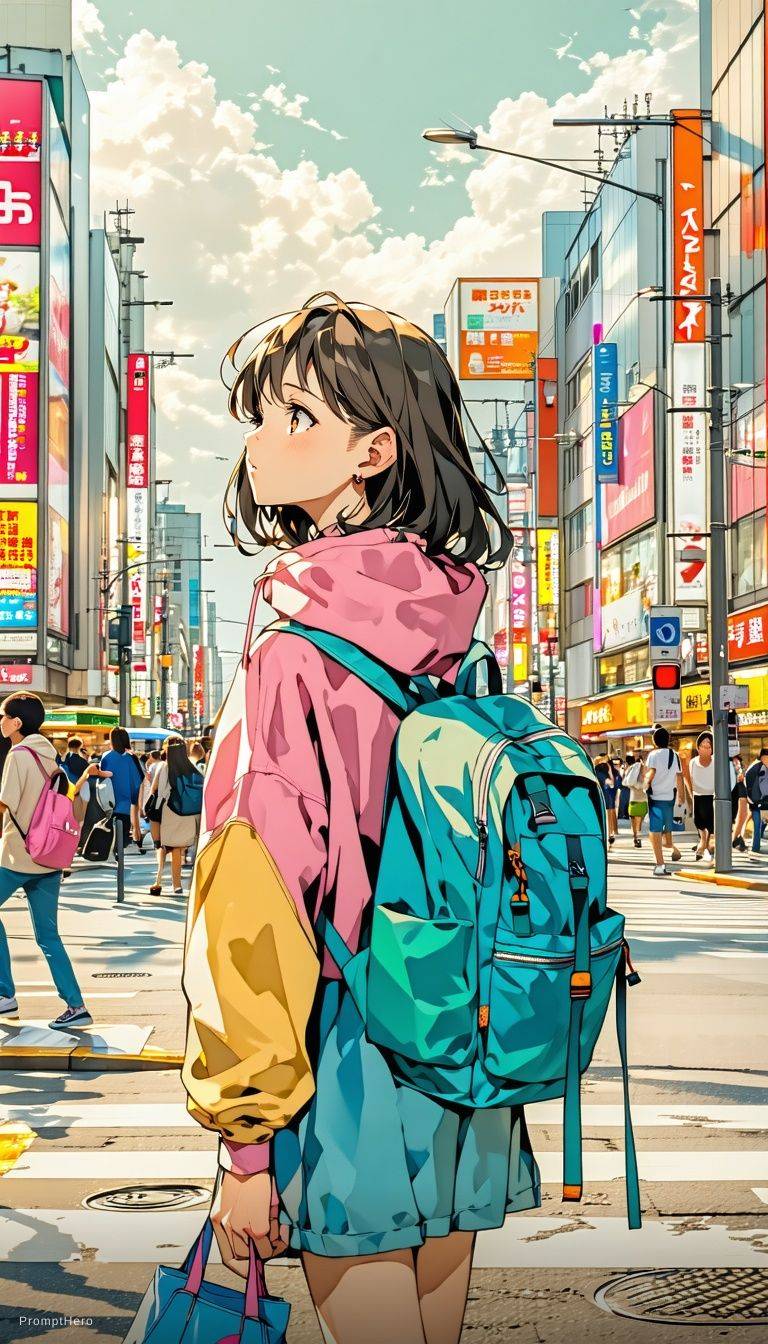
Anime Lighting Pass

Anime Lighting Pass

Enhance an anime-style scene with cinematic lighting, bloom, and expressive detail.

Expressive Anime Duo

Expressive Anime Duo

A cinematic anime-style character scene with expressive eyes and glowing volumetric light.

Explore X Imagine AI

More ways to create

Keep developing your idea. Explore image tools, animate a photo, or take your next scene into video.

Imagine Spicy prompt ideas

Find a mood. Make it yours.

Explore these visual styles, then copy a prompt into the editor to get started. Each image is inspiration for your own creation.

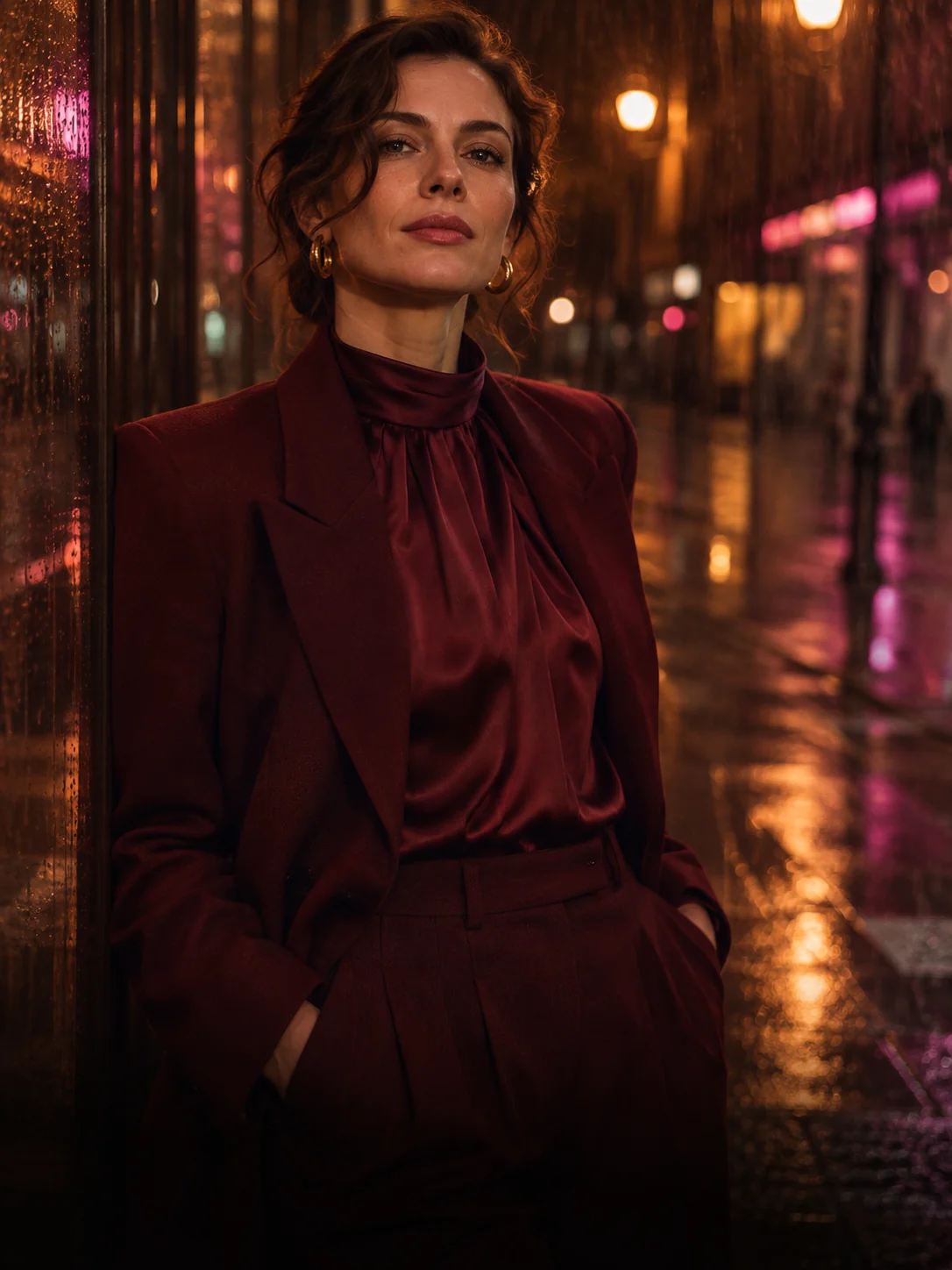
Fashion portrait in a burgundy suit on a neon-lit rainy street
Text to image
01 / Prompt inspiration

After-dark editorial

View prompt

An editorial portrait of an adult fashion model in a tailored burgundy suit, rain-soaked city street at night, warm neon reflections, direct eye contact, 85mm lens, natural skin texture, cinematic contrast.

Try 9:16 for a vertical composition. Change the lighting before changing the whole scene.

Ivory linen fashion on a Mediterranean terrace at golden hour
Text to image
02 / Prompt inspiration

Golden-hour resort

View prompt

An adult fashion model wearing a flowing linen resort outfit on a Mediterranean terrace, golden-hour sunlight, gentle sea breeze, candid pose, luxury travel editorial, warm film colors.

Keep one subject and one setting to give the composition a clear focal point.

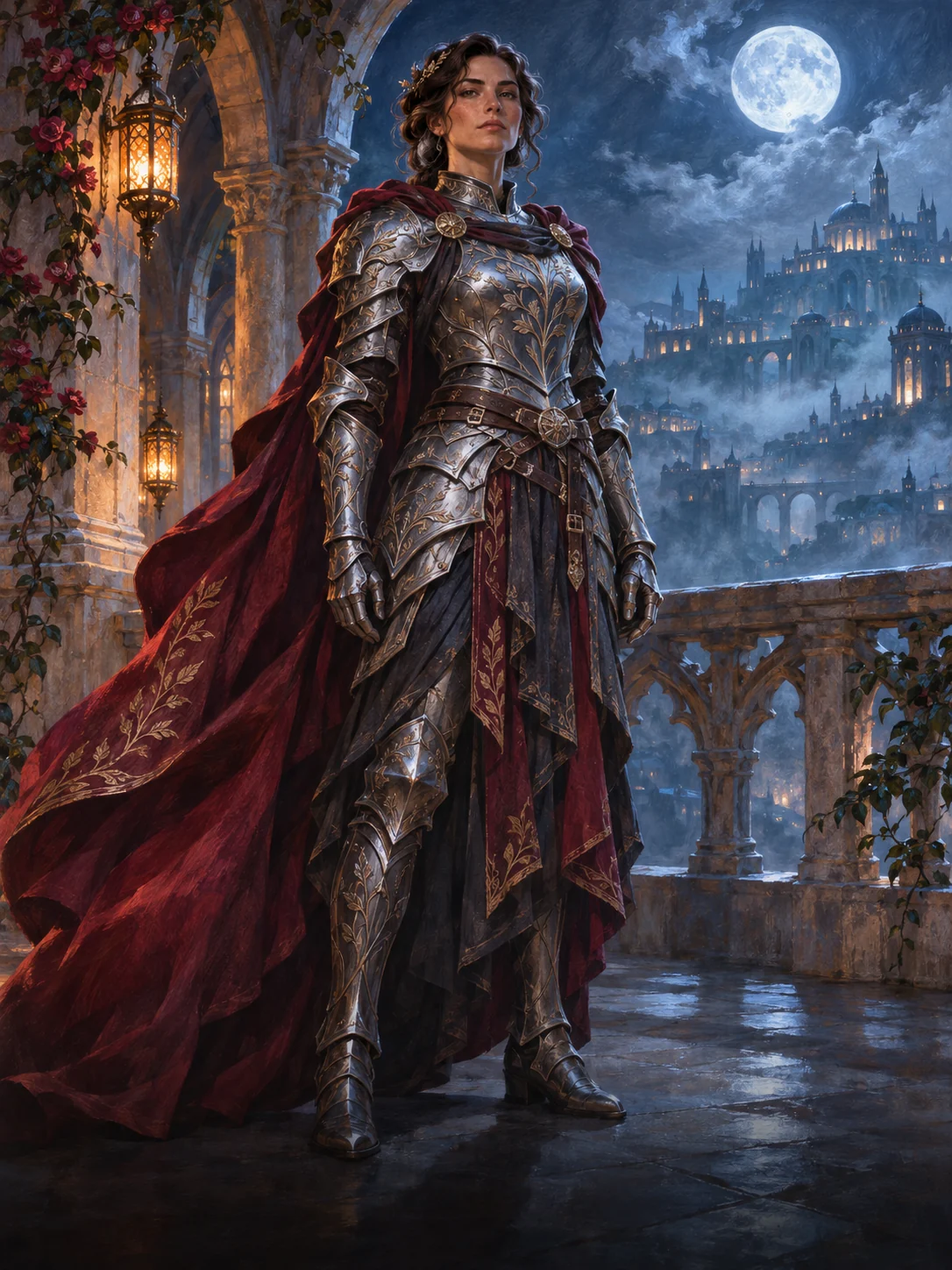
Fantasy heroine in silver armor and a crimson cape on a moonlit balcony
Text to image
03 / Prompt inspiration

Fantasy character study

View prompt

An adult fantasy heroine in ornate silver armor and a flowing crimson cape, moonlit palace balcony, confident stance, intricate fabric detail, painterly concept art, dramatic blue and amber lighting.

Specify the outfit, pose and art style separately for a more consistent character concept.

Cinematic rooftop portrait with warm rim light and a dusk skyline
Photo edit
04 / Prompt inspiration

A cinematic photo edit

View prompt

Preserve the subject, facial features, outfit and camera angle. Replace the background with a softly lit rooftop at dusk. Add warm rim lighting, subtle film grain and a muted cinematic color grade.

Upload a photo you have permission to edit. State what should stay the same before describing the change.

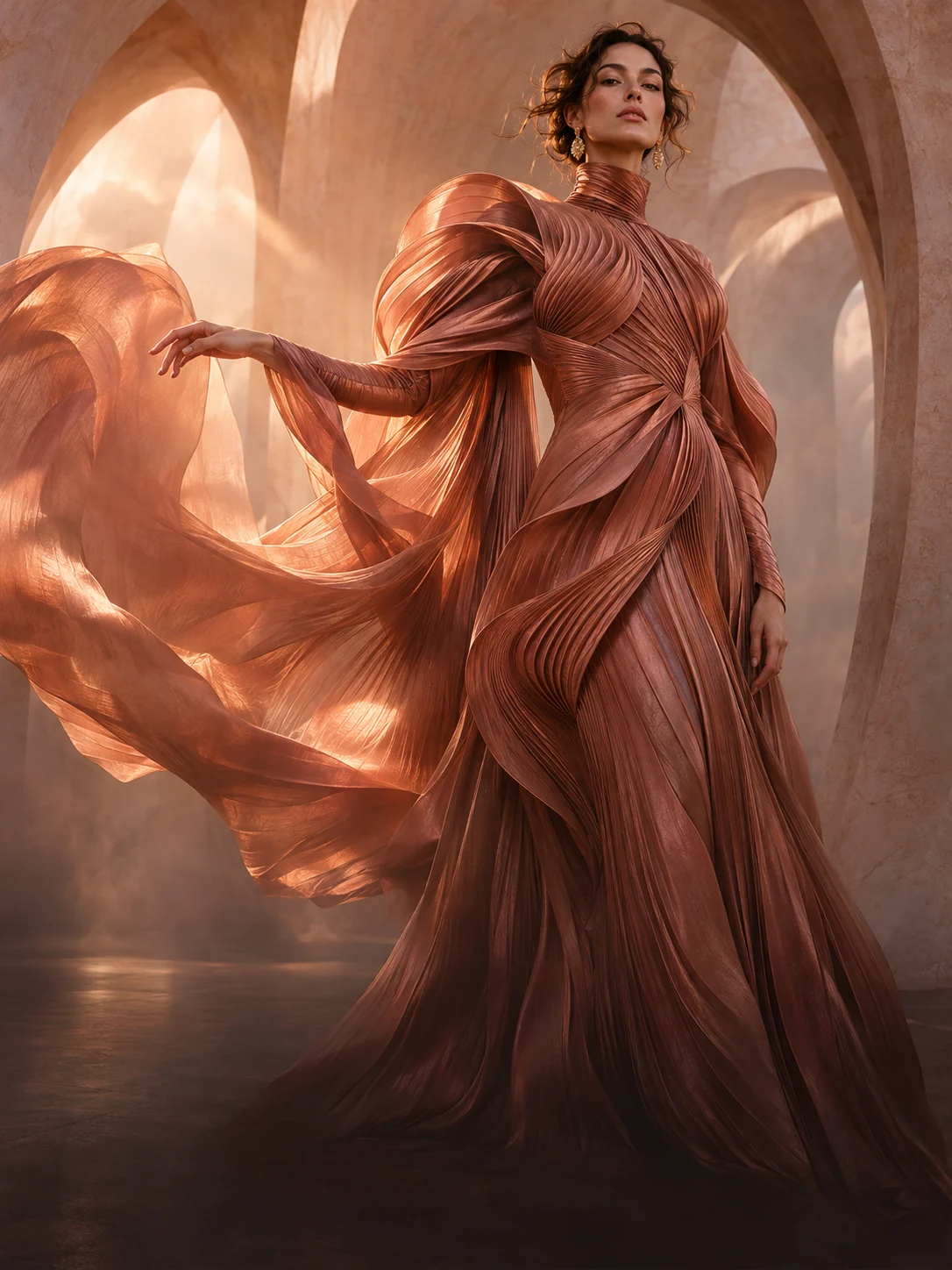
Sculptural copper silk couture flowing through sunlit sandstone arches
A different perspective

Your imagination. A little less ordinary.

Fashion · Portraits · Character design

Made for your next idea

What can you create with Imagine Spicy?

Build a fashion editorial, explore a fictional character, or give a photograph a different atmosphere. Start with an idea or an image, then make it your own.

Turn a few words into a new world

Describe your subject, setting and style. Choose the framing for a portrait, concept board or social post.

Give your photos another possibility

Upload a photo and change the background, lighting or finish. Name the details you want to keep for a more focused edit.

Explore your Spicy Mode

Use the optional setting in the editor when available to your account. Your prompt, account access and content rules still shape the result.

From idea to image

How to use Spicy Mode

Open the editor
  1. 01

    Start with a spark

    Choose Text to Image for a new scene, or Image Edit to work from a photo. Write your prompt and add a source image if you are editing.

  2. 02

    Make it your own

    Set your composition, then turn on the Spicy Mode switch above Generate if you want to use it. Follow any account access message that appears.

  3. 03

    Create. Refine. Repeat.

    Sign in, check the credit cost and generate. Review the preview, download your image or adjust one detail in your prompt for another version.

Prompt tip: subject + setting + lighting + style + composition. For a photo edit, describe what should stay unchanged. Use images you have permission to edit.

A little clarity

Imagine Spicy. Your questions, answered.

Everything you need to know about Spicy Mode, prompts, credits and getting started.

Explore plans & credits
What is Imagine Spicy?

Imagine Spicy is an image creation workspace on X Imagine AI. It combines text-to-image generation, photo editing and an optional Spicy Mode control. Start with a written idea or an image you have permission to edit, then refine the result with your own instructions.

What is Spicy Mode in this image generator?

Spicy Mode is an optional generation setting in the editor. Switch it on before submitting an image request if it is available to your account. It does not guarantee a particular result or mean every request is supported. Your prompt, account access and the service’s content rules still apply.

How do I enable or turn on Spicy Mode?

Choose Text to Image or Image Edit, enter your prompt, then use the Spicy Mode switch above Generate. If an account or credit message appears, follow it before continuing. Check the credit amount displayed on Generate and submit when you are ready. Turning on the switch alone does not generate an image.

Can I use Imagine Spicy for free?

You can explore the editor and prompt examples before generating. Image generation uses account credits, and Spicy Mode may require a paid account. Check your available balance, the amount shown on Generate and the current pricing page. This is not an unlimited free image generator.

Can I edit an existing image with Spicy Mode?

Yes. Choose Image Edit, upload a source image you are allowed to use, and describe the edit. For a focused change, name the elements to preserve, such as the face, outfit or composition, followed by the new background, lighting or visual style. Review the result because image editing can also change details you intended to keep.

Why is Spicy Mode not working, or why is Generate disabled?

Text to Image needs a prompt. Image Edit needs both a prompt and an uploaded image. If Generate is disabled, complete those inputs first. If an access message appears, check your sign-in status, paid access and credit balance. For a failed request, read the error before retrying; network problems and unsupported requests can also prevent generation.

Is Imagine Spicy an AI video generator?

This editor creates and edits still images. To animate an image, save the result and open the separate image-to-video tool. Video generation has its own settings and credit cost; the image editor’s Spicy Mode setting does not automatically carry over.

Can I use Imagine Spicy on mobile?

The editor works in a mobile browser. Enter your prompt or upload a photo, then use the preview control on the right edge to view the image area. Return to the editor to adjust your settings. A wider screen gives you the editor and preview side by side.

What will you imagine?

Make something unexpected.

Create with Imagine Spicy