
Grok Imagine Alternative for AI Images and Videos
If Grok Imagine is temporarily limited, rate-limited, or not enough for your workflow, xImagineAI lets you keep creating AI images and videos with credits instead of waiting for a daily reset.
Examples
Configure generation parameters to initialize

Image Remix
Remix a source image into a vivid creative direction with bold visual energy.

Bold Visual Idea
A playful high-contrast image with dynamic composition and social-ready framing.

Tokyo Character Poster
A precise poster-style character composition with cyberpunk detail and strong vertical layout.
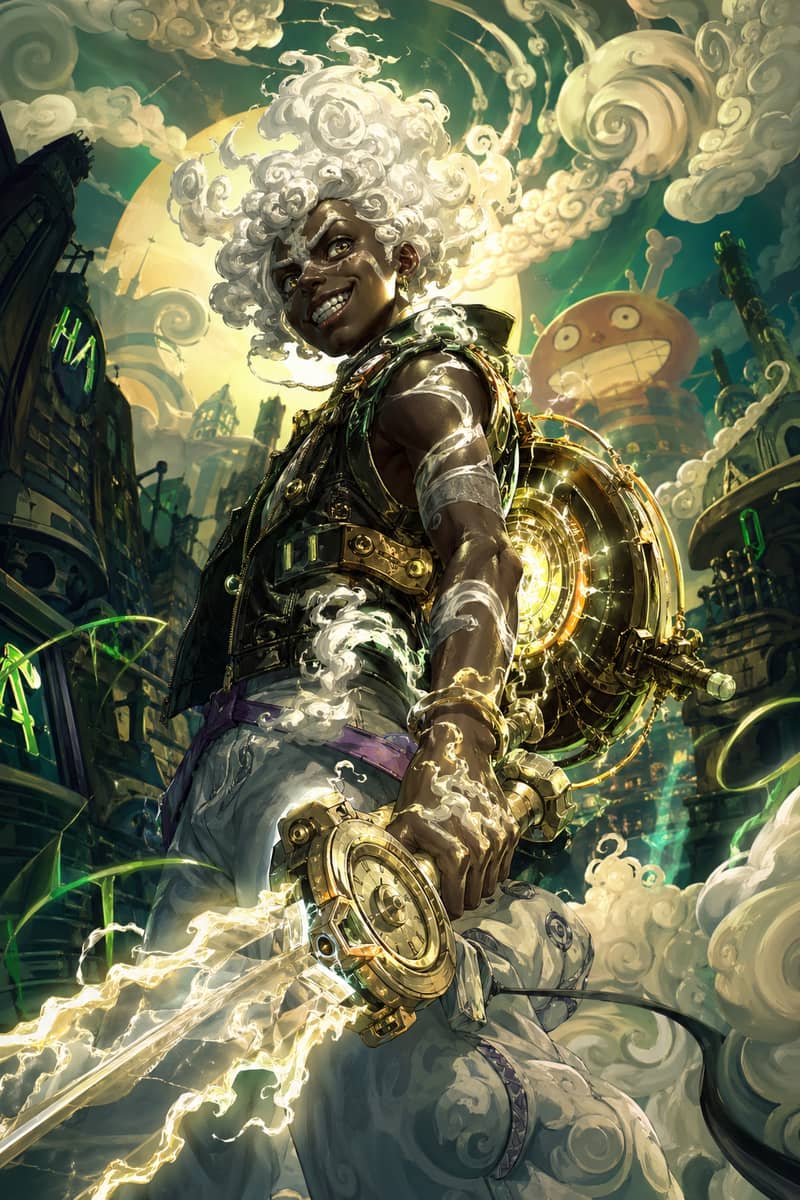
Hero Fusion Edit
Turn a character reference into a glowing mythic hero portrait with cloud-like energy.

Anime Lighting Pass
Enhance an anime-style scene with cinematic lighting, bloom, and expressive detail.
Expressive Anime Duo
A cinematic anime-style character scene with expressive eyes and glowing volumetric light.
Why Users Look for a Grok Imagine Alternative
Grok Imagine can be useful for quick creative experiments, but many users need a backup when temporarily limited messages, daily or free limits, X account requirements, and rate limits interrupt a session. If you are testing prompts, building campaign visuals, or moving from image concepts into short videos, waiting for a reset can break the flow.
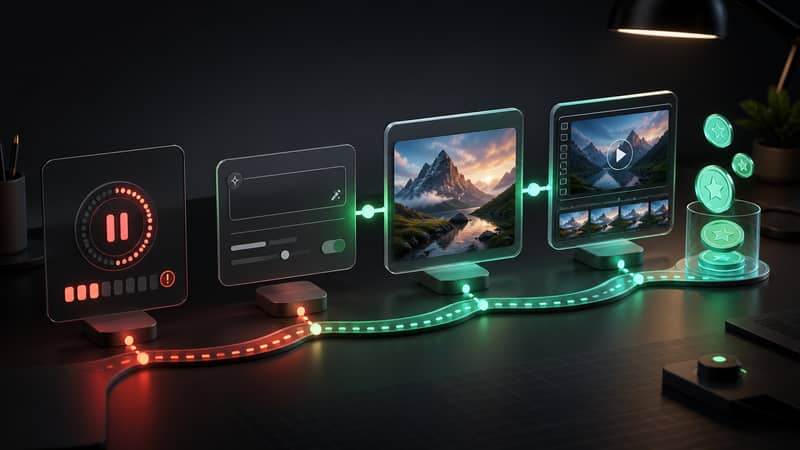
Temporary limit messages
When Grok Imagine says generation is temporarily limited, creators often need another place to continue the same idea.
Daily quota pressure
A daily reset can work for casual use, but it can slow down active image and video workflows.
X account dependency
Some users want a Grok Imagine alternative without X account access or X Premium requirements.
Interrupted creative sessions
Prompt testing works best when you can compare variations continuously instead of stopping mid-session.
What Makes xImagineAI Different
xImagineAI is built as an independent creative workspace for AI images and videos. There is no X account required, generation is credit-based, and there is no daily quota. You can start with free credits, test prompts, create images, and move into video workflows from one place.
No X account required
Start creating on xImagineAI without connecting an X profile or relying on X Premium access.
Credit-based generation
Use credits when you need output instead of waiting for a daily usage window to refresh.
Images and videos together
Create AI images, then keep building with video workflows when a static result is not enough.
Free credits to start
Test the workflow first, then add credits if xImagineAI fits your volume and project needs.
Grok Imagine vs xImagineAI
A practical comparison for users who need image and video generation without an interrupted workflow.
| Feature | Grok Imagine | xImagineAI |
|---|---|---|
| X account requirement | Usually tied to X access | No X account required |
| Daily quota | May pause until reset | No daily quota; use available credits |
| Image generation | Available inside Grok Imagine | Available with credit-based generation |
| Video generation | Access may vary by plan and rollout | Available through supported video workflows |
| Credit-based usage | Quota-based experience | Credits control how much you create |
| Free trial or free credits | May depend on X access | Free credits to start |
Choose the Right Alternative for Your Workflow
If you need one flexible Grok Imagine alternative for both AI images and videos, this page is the best starting point. If your work is only about prompt testing, image variations, social visuals, or spicy image generation, the image-focused page may be a better fit. If your goal is motion, character animation, or image-to-video clips, start with the video-focused page.
Grok Imagine Alternative FAQ
Keep Creating With Credits, Not Daily Resets
Start with free credits and use xImagineAI as your Grok Imagine alternative for AI images, video workflows, and uninterrupted prompt testing.