
Grok Premium vs xImagineAI
Grok Premium
Compare your plan. Create with xImagineAI.
Turn a prompt or photo into your next creation. Choose an image or video model below, review the credit cost and generate with xImagineAI. No official Grok Premium membership required.
Create images & videos with xImagineAI
Choose a model, add your prompt or photo, and check the credits before generating.
Examples
Configure parameters and click Generate

Bold Visual Idea
A playful high-contrast image with dynamic composition and social-ready framing.

Stylized Character
A stylized character portrait with expressive detail and vivid color direction.

Creative Poster
A poster-style image with dramatic lighting and a clean central subject.

Street Art Figure
A vibrant street-art portrait with graceful movement, graphic color, and strong visual rhythm.

Warrior Princess
A detailed fantasy key visual with intricate linework, vibrant color, and cinematic presence.
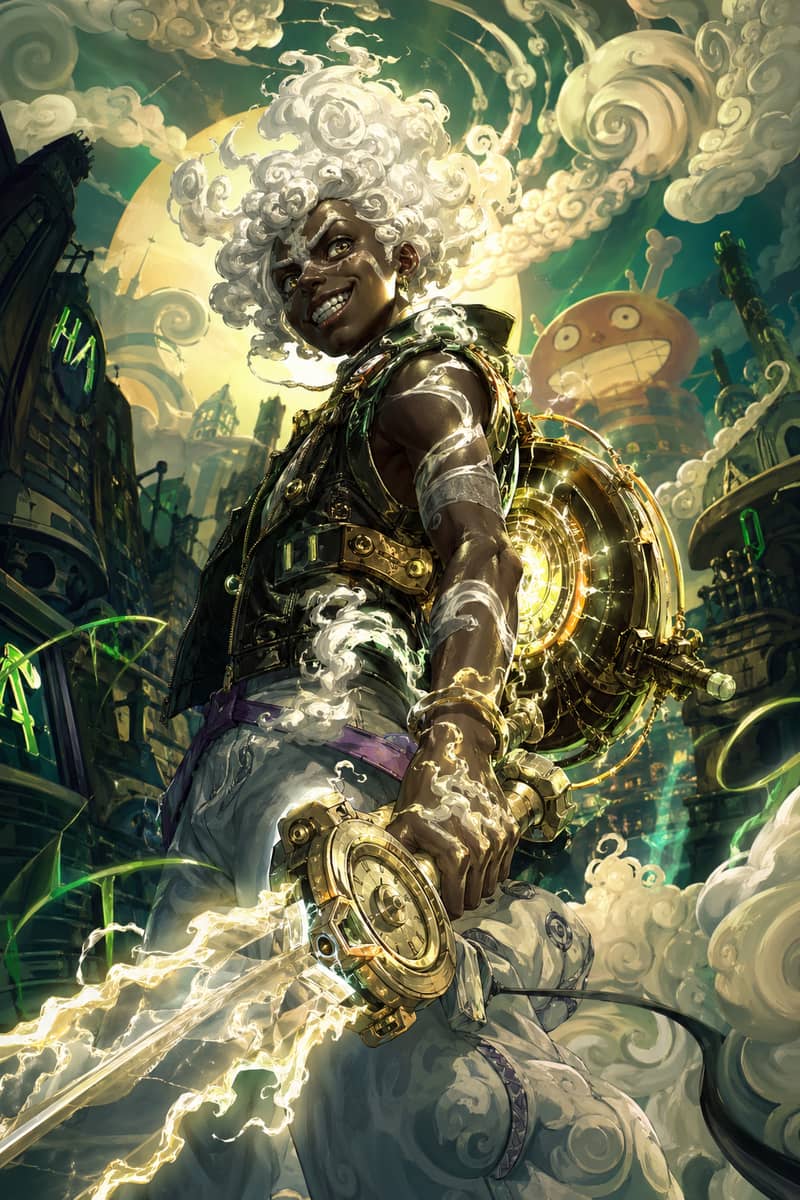
Mythic Character Fusion
A glowing fantasy character fusion with white cloud hair and energetic illustrated motion.
GPT Character Study
A polished character portrait with clean lighting, sharp detail, and vertical composition.
What you pay
How much does Grok Premium cost?
Premium costs $30 monthly or $300 annually. Annual billing works out to $25 a month, paid upfront. Here is where it sits in the current Grok plan lineup.
| Plan | Monthly | Annual | Included usage | Grok Bot |
|---|---|---|---|---|
| Free | $0 | $0 | Limited | Not included |
| Plus | $8 | $80 | Base allowance | Not included |
| Premium | $30 | $300 | 4× Plus | Included |
| Super | $100 | $1,000 | 15× Plus | Included |
| Ultra | $200 | $2,000 | 50× Plus | Included |
These are list prices, not a promotional offer. Taxes and checkout currency can change the amount you pay. Usage multipliers describe an allowance, not guaranteed numbers of messages, images or videos.
Grok Plus vs Premium: what makes the difference?
The practical question is whether you need Bot and a bigger allowance. Plus can be a starting point for lighter use; Premium is a better candidate if AI tasks are part of your regular work. Check your actual usage before committing to an annual bill.
For image and video creators
Grok Premium vs xImagineAI: which fits your creative work?
If your goal is to make images and videos, xImagineAI gives you more creative model choices and more ways to pay for a project. Here is how that compares with Grok Premium's broader AI subscription.
More models to find your style
Try Grok Imagine, GPT Image, Flux or Seedream for images, and explore Kling or Seedance for video. Compare results using one xImagineAI account, without purchasing a separate subscription from each model provider.
Buy credits for a project
One-time packs let you fund a specific creative job without a recurring renewal. For ongoing work, xImagineAI also offers subscriptions. Choose the payment option that matches how often you create.
Keep credits for your next idea
Choose a Lifetime Credit Pack if you want unused credits that do not expire. It is a finite credit balance you can use over time; other packs and subscriptions have their own validity periods.
| What matters | Grok Premium | xImagineAI |
|---|---|---|
| Creative model choice | Grok's image and video tools. Third-party models in Cursor are separate paid usage. | Image and video models from multiple providers, selectable within one creative platform. |
| Payment flexibility | Recurring monthly or annual subscription, with additional usage available separately. | One-time credit packs, Lifetime Credit Packs and subscription options. |
| Your creative budget | Eligible Grok and Cursor activity shares a weekly allowance. | A separate generation credit balance, unaffected by your Grok chat or Cursor coding usage. |
| Planning between projects | The included allowance refreshes weekly. | Non-expiring credits are available with Lifetime Credit Packs, for projects spread over time. |
| Creative workflow | Images and videos within the Grok ecosystem. | Dedicated image, image-to-video and text-to-video tools, with model-specific settings and credit costs. |
| Best fit | People who also need Grok chat, Cursor, Bot and X benefits. | Creators who want model choice and flexible spending for images, product clips and social content. |
Compare the cost of the output you need, including retries. Credit costs vary by model and settings; a credit pack is not unlimited generation. Model availability and pack terms are shown in xImagineAI's tools and pricing.
For your next visual project, start with xImagineAI
Build a product scene, explore a different image style or animate a photo. You can choose the creative model and payment option for that job while keeping any Grok subscription you already use for other work.
Clear up the names
Grok Premium vs SuperGrok vs X Premium+
Similar names do not always buy the same access. Start with the exact plan name in your billing settings, especially if you subscribed before The X Subscription replaced the standalone lineup for new customers.
- Grok Premium / Grok AI Premium
- Here, Premium means the current tier of The X Subscription. It is a combined subscription for AI tools and X benefits, rather than just an upgrade inside the X app.
- SuperGrok
- The earlier Grok subscription. The new Premium bundle includes SuperGrok benefits, but existing customers can keep their old plan. Moving to the new subscription is optional; compare your account's offer before switching.
- X Premium and X Premium+
- Legacy X subscriptions with their own pricing and benefits. The older X Premium starts at $8/month on the web; Premium+ starts at $40/month. Neither name should be confused with the new $30 Premium tier.
- Grok Premium Plus
- Check the name carefully: the current lineup lists Plus and Premium separately. If your receipt says X Premium+, use its legacy terms. If it says SuperGrok Plus, that is another legacy plan, not the current Plus tier.
What is included
What do you get with Grok Premium?
Grok chat, images and video
Premium includes access to Grok's current models and image and video tools. It is useful when you want to move between a conversation and visual creation in the same ecosystem.
Cursor for coding
The bundle includes Cursor capabilities. Eligible Grok model use shares your allowance; third-party models in Cursor are charged separately. Choose based on the models you actually use for coding.
Grok Bot for delegated tasks
Bot is a separate app that can work with tools, files and a cloud computer. On the new subscription, Premium is the entry tier for Bot; Plus and Free do not include it.
X benefits on your connected account
You also get X subscription benefits when you connect an eligible personal X account. If you rarely use X, consider how much of the bundle you will actually use.
Buying mainly for Grok Imagine?
Look at the output settings you need, not just the plan name. The current Super tier explicitly lists 1080p, 15-second video. Do not assume that every paid tier includes the same video settings.
Explore image and video creation on xImagineAIUnderstand the allowance
Grok Premium limits: how much can you use?
The current subscription uses a shared weekly allowance for eligible Grok and Cursor activity. Different tasks use different amounts, so a message count is not a reliable way to predict how many videos you can make.
- 01
Check your remaining usage
Open your account's usage view for the current balance and next reset date. Do not plan around a fixed midnight reset from an older guide.
- 02
Budget for all your tools
Coding, chat and creative tasks can draw on the same allowance. A busy coding week can leave less room for image or video experiments.
- 03
Choose what happens at the limit
Wait for the reset or review paid Additional Usage. Check your spending cap and Auto Top-up settings before adding credit.
Premium is not unlimited generation. A larger allowance also does not guarantee a fixed number of finished images or clips: retries and different workloads affect how far it goes.
Before you subscribe
Is there a Grok Premium free trial?
Do not assume a free account is a trial of the full Premium plan. Check the offer shown to your own account before entering payment details.
Grok's free plan
The official lineup includes Free with limited access. Use it to try the service, then check which paid features you still need. It is distinct from a time-limited Premium promotion.
An account-specific trial
Grok Bot documentation says some accounts may see a Start Trial option. That does not establish a universal Grok Premium free trial. Read the duration, included features, renewal price and cancellation terms displayed with your offer.
Want to test an image or video idea first?
Open a creative tool on xImagineAI and check the credits available to your account. Any xImagineAI trial credits apply to this platform's generation tools; they do not activate a Grok Premium, Cursor or X membership.
Explore xImagineAI's image generatorMake the choice
Is Grok Premium worth it for you?
The best value comes from features you will use repeatedly. Think about your next few projects rather than the longest feature list.
You chat, code and delegate
Consider the Premium bundle
A combined subscription can make sense if you use Grok, Cursor and Bot regularly. Compare it with your existing bills and account allowances before switching.
You only need occasional AI help
Start with the smaller commitment
Try the available free access or evaluate Plus first. Upgrade when a specific missing feature or an observed usage limit gets in the way.
You make images and videos
Compare the creative workflow
Test the same prompt, aspect ratio and output settings in the tools you are considering. For campaign images, product clips or social content, xImagineAI lets you focus on generation and compare models in one place.
Make something with xImagineAI
Have an idea? Start with the image or video.
xImagineAI is an independent creative platform. Use its image and video tools without purchasing an official Grok Premium subscription. Choose a workflow, review the model and credit cost, and make something you can judge for yourself.
Create an image
Turn a prompt into a visual concept, product scene or social image. Compare styles and refine the result.
Open Grok Imagine on xImagineAIAnimate a photo
Start with an image you own, describe the movement and build a clip around your subject.
Try image to videoMake a video from text
Describe the scene, camera and action, then choose the available video model and settings for your project.
Try text to videoxImagineAI offers credit packs and subscription options. Credit cost, validity and available models depend on the option you choose. Your xImagineAI balance is separate from any official Grok allowance.
xImagineAI is not affiliated with or endorsed by xAI or X. Using this site does not purchase or upgrade an official subscription.
Grok Premium questions, answered
How much is Grok Premium per month and per year?
The current Premium list price is $30 per month or $300 per year before tax. Annual payment is upfront and works out to $25 per month. Confirm your currency and final amount at official checkout.
Is Grok Premium the same as X Premium Plus?
No. Premium in The X Subscription and legacy X Premium+ are different plans. Check the full name in your billing settings; the older X plan can remain active until you choose to change it.
What is the difference between Grok Plus and Premium?
Plus is the entry paid tier. Premium adds Grok Bot and a larger included usage allowance. If you only need occasional assistance, start by checking whether Plus meets your needs; if you want Bot, compare Premium or higher.
Does Grok Premium include Cursor and Grok Bot?
Yes, the current Premium bundle includes both. Bot and eligible Grok activity in Cursor use the shared allowance. Third-party models in Cursor are additional paid usage, so they are not an unlimited extra included in the subscription.
How many images or videos can Grok Premium generate?
A fixed daily count is not a dependable promise for the current weekly usage model. The cost of each task varies. Check the live usage view and your chosen generation settings, and leave room for retries.
Can I get a Grok Premium free trial without a credit card?
A no-card Premium trial is not guaranteed. The official Free tier provides limited access; any trial offered to your account has its own payment and renewal terms. Read those terms before starting, rather than assuming the trial has no billing requirement.
Does Grok Premium include free API credits?
API access and API usage are different. Paid plans provide access, but API calls are billed separately at model rates and do not draw from the consumer plan's included pool.
Where do I buy or cancel Grok Premium?
Use the official Grok pricing and account billing pages to buy a plan. To cancel, use the service or app store that bills your subscription and review the renewal date. Buying xImagineAI credits does not change that subscription.
Is xImagineAI a good Grok Premium alternative for images and videos?
xImagineAI is a practical alternative when you want multiple creative models and flexible payment options. It offers image and video tools with one-time credit packs and subscriptions, without requiring an official Grok Premium membership. Grok Premium is a different fit if you also need its chat, Cursor, Bot and X benefits.
Do xImagineAI credits expire?
Lifetime Credit Pack credits do not expire. Other xImagineAI packs and subscriptions have their own credit validity periods, so check the selected plan before buying. Lifetime refers to credit validity, not unlimited generations.
Can I use xImagineAI without Grok Premium?
Yes. xImagineAI has its own image and video tools, account and credit system. You do not need an official Grok Premium membership to use them. Choose a tool, check the displayed credit cost and select a credit pack or subscription if you need more credits.
Plan information is based on published xAI and X subscription documentation. Prices, availability and account terms may change.