Grok Imagine Rate Limit: What It Means When Image Generation Stops
You are in the middle of making images, then Grok suddenly says you have hit a limit. It is annoying, but it is usually not permanent. The limit may be a short cooldown, a daily quota, or a heavy-usage block. Here is the simple version of what is happening and how to keep working.
Keep going
Try your prompt here while Grok is cooling down
If Grok Imagine will not generate right now, paste the same prompt into the generator below. You can keep testing ideas, adjust the wording, and get a usable image instead of waiting around for the reset message to disappear.
Examples
Configure generation parameters to initialize
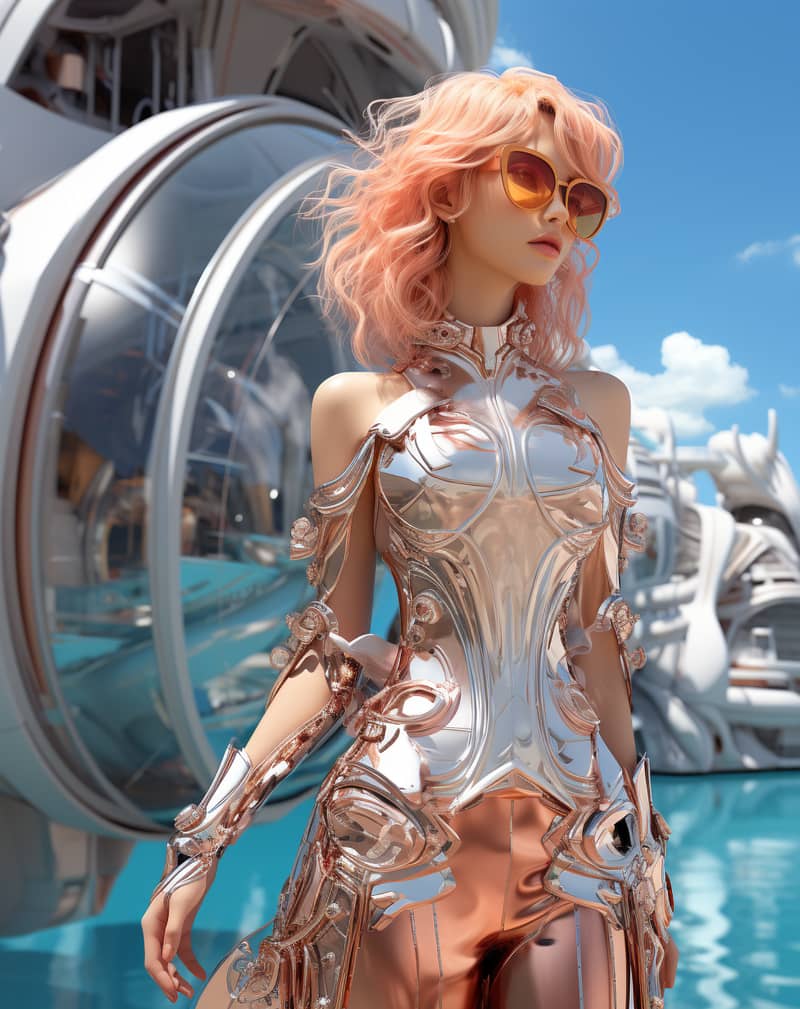
Image Remix
Remix a source image into a vivid creative direction with bold visual energy.
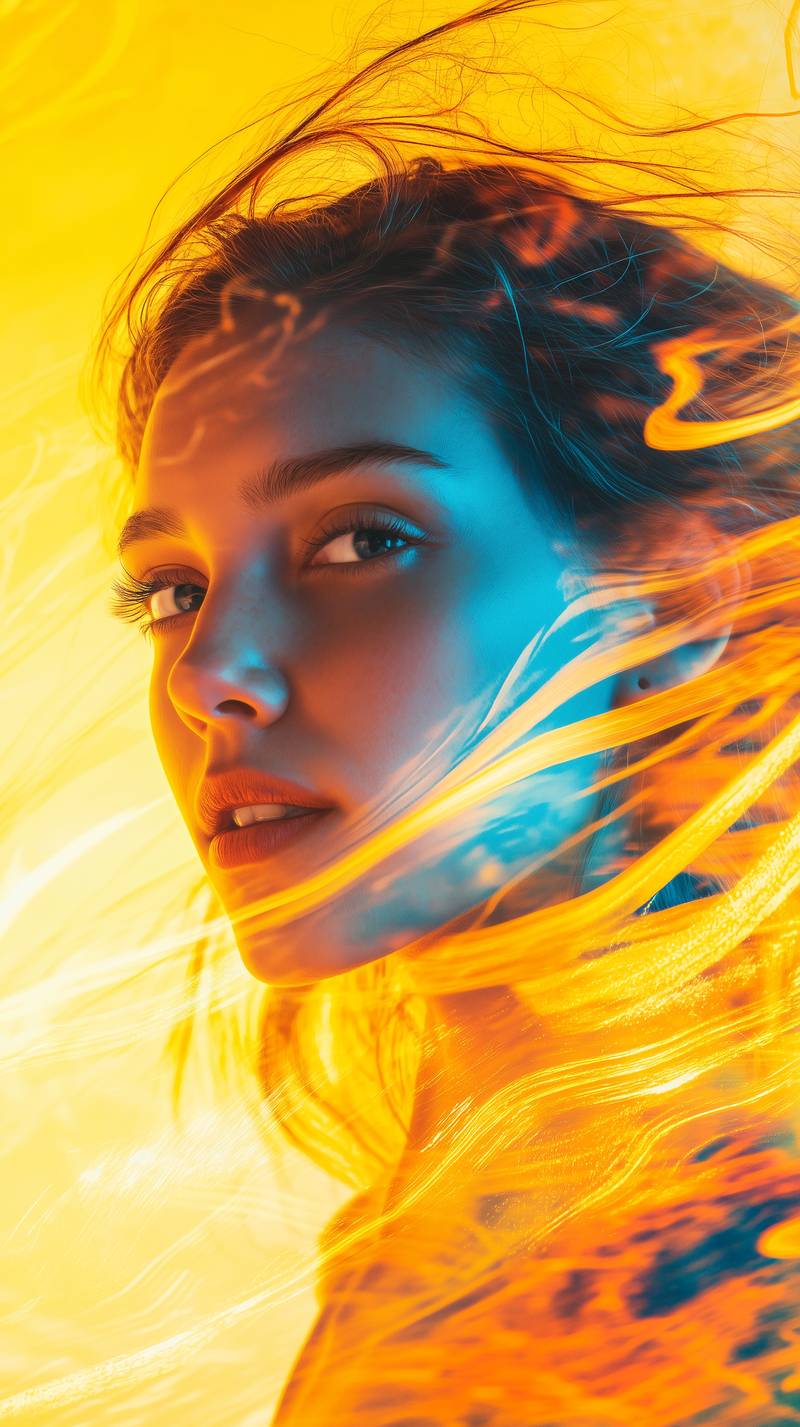
Bold Visual Idea
A playful high-contrast image with dynamic composition and social-ready framing.
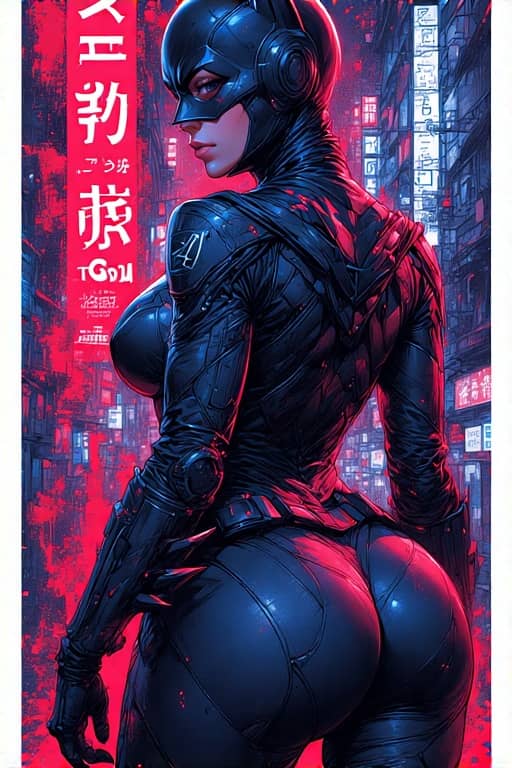
Tokyo Character Poster
A precise poster-style character composition with cyberpunk detail and strong vertical layout.
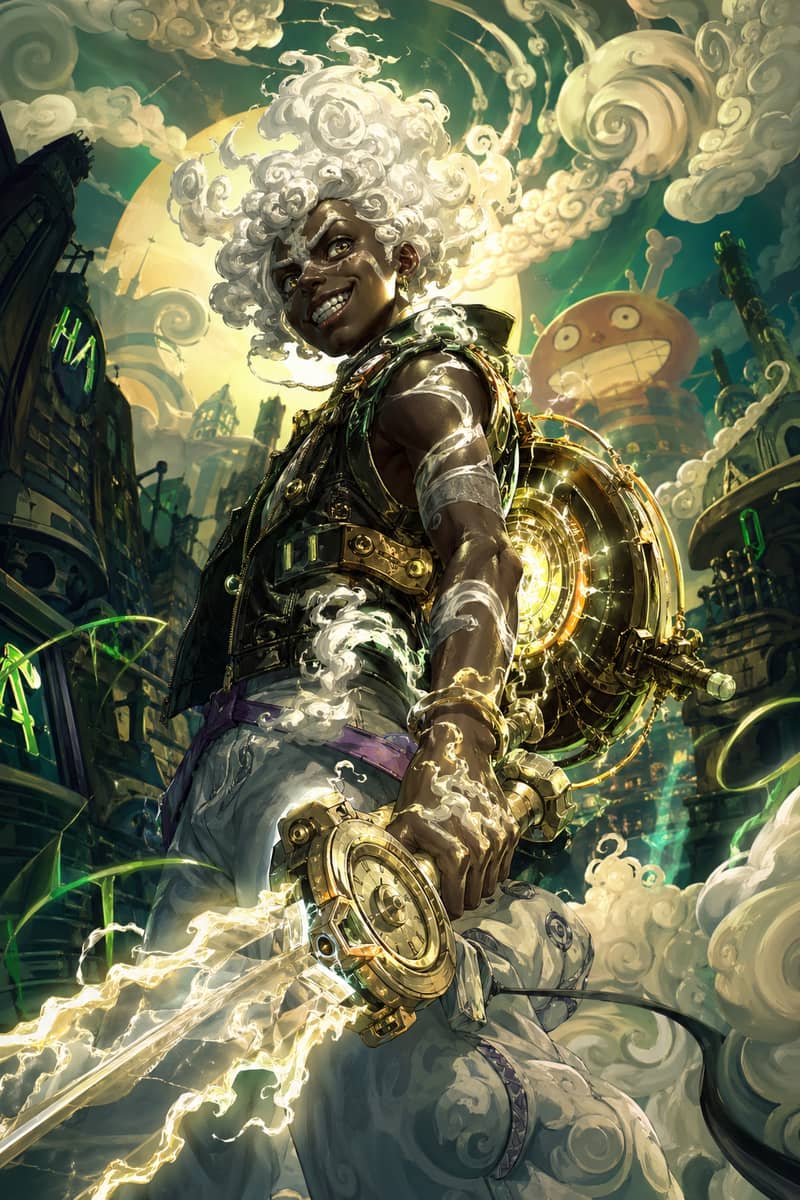
Hero Fusion Edit
Turn a character reference into a glowing mythic hero portrait with cloud-like energy.
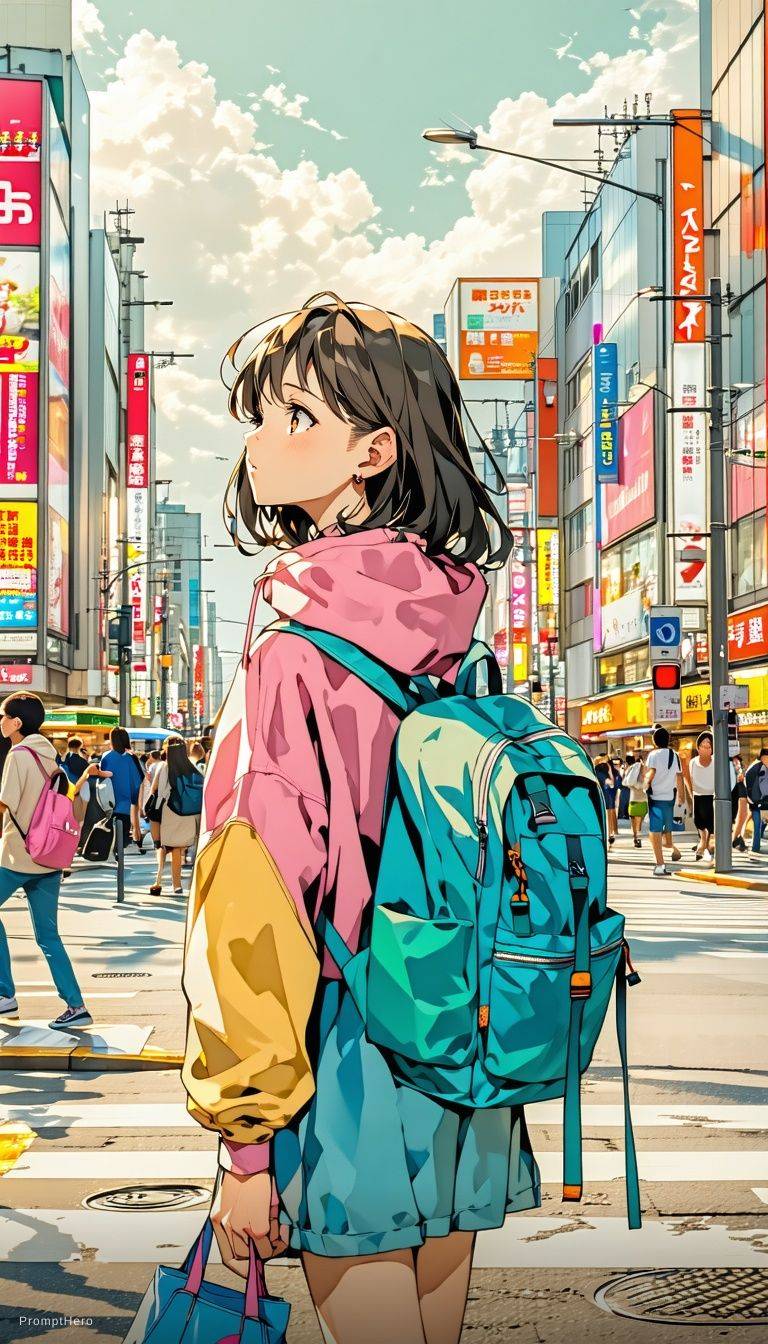
Anime Lighting Pass
Enhance an anime-style scene with cinematic lighting, bloom, and expressive detail.
Expressive Anime Duo
A cinematic anime-style character scene with expressive eyes and glowing volumetric light.
The Short Answer
It is usually a usage limit
Grok has paused new image requests from your account or session. That can happen after too many generations, too many retries, or a busy period on the service.
It may clear on its own
Some Grok Imagine rate limits clear after a cooldown. Others act more like a daily limit and may not reset until later.
Do not waste retries
Repeatedly clicking generate usually does not help. Save the prompt, wait if you can, or use another image generator if you need the result now.
What to do
What to Do After You Hit a Grok Image Generation Rate Limit
- 1
Copy your prompt first. Keep the style, subject, camera angle, mood, and any details that matter.
- 2
Stop retrying the same prompt over and over. It usually will not clear the Grok image generation rate limit.
- 3
Look at the wording. If it sounds temporary, give it time. If it mentions quota or daily usage, you may need to wait for the next reset.
- 4
Use the generator on this page when you still need an image today. Once Grok works again, you can compare both results.
Grok Limit vs a Backup Image Generator
When a limit interrupts your session, the real question is whether you can keep making images.
| Situation | Grok Imagine | xImagineai |
|---|---|---|
| After many prompt tests | May pause generation | Keep generating with credits |
| Daily quota reached | Wait for reset | Continue if credits remain |
| Need an image now | May block the session | Use the tool on this page |
| Tied to X account | Yes | No Grok session required |
| Best use | Casual Grok creation | Backup workflow for active projects |
Why Grok Imagine Shows a Rate Limit
A Grok Imagine rate limit is basically a pause button. Grok is not accepting more image requests from your account or session for the moment. This can happen after a burst of generations, repeated edits to the same prompt, or a period of heavy demand. It can also overlap with the Grok Imagine daily limit, which is why the same message can feel different from one day to the next.
How Long Does the Limit Last?
There is no single timer that applies to everyone. Sometimes the limit clears after a short break. Sometimes it behaves like a daily image limit and you have to wait longer. If the image is not urgent, step away and try again later. If you need the image for a post, ad, thumbnail, or client draft, use another generator and keep the project moving.
A Better Way to Work With Image Limits
The biggest mistake is burning retries while frustrated. Keep your strongest prompt, make one or two meaningful changes at a time, and avoid wasting generations on tiny variations. A backup generator is useful because it lets you finish the visual idea even when Grok Imagine is temporarily unavailable.
Grok Imagine Rate Limit FAQ
Grok Stopped. Your Prompt Does Not Have To.
Paste your idea into xImagineai and keep building the image while Grok resets.