Grok AI Image Generation: What It Does, What It Limits, and What Comes Next
A practical breakdown of Grok's image-to-image capabilities, free tier limits by subscription level, and the image-to-video workflow — with a direct comparison to xImagineai for users who need more.
Examples
Configure generation parameters to initialize
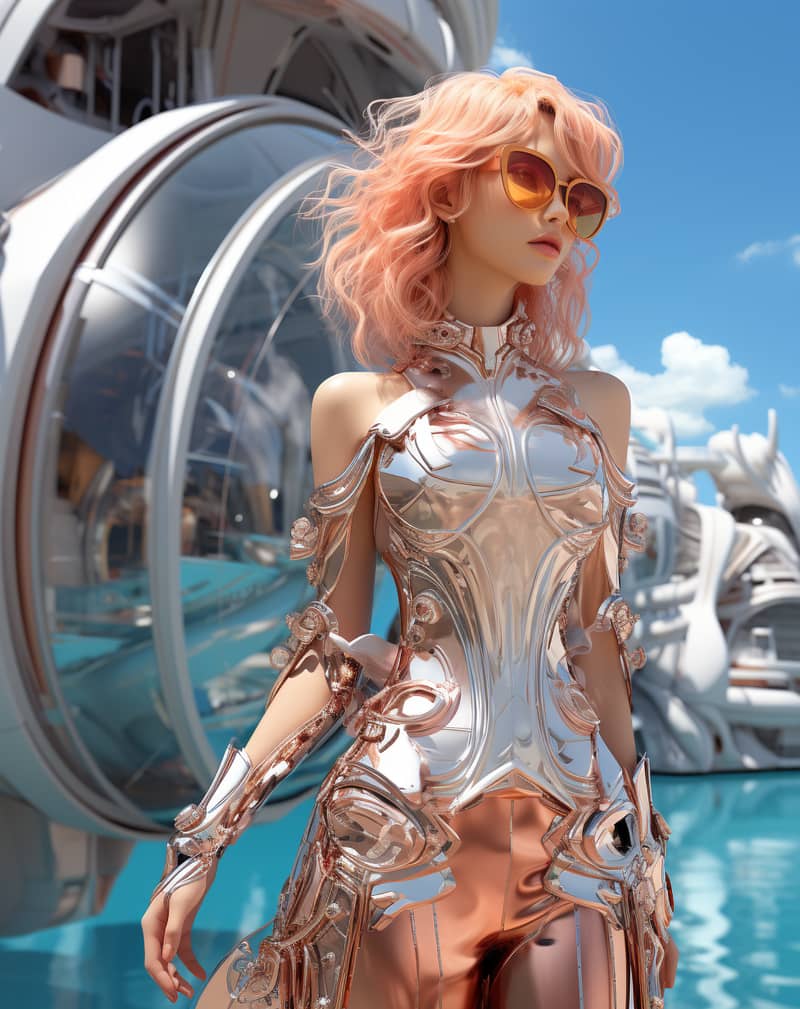
Image Remix
Remix a source image into a vivid creative direction with bold visual energy.
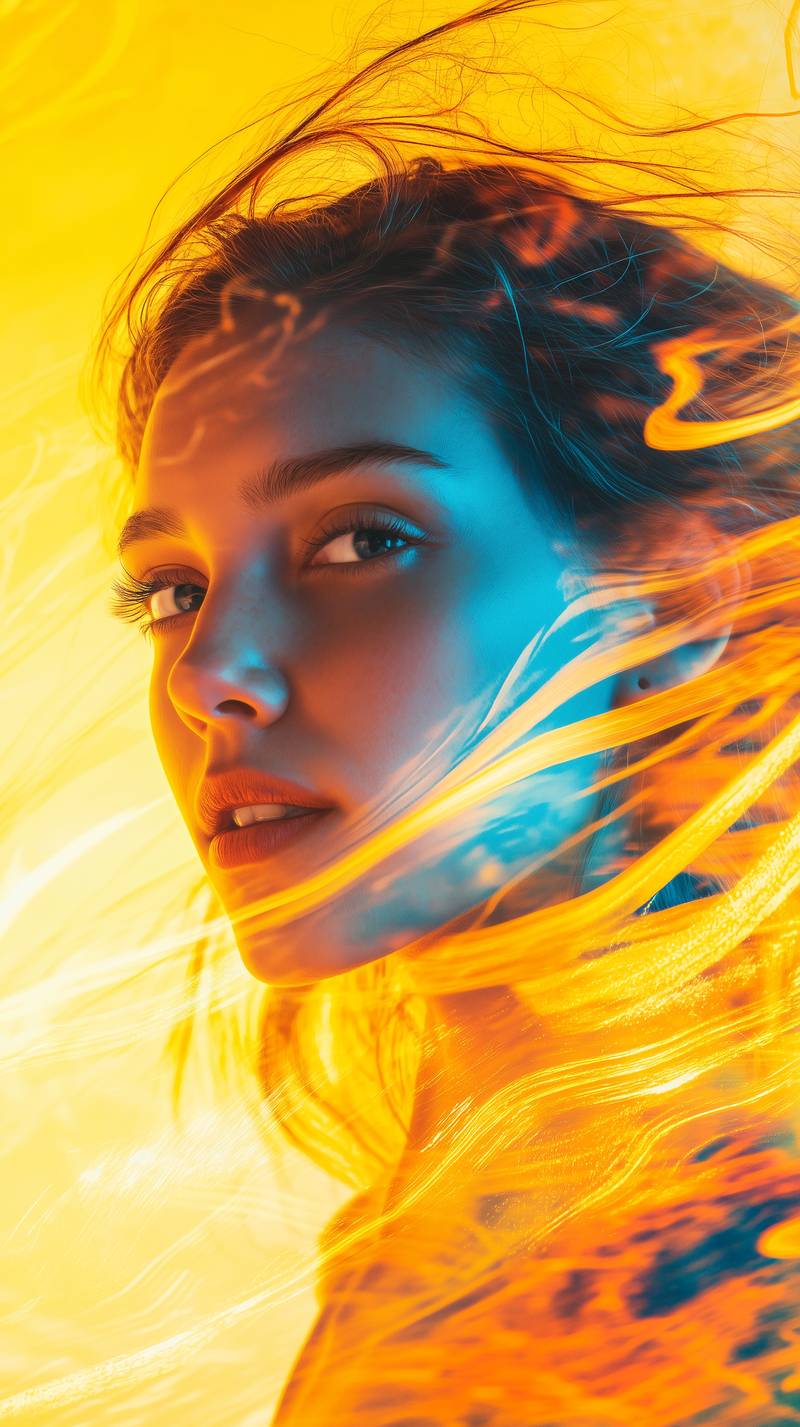
Bold Visual Idea
A playful high-contrast image with dynamic composition and social-ready framing.
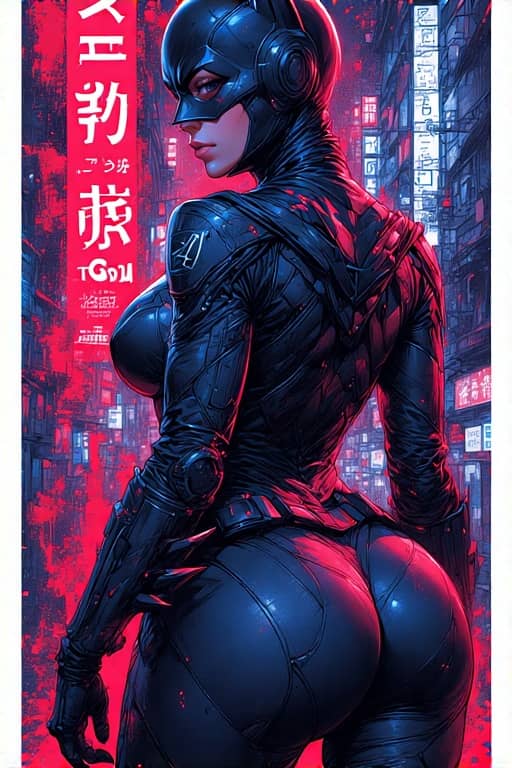
Tokyo Character Poster
A precise poster-style character composition with cyberpunk detail and strong vertical layout.
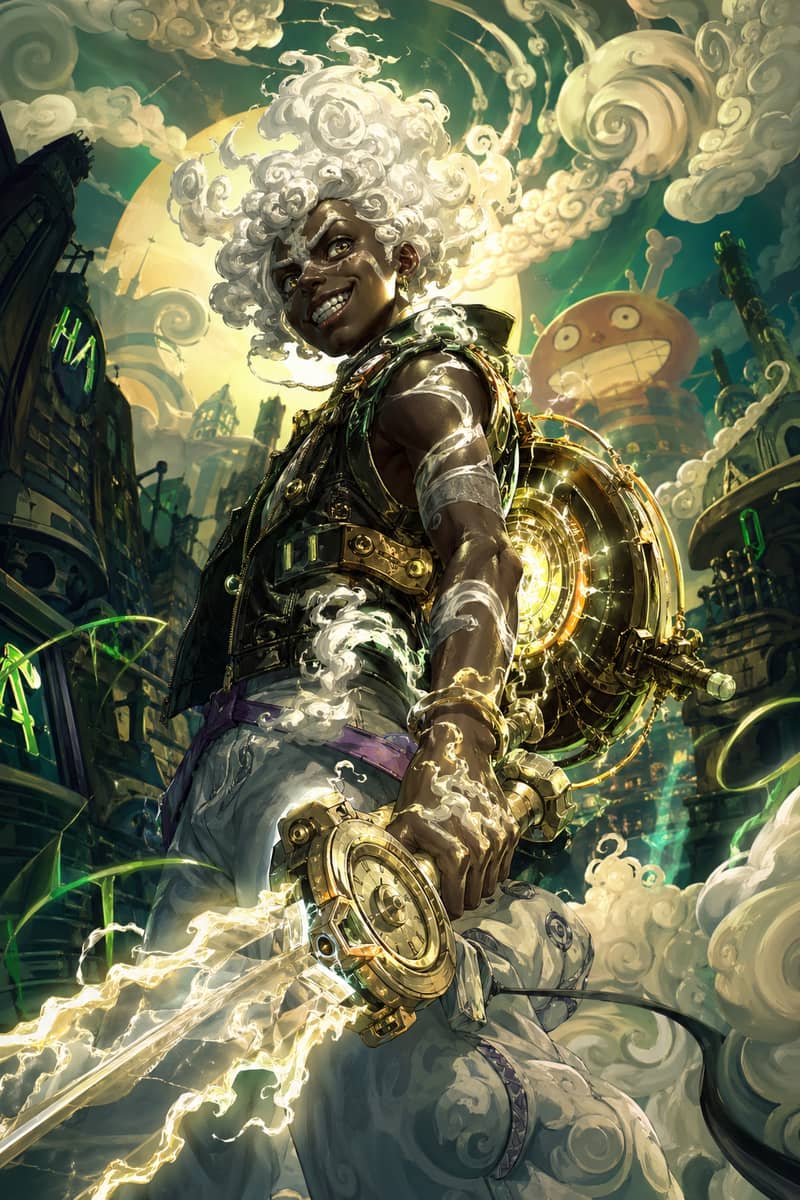
Hero Fusion Edit
Turn a character reference into a glowing mythic hero portrait with cloud-like energy.
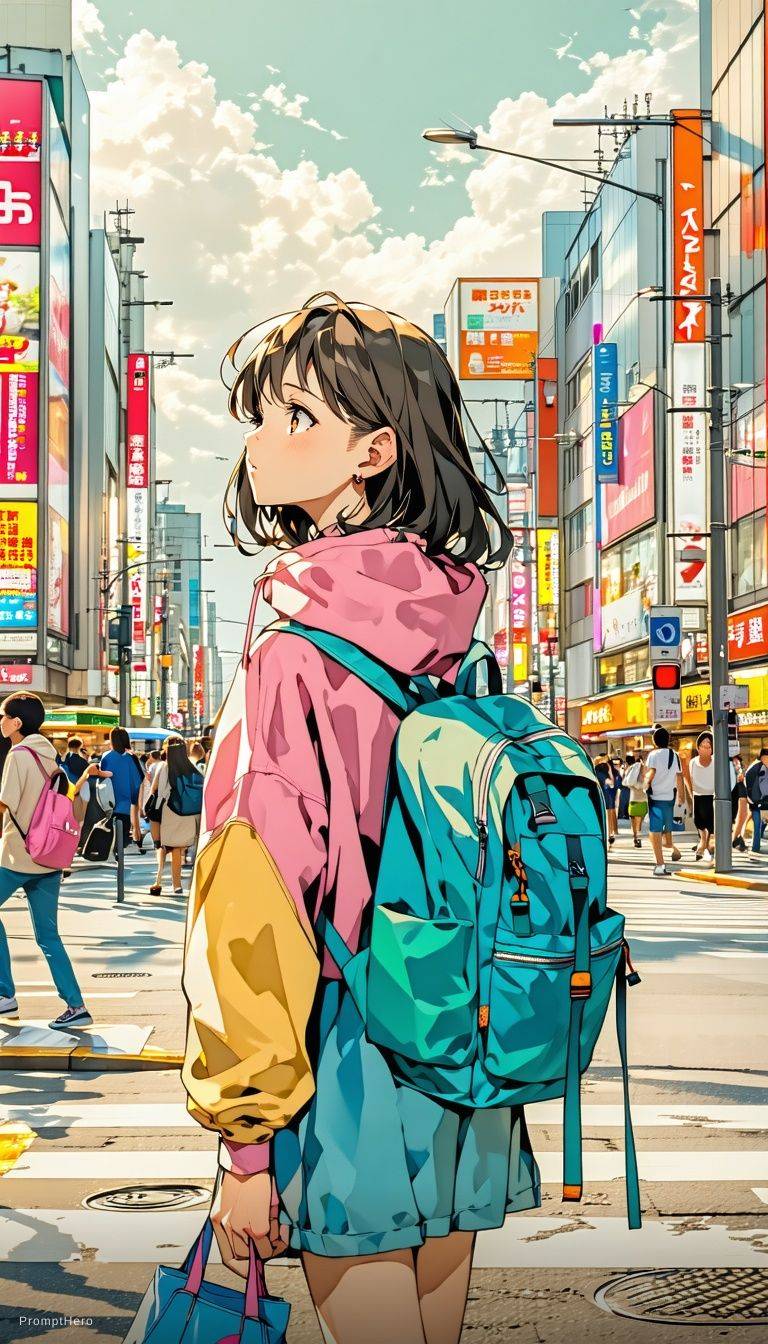
Anime Lighting Pass
Enhance an anime-style scene with cinematic lighting, bloom, and expressive detail.
Expressive Anime Duo
A cinematic anime-style character scene with expressive eyes and glowing volumetric light.
What Grok AI Image Generation Actually Does
Grok AI image generation runs on the Aurora model developed by xAI. It supports two core input modes: text-to-image (prompt only) and image-to-image (prompt plus a reference image). In text-to-image mode, you describe the output and the model builds the visual from scratch. In image-to-image mode, you upload a source file and the model uses its composition — subject position, layout, approximate proportions — as a structural guide while applying your prompt as the transformation directive. This gives you control that a prompt alone cannot provide: if you need a specific figure in a specific position, image-to-image gets you there faster than iterating on text prompts. The Aurora model handles photorealistic portraits, stylized illustration, concept art, and product photography. Output resolution scales by subscription tier: free tier generates at standard resolution, while X Premium and SuperGrok unlock higher-resolution outputs.
Grok AI Image Free Tier — Actual Daily Limits by Plan
Grok image generation is available on a limited free basis, but the practical output volume varies significantly by account type. Free (no subscription) users receive approximately 10 standard image generations per 24-hour window before hitting the daily quota. X Premium subscribers ($8/month) get roughly 200 generations per day across text and image modes combined. X Premium+ ($16/month) raises this to approximately 500 daily generations. SuperGrok ($30/month) is the only tier that unlocks the full daily generation ceiling — estimated at 2,000+ generations per day — along with Spicy Mode access for image generation. Quotas reset every 24 hours based on your account's first generation timestamp, not a fixed midnight reset. If you reach the limit mid-session, the platform shows a temporary restriction message rather than an error — generations resume automatically after the quota window refreshes. For users who need predictable output without tracking daily quotas, xImagineai operates on a credit model: one credit equals one generation regardless of time of day, with no reset cycles and no daily cap.
Grok Image to Image: How the Workflow Works
The image-to-image workflow in Grok AI operates through the Grok Imagine interface. Upload a source image (JPEG, PNG, or WebP at minimum 512×512 pixels for reliable output quality), write a transformation prompt, and optionally adjust the influence weight — a parameter that controls how much the output retains from the original versus how much it follows the prompt. At low influence, the output strongly reflects the prompt and uses the source image only loosely for structure. At high influence, the model stays close to the original composition and applies the prompt as a style or texture overlay. Common use cases: product shot restyling, sketch-to-render conversion, consistent character placement across multiple scenes, and reference-based portrait modification. One practical limitation: Grok image to image generates one output per prompt by default on lower subscription tiers. SuperGrok users can generate multiple variants per prompt, which is useful for exploring style options without re-uploading the source image each time. On xImagineai, the same image-to-image capability is available on all credit packs with multi-variant output included — no tier restriction.
Grok Image to Video: From Still to Motion
Grok image to video takes a completed image — either AI-generated or uploaded — and animates it into a short video clip. The input is a static frame; the output is a 5 to 15 second clip at up to 1080p with AI-driven motion applied consistently across the scene. You can optionally write a motion prompt to guide the direction of movement: camera behavior (pull back, push in, pan), subject motion (walking forward, hair movement in wind), or environmental animation (water ripple, cloud drift, flame flicker). Without a motion prompt, the model infers natural motion from the image content — faces get subtle breathing and eye movement, outdoor scenes get wind-driven motion, water surfaces animate with ripple patterns. The image to video feature is currently restricted to SuperGrok subscribers on the native Grok platform. Free tier and X Premium users do not have access to Grok image to video generation. On xImagineai, image-to-video generation is included in the Studio Pack and above — no SuperGrok subscription equivalent is required, and the credit cost per clip is shown before you generate.
xImagineai vs Grok AI Image Generation — Side by Side
The core capability difference comes down to two features and one structural difference. Feature one: video generation. Grok image to video requires SuperGrok ($30/month). xImagineai includes image-to-video in the Studio Pack ($99 one-time, 2,800 credits). Feature two: Spicy Mode. On Grok, Spicy Mode for image generation requires X Premium or above; Spicy Mode for video requires SuperGrok. On xImagineai, Spicy Mode is available across all credit packs with no subscription tier required. The structural difference: Grok operates on daily quotas that reset every 24 hours. If you generate heavily one day, you wait. xImagineai operates on a credit balance — generate at whatever pace your project requires, no daily ceiling. If you are an occasional user who generates fewer than 10 images per day, Grok's free tier covers your needs. If you generate in volume, work with Spicy Mode, or need image-to-video without a $30/month commitment, xImagineai is designed for that workflow.
Related Grok Image Pages
xAI's newest image model is Imagine Image 2.0, released August 7, 2026. It adds region-level editing on top of straight text-to-image generation.
- Grok Imagine 2.0 image generator and editor — Generate and edit with the Image 2.0 upgrade — magic wand, segmentation, smart resize, background removal
- Grok image editor — Upload a photo and transform it with a prompt
- Grok image capability overview — The hub page mapping every Grok image feature to the guide that covers it
- X AI image generator — Generate images with Grok Imagine, Nano Banana 2, GPT Image 2, Flux and more models in one panel
Grok AI Image Generation — Questions with Specific Answers
Image-to-Image and Image-to-Video — No Grok Subscription Required
xImagineai provides the same Grok-level image generation plus video creation and Spicy Mode — on a credit model with no daily limits and no monthly subscription.