
Grok Credits: Reset Time, How Many Per Plan & What They Are
The short answer: Grok's image generation credits reset every 24 hours, at midnight UTC — the same reset window for every plan. Free users get roughly 5 credits a day, SuperGrok Lite gets about 20, and full SuperGrok gets around 50. Credits don't roll over — whatever you don't use is gone at the reset, not banked for tomorrow.
No credits, no waiting
Try Your Prompt Here — No Daily Credit Pool
While you wait for your Grok credits to refresh, paste your prompt into X Imagine AI below. It runs on its own credit system with no daily pool and no midnight reset, so you can keep generating right now instead of watching the clock.
Examples
Configure generation parameters to initialize

Image Remix
Remix a source image into a vivid creative direction with bold visual energy.

Bold Visual Idea
A playful high-contrast image with dynamic composition and social-ready framing.

Tokyo Character Poster
A precise poster-style character composition with cyberpunk detail and strong vertical layout.
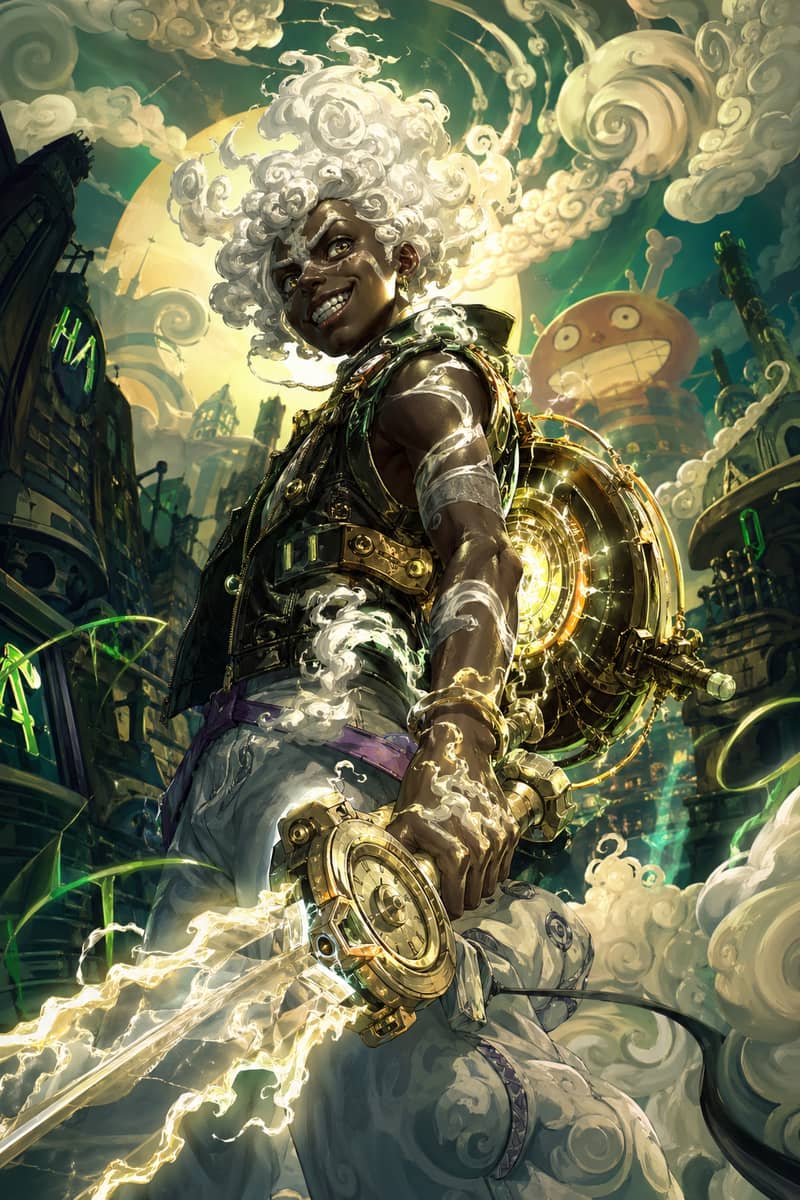
Hero Fusion Edit
Turn a character reference into a glowing mythic hero portrait with cloud-like energy.
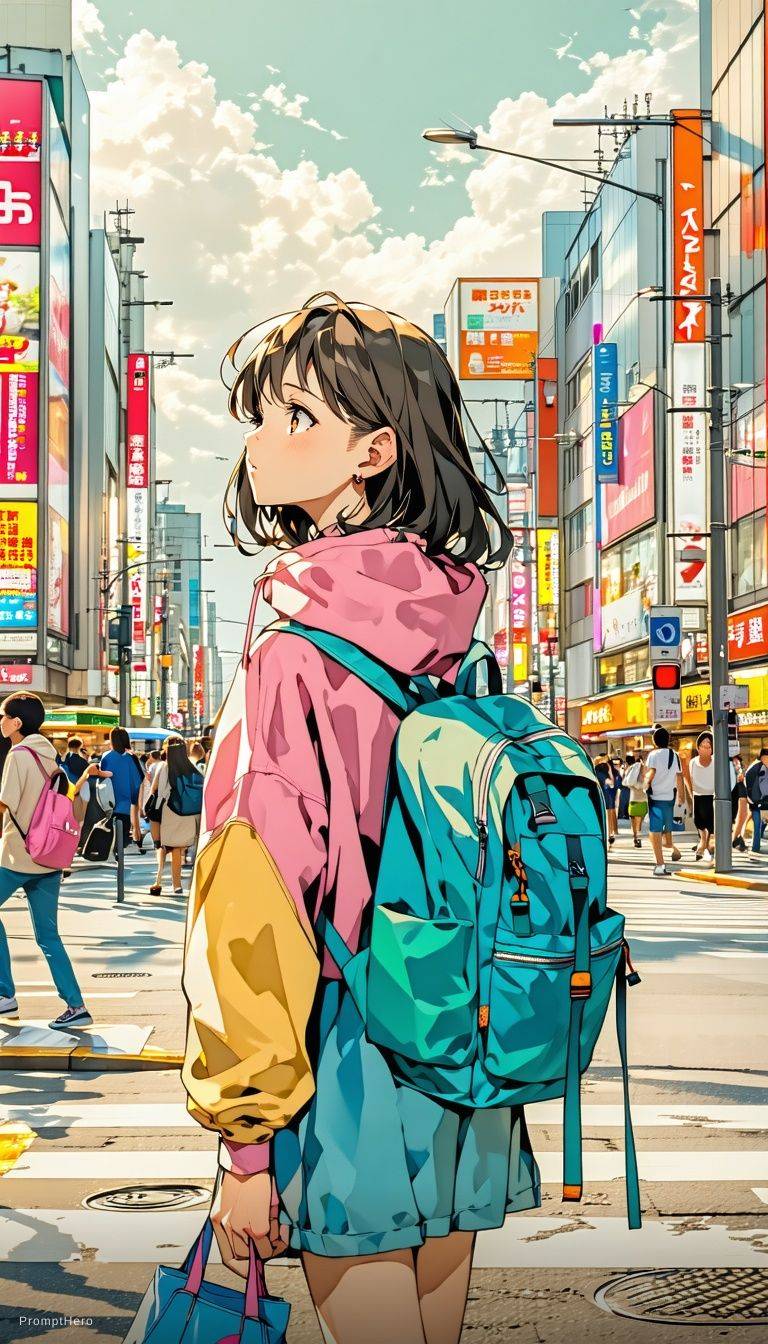
Anime Lighting Pass
Enhance an anime-style scene with cinematic lighting, bloom, and expressive detail.
Expressive Anime Duo
A cinematic anime-style character scene with expressive eyes and glowing volumetric light.
When Do Grok Credits Reset?
Reset happens at midnight UTC
Every Grok plan — Free, SuperGrok Lite, and SuperGrok — refreshes its credit pool once every 24 hours at midnight UTC. That's 7 PM Eastern, 4 PM Pacific, 1 AM Central European Time, or 9 AM in Tokyo. The clock is fixed to UTC, not your local time zone, so the exact reset moment shifts depending on where you live.
Every plan resets on the same schedule
There's no separate reset calendar for Free vs. SuperGrok Lite vs. SuperGrok — all three tiers hit their credit ceiling and refill at the exact same UTC moment. What changes between plans is the size of the pool, not the timing of the reset.
Unused credits don't carry over
Grok credits reset to your plan's daily maximum, not your maximum plus whatever you didn't spend. If you only used 2 of your 5 free credits yesterday, today still starts at 5, not 8. There's no accumulation, so saving up credits for a bigger session doesn't work.
Out of credits?
What to Do When Your Grok Credits Run Out
- 1
Wait for the midnight UTC reset. This costs nothing and needs no action on your part — your credit pool refills automatically. Depending on your time zone, that's anywhere from a few minutes to just under 24 hours away.
- 2
Upgrade your plan. Moving from Free to SuperGrok Lite roughly quadruples your daily pool (about 5 credits to 20), and moving from Lite to full SuperGrok takes it to around 50. This makes sense if you're consistently hitting zero before the reset, not just on unusually busy days.
- 3
Use X Imagine — also written as XImageneAI or X Image Generator — as a supplementary tool. It's an AI image generator built on the Grok Aurora model that isn't tied to Grok's platform credit pool; it runs its own credit-per-generation system instead, which makes it a practical option for anyone who generates more often than a daily quota allows.
Grok Credits by Plan (2026)
How daily credit pools, generation costs, and reset timing compare across Free, SuperGrok Lite, and SuperGrok — plus X Imagine AI, which isn't capped by a daily pool at all.
| Grok Free | SuperGrok Lite (~$10/mo) | SuperGrok ($30/mo) | X Imagine AI | |
|---|---|---|---|---|
| Daily credit pool | ~5 credits/day | ~20 credits/day | ~50 credits/day | No daily pool — pay-per-credit packs |
| Image generation cost | 1 credit/image | 1 credit/image | 1 credit/image | 1 credit/image |
| Image editing cost | Not available | ~2 credits/edit | ~2 credits/edit | 1 credit/edit |
| Video generation cost | Not available | ~6 credits/video (~3/day) | ~6 credits/video (~8/day) | From ~5 credits, model-dependent |
| Credits reset time | Midnight UTC | Midnight UTC | Midnight UTC | Never — credits don't expire mid-pack |
| Monthly cost | $0 | ~$10/mo | $30/mo | From $10 one-time |
What Are Grok Credits?
Grok credits are the unit that replaced Grok Imagine's old flat "N images per day" limit. Instead of one number capping every action equally, each plan now gets a daily credit pool, and different actions draw down that pool at different rates — generating a standard image typically costs 1 credit, editing an existing image costs more, and generating a video costs the most. This is part of why so many people are asking whether Grok Imagine is no longer free: in 2025, xAI shifted free and lower-tier accounts from generous flat daily image counts to a smaller, credit-metered pool, and some actions that used to be effectively free, like edits or quick variations, now visibly eat into your daily balance. The credit system gives xAI finer control over server load per action type, but it also means your daily allowance can run out faster than expected if you're editing and regenerating heavily rather than producing single images.
Grok Credits Cooldown vs. Reset: What's the Difference?
These two get confused constantly. A credits reset is the once-a-day event, at midnight UTC, when your credit pool refills to its plan maximum — this is what people mean by grok image generation cooldown or reset time. A cooldown is something else: a short, temporary throttle Grok applies when you send requests too quickly in a row, independent of how many credits you actually have left. You can hit a cooldown with a full credit pool if you're generating in rapid succession, and you can have credits remaining but still see a "temporarily limited" message because of a cooldown, not a quota. If retrying doesn't work after a few minutes, you're most likely waiting on the daily reset, not a cooldown — check which one it is before assuming you need to wait until midnight UTC.
Grok Credits — FAQ
No Credits Left? Keep Creating with X Imagine
X Imagine AI, sometimes searched as ximagineai.com or Imagine X AI, runs on its own credit packs with no daily pool and no midnight reset — so a maxed-out Grok balance doesn't have to stop your session.