
AI Air Kiss GIF & Video Generator
Send a kiss with a photo of yourself. Create an air kiss GIF that loops for 2 seconds without sound, or choose a 6-second video. AI Air Kiss animates the hand-to-lips gesture, the kiss toward the camera and a closing smile. Upload one portrait, choose GIF or Video and generate.
See the air-kiss motion
How to make an AI air kiss video or GIF
- 1
Upload one clear portrait
Choose a photo of one person with their face and upper body visible. Leave room around the shoulders and arms so the hand can move toward the mouth. A relaxed, front-facing pose is a useful starting point.
- 2
Choose Video or GIF and your frame
Choose your output and select 9:16, 16:9, 1:1, 4:3, 3:4 or 21:9. Video runs for 6 seconds with 480p or 720p and optional AI audio. GIF creates a silent 2-second loop. Check the credits shown before generating; GIF credits are an estimate and are settled after generation.
- 3
Generate and share your flying kiss
Preview the result and check the face, fingers and hand movement. Download your air kiss GIF or video to send as a greeting or add to a post. Choose a format supported by the app where you want to share it.
Create an air kiss GIF from your photo
Make a personal greeting for a goodnight message, birthday wish or a quick hello. Upload one portrait and choose GIF in the panel to create a silent, 2-second flying kiss loop with your own face. You can choose a vertical, square or landscape frame to suit where you want to share it.
Preview the animation, then select Download GIF to save your file directly. Send it with a message in an app that supports animated GIFs. For a longer greeting with optional sound, choose the 6-second video instead.
Air kiss meaning: what gesture does this effect create?
An air kiss is a kissing gesture without touching another person with your lips. The term can also describe a greeting beside someone's cheek. Here, the effect creates a kiss blown toward the camera: fingertips approach the lips, the hand moves outward and the person smiles.
This gesture is also called a flying kiss or a blown kiss. It can be a playful hello, a goodnight message or a small sign of affection for someone far away. You only need your own portrait to create the gesture in a video.
Make a flying kiss video for someone special
Turn a familiar face into a short, personal greeting you can send from your phone.
A personal hello or goodnight
Send your partner a flying kiss, add a friendly sign-off to a birthday message or thank someone with a smile. Pair the downloaded clip with your own message when you share it.
A frame that fits where you share
Choose 9:16 for a vertical Story or Reel, 1:1 for a square post or 16:9 for a landscape video. Start with a photo that leaves enough space around your face and hand for the frame you choose.
Sound for videos, a silent loop for GIFs
Video audio is off by default. Enable it to request a soft kiss sound and quiet ambience. GIFs always play without sound and repeat the gesture, making them useful for a quick greeting in apps that support animated GIFs.
AI Air Kiss questions
01Can I create an air kiss GIF from my photo?
02What kind of photo works best?
03Can two people blow a kiss in the same video?
04Is AI Air Kiss free?
05Can I change the video length or write my own prompt?
06Does the effect keep my face, clothes and background?
07Do I need to pose for a flying kiss in the original photo?
More video effects to try

AI Hug
Upload two photos and watch the two people share a warm hug.

AI Inflation Effect
Upload one full-body or three-quarter photo with space around the person.

Christmas Photobooth AI
Turn two portraits into a 10-second Christmas photobooth video with festive outfits and playful poses.
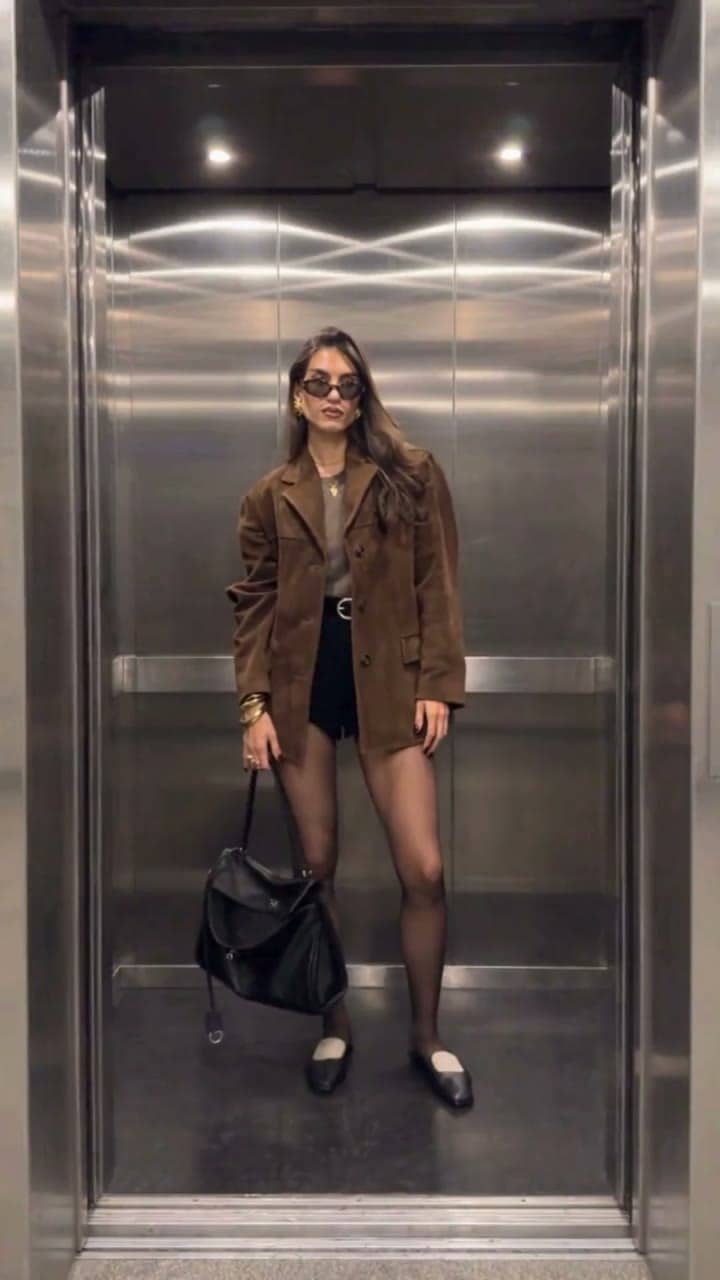
Elevator Outfit Change
The elevator doors close and open — and you step out in a new outfit, twice.

Hug in Heaven
Upload your photo and a loved one's photo for a gentle reunion hug in heaven.