01
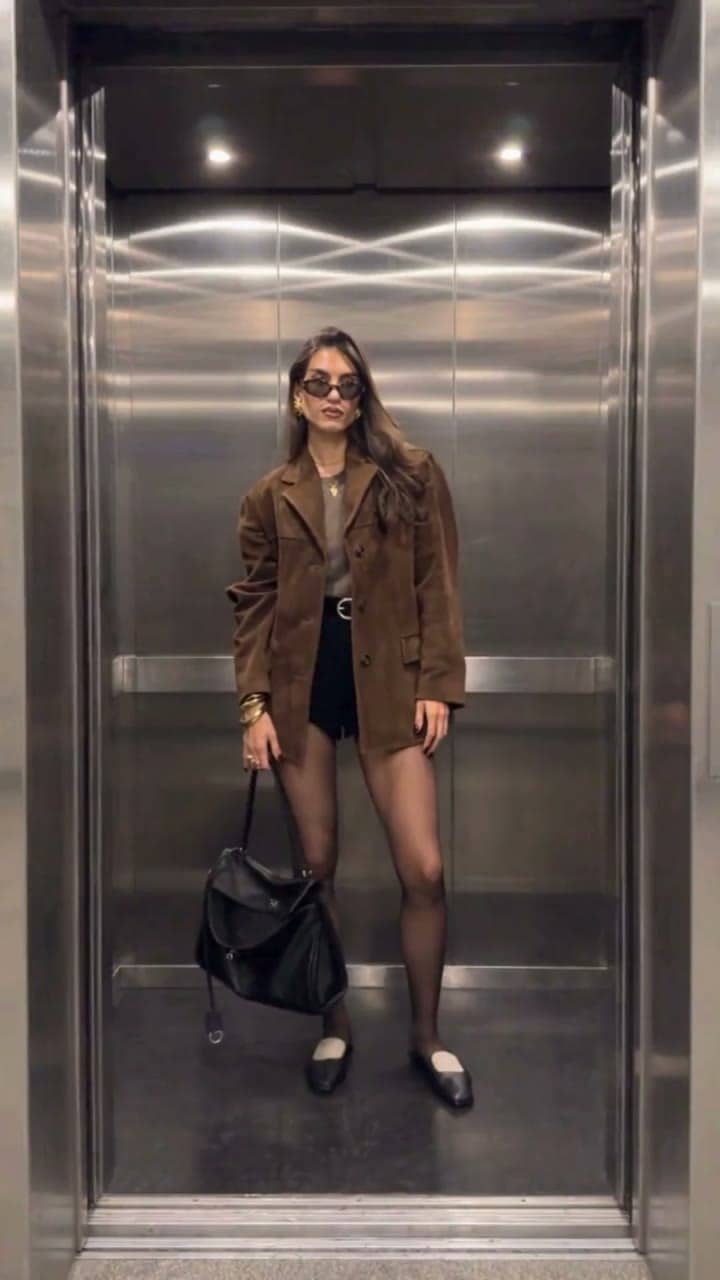
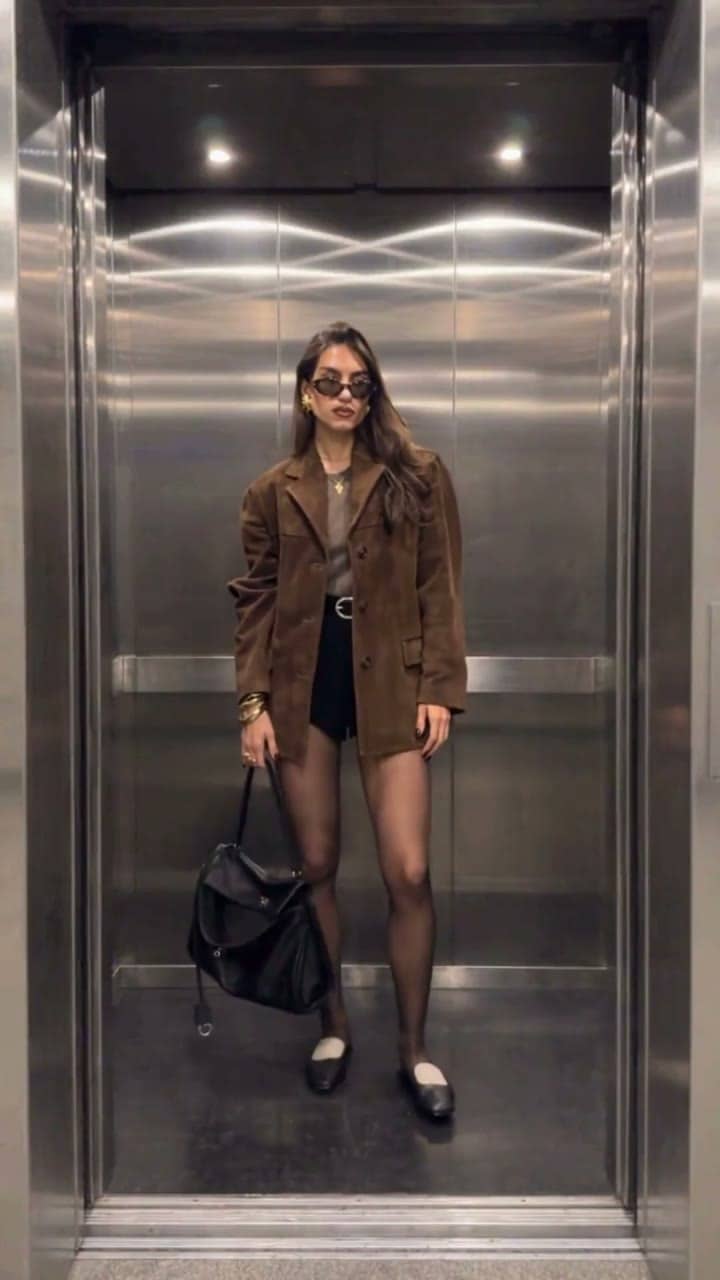
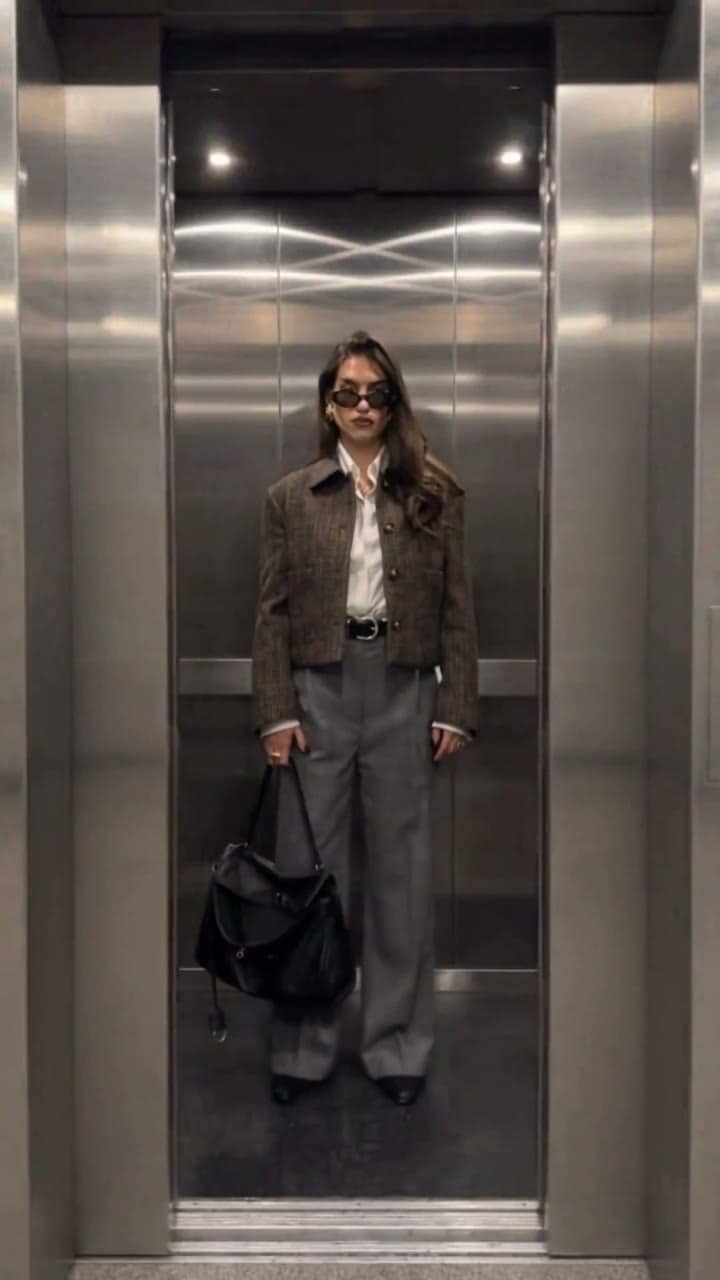
Look 1 → Look 2: the first door reveal
From a brown blazer and black shorts to a white shirt, cropped jacket and wide grey trousers. The change happens while the doors are fully closed, so the AI elevator door transition stays clean.
Recreate the elevator outfit change trend from one photo. The doors close, the chime sounds, and they open on a brand-new outfit — twice in one 12-second vertical video. Upload your own outfit photos for the exact looks you want, or leave them empty and let the AI style you. Everything runs online on XImagineAI, with no filming, no wardrobe changes and no editing.
The elevator outfit change is a short-video trend: a fixed camera faces an open elevator, the doors slide shut, and when they open again the same person is wearing a completely different outfit. It became a go-to format for an elevator fit check, an OOTD post or a quick shopping haul. Elevator Outfit Change AI makes the same video from your photos — the elevator scene, the door timing and every outfit swap are generated for you, so one photo becomes three looks in a single elevator outfit transition. The frames below show how each change reads on screen; your result depends on your photos and the model you choose.
From a brown blazer and black shorts to a white shirt, cropped jacket and wide grey trousers. The change happens while the doors are fully closed, so the AI elevator door transition stays clean.
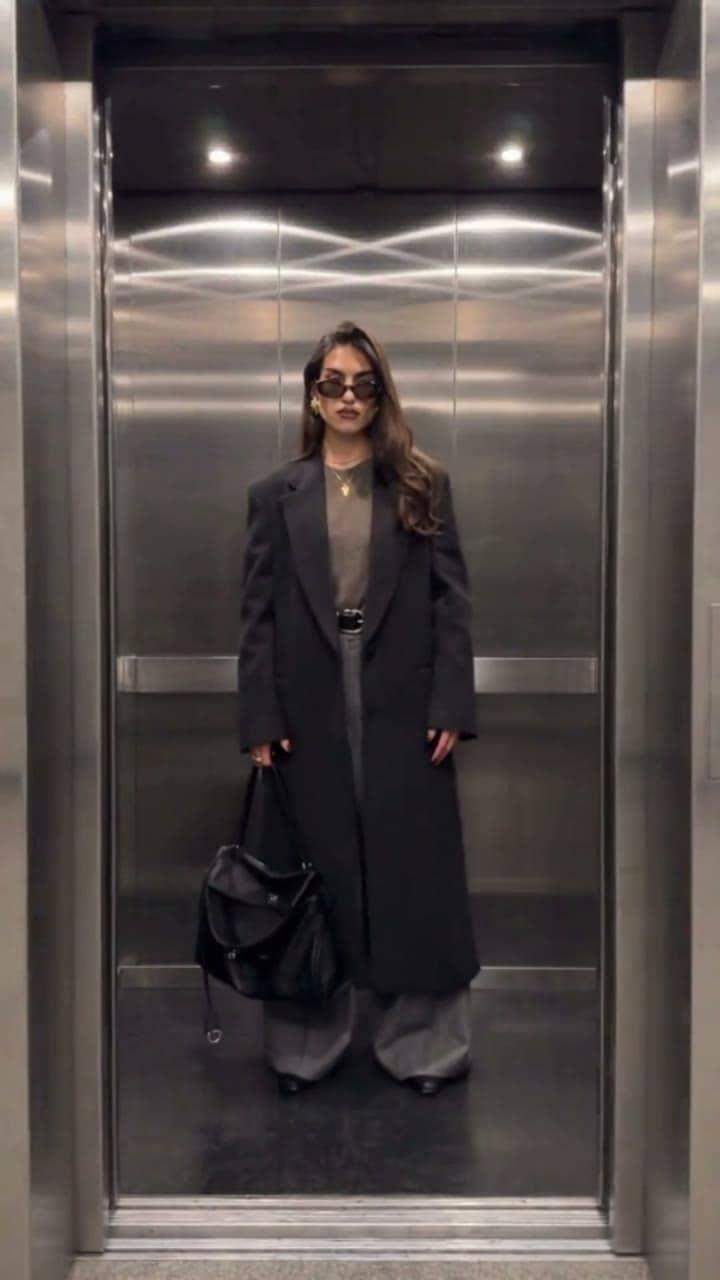
The doors close one more time and open on a long dark coat — a complete three-outfit reveal video that ends on a confident final pose.
Everything that makes the elevator outfit change trend work — a fixed camera, closing doors and a clear before-and-after — is built into the effect.
One clear full-body photo anchors the whole video. Your face, hairstyle and body shape stay the same in every look; only the clothes change.
Upload up to two outfit pictures — a flat lay, a product shot or someone wearing the clothes — and the AI dresses you in them, in order. Leave a slot empty and the AI picks a new look.
Every outfit change happens behind fully closed doors, with a soft chime as they reopen, so each reveal reads instantly — no jump cuts or masking needed.
Videos come out vertical and ready to post as an outfit change video for Reels, TikTok or YouTube Shorts. You can switch the aspect ratio before generating.
The scene, door timing and outfit swaps are already written. You upload photos and press generate — no prompt writing, filming or editing.
Generate the same elevator outfit transition with Grok Imagine, Seedance 2 Mini or Seedance 2.5 on XImagineAI and keep the version that looks best.
A three-look elevator outfit change fits anywhere you want to show style fast.
Post a daily elevator fit check or an outfit-of-the-day story that shows three looks in twelve seconds.
Upload photos of new pieces you bought or are thinking about, and see them on you as an AI outfit change video before you post a haul.
Show how a few pieces mix into different outfits, or turn moodboard ideas into a quick lookbook clip.
Compare options for a wedding, a party or a trip — workday, dinner and weekend looks in one video.
Jump on the elevator outfit change trend with a vertical clip that already has door sounds and a light fashion beat.
Show several products on one model in a single scroll-stopping clip — use photos of models who have agreed to it.
Add a sharp, front-facing photo of one person standing upright. Even lighting and a simple background help the elevator outfit change AI keep your face and body consistent.
Upload up to two outfit photos for the first and second door reveal. Skip them and the AI chooses two new looks for you.
Choose Grok Imagine, Seedance 2 Mini or Seedance 2.5, set the aspect ratio and resolution, then generate your 12-second elevator outfit transition and download it.
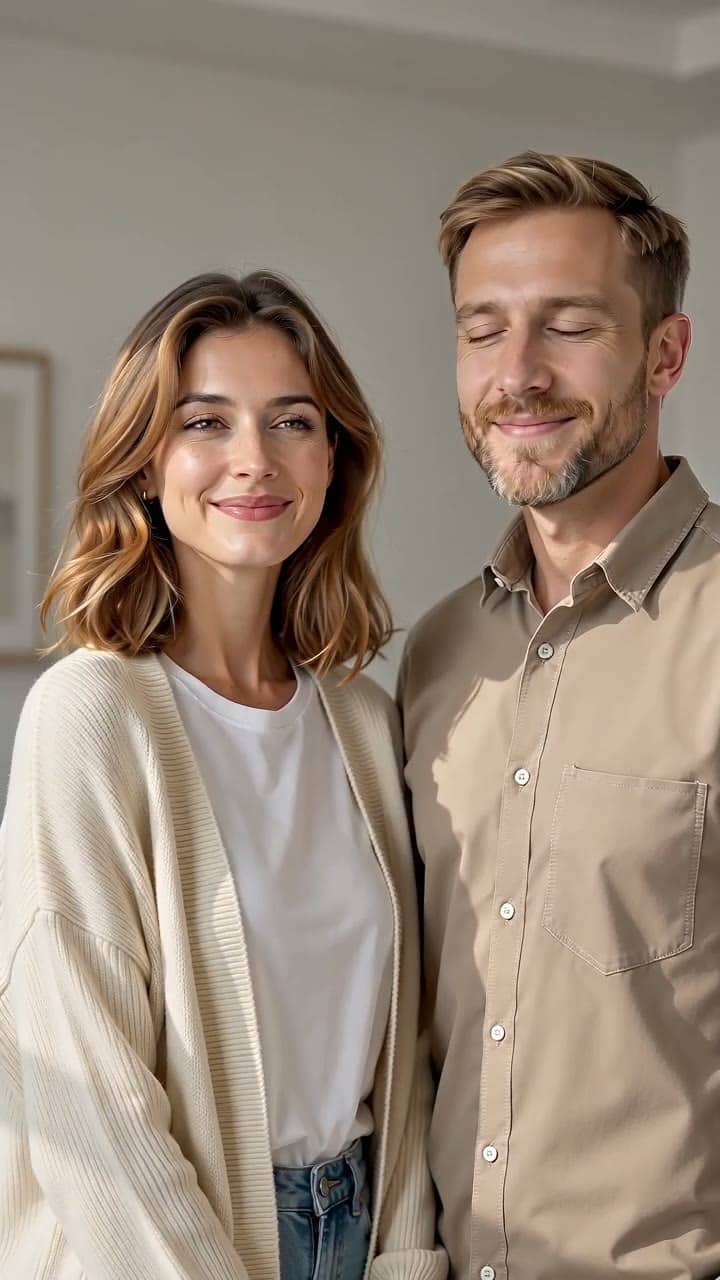
Upload two photos and watch the two people share a warm hug.

Upload one full-body or three-quarter photo with space around the person.

Upload a clear photo of one person to create a flying kiss video or looping GIF.
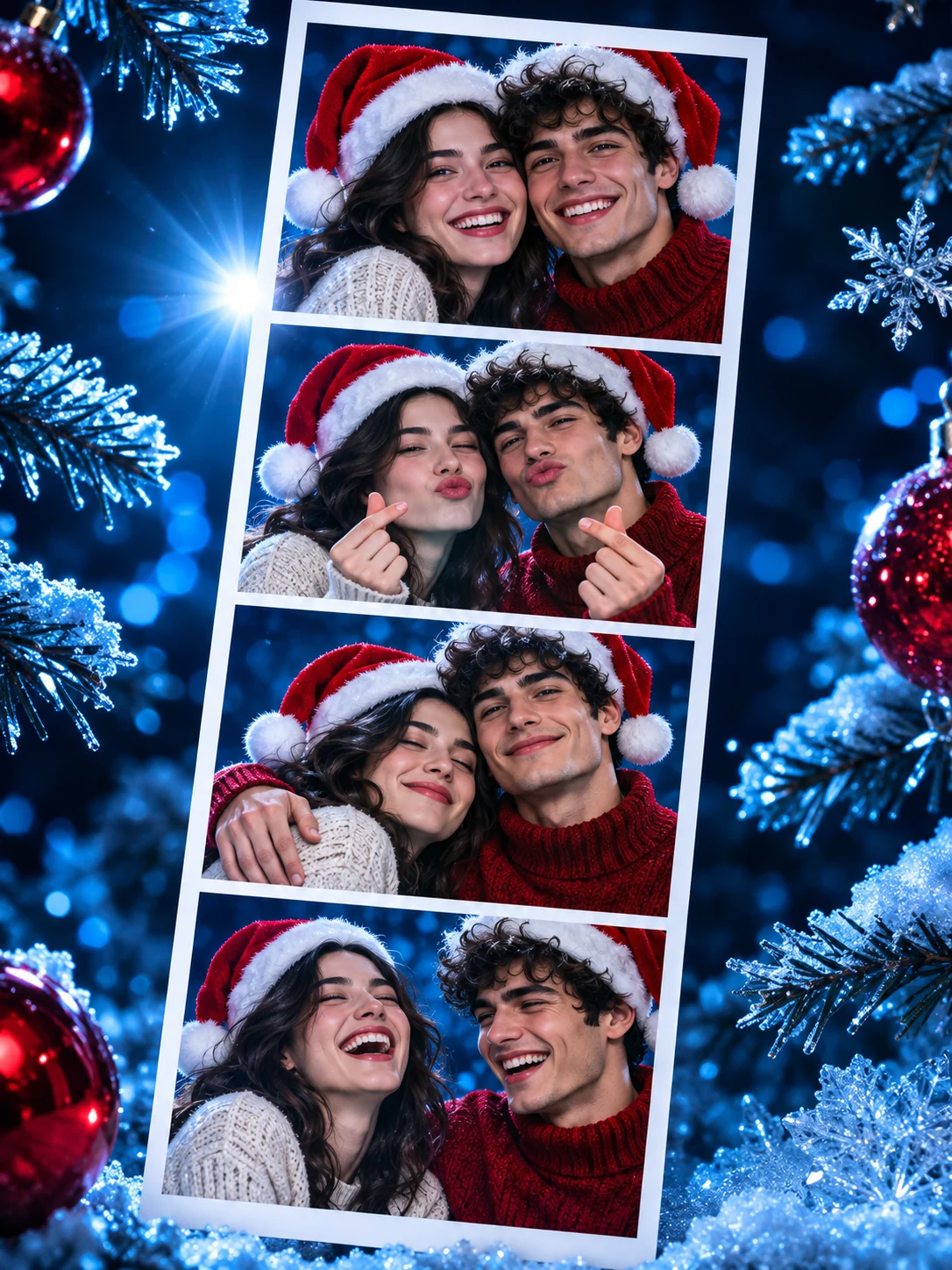
Turn two portraits into a 10-second Christmas photobooth video with festive outfits and playful poses.
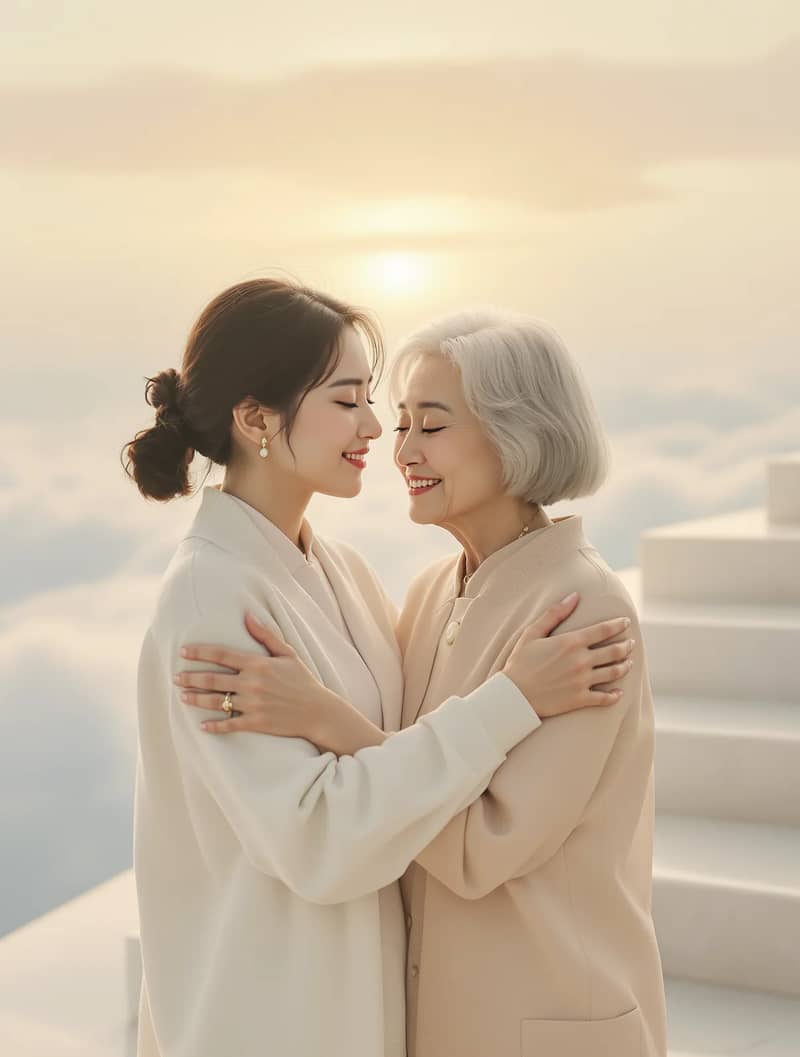
Upload your photo and a loved one's photo for a gentle reunion hug in heaven.