Christmas Photobooth AI
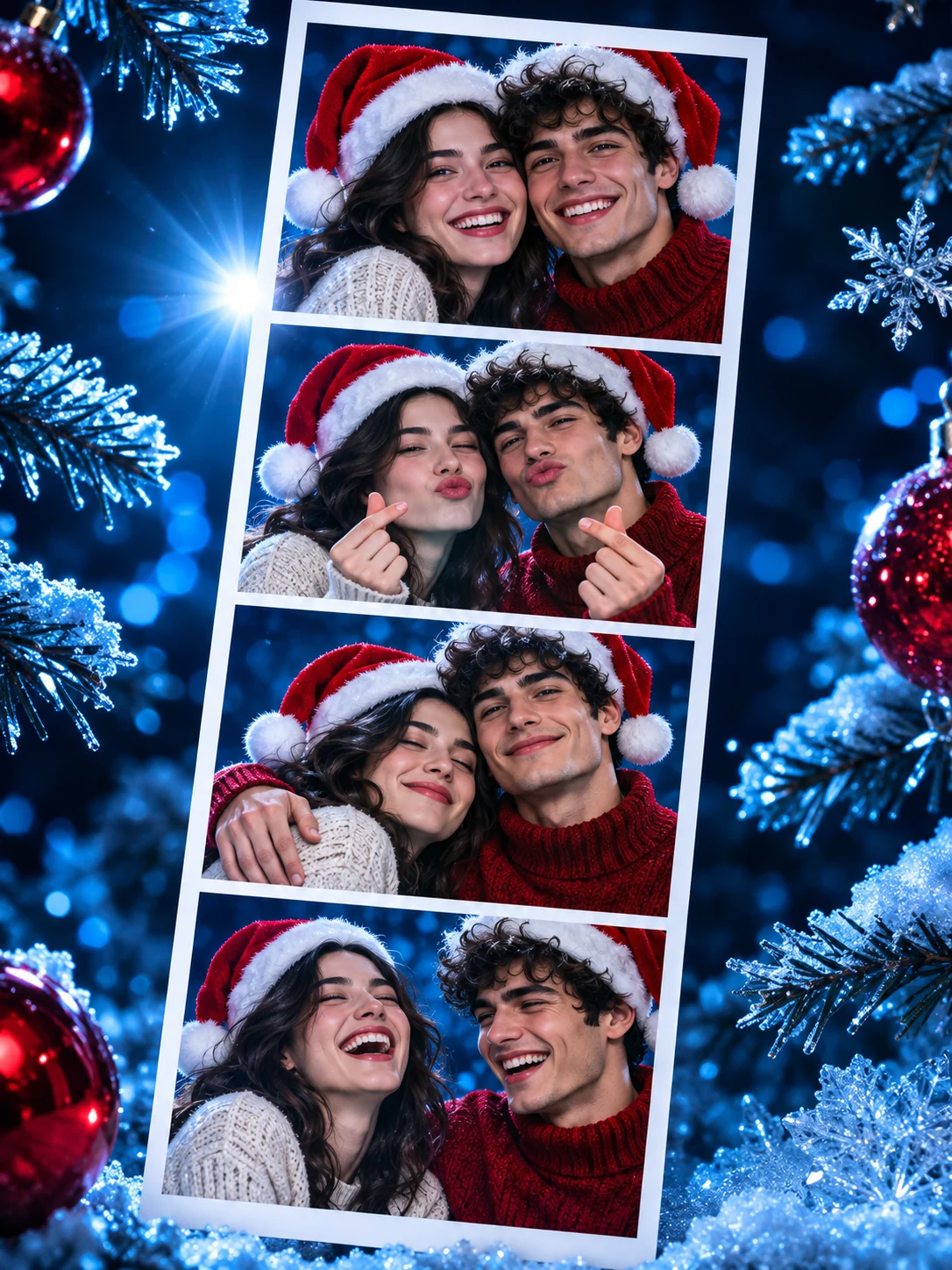
Put you and someone special inside a moving Christmas photo strip. Upload one portrait of each person, and Christmas Photobooth AI creates a 10-second vertical video with Santa hats, cozy sweaters and playful poses. The four-frame scene is ready to use, so you can make your holiday keepsake without writing a prompt.
Two portraits become a Christmas photobooth video
Watch the example to see how separate photos come together in a festive photo strip. Your two uploads take the same roles: the first person on the left, the second on the right.

How to make a photobooth for Christmas with AI
- 1
Upload a photo of each person
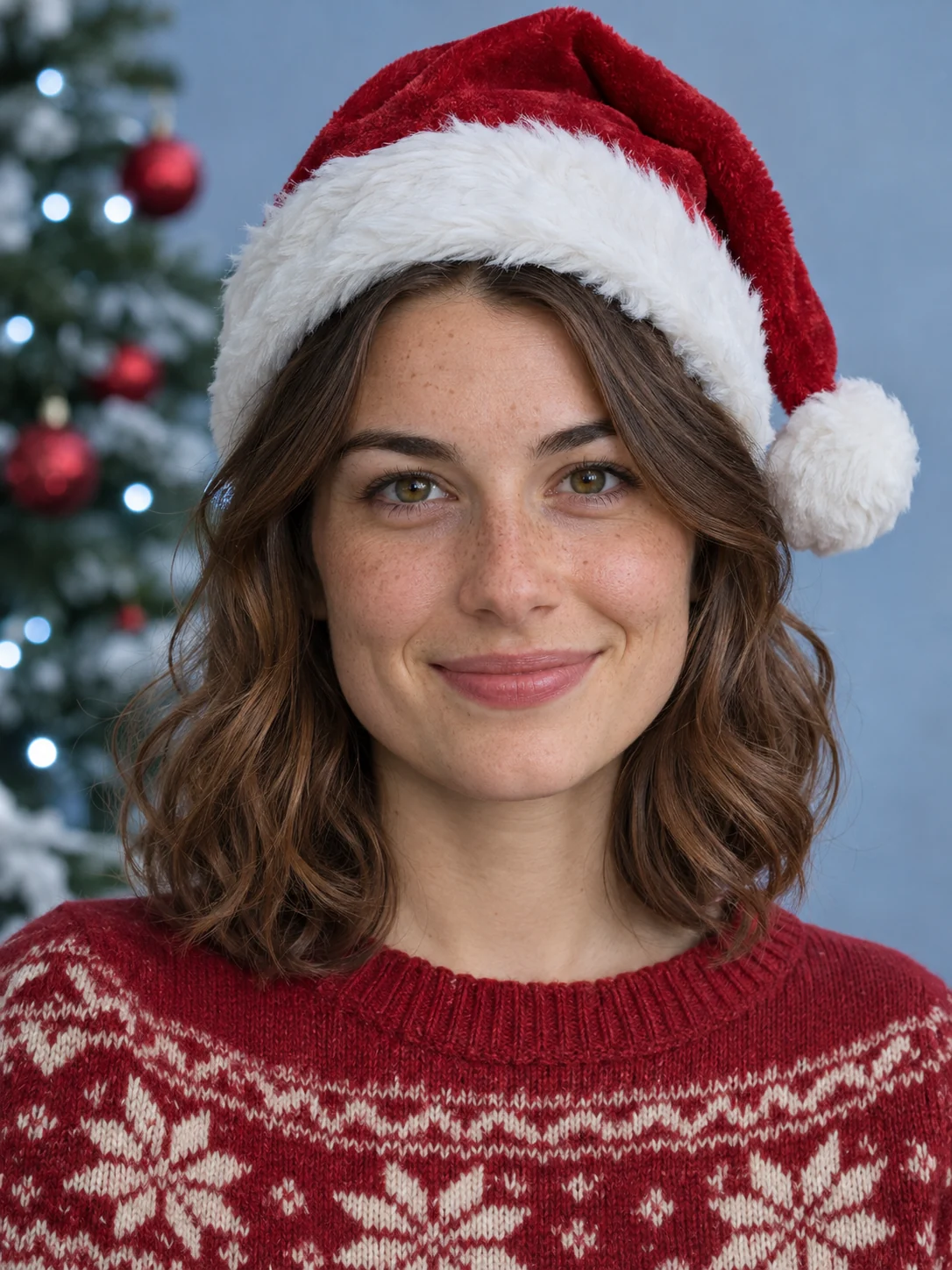
Add two separate portraits, one per upload slot. Choose sharp photos with a visible face and even lighting. You can use photos taken in different places.
- 2
Choose quality and sound
Select 480p or 720p and switch AI audio on or off. The Christmas scene uses a fixed 10-second duration and 9:16 vertical format. Check the credit cost shown before generating.
- 3
Generate, review and download
Press Generate, then review both faces and the photo-strip animation. Download the finished video to send as a Christmas greeting or share in a Story, Reel or short video.
Your Christmas photobooth frame, template and props
The festive styling is built into the effect. Bring two photos and let the scene take shape around you.
A four-frame photobooth strip
The Christmas photobooth frame is a vertical paper strip with four portrait windows. The animation is designed to move through smiles, finger hearts, a shoulder hug and laughter, with a soft vintage finish.
A ready-to-use Christmas photobooth template
The scene and pose sequence are already set. You supply the two faces; the AI creates a new video for them. There is no timeline to assemble or prompt to write.
Christmas photobooth props included
Santa hats, knitted sweaters, evergreen details and holiday lights are part of the generated scene. You do not need to buy props or photograph a decorated backdrop first.
Christmas photobooth ideas for couples and friends
Use the same festive effect to make a small keepsake for someone you want to celebrate with.
A couple's Christmas greeting
Pair your portrait with your partner's for a moving holiday message. Send the clip with a personal note, or share it as a seasonal post together.
A festive moment with your best friend
Add one photo of each friend for a playful Christmas photo booth video. The short vertical format fits a phone screen and is easy to share in your group chat.
Celebrate together from different places
You do not have to be in the same room or even the same country. Two individual portraits let you create an imagined Christmas moment together while you are apart.
Christmas Photobooth AI questions
01Can I upload one couple photo instead of two portraits?
02Which photos work best for a Christmas photobooth video?
03Can I edit the Christmas photobooth frame or template?
04Can I print the Christmas photo strip?
05Is Christmas Photobooth AI free?
06Does the video come with Christmas music?
07Do I need to find a photobooth near me?
08Will both people look exactly like their photos?
More video effects to try together

AI Hug
Upload two photos and watch the two people share a warm hug.

AI Inflation Effect
Upload one full-body or three-quarter photo with space around the person.
AI Air Kiss
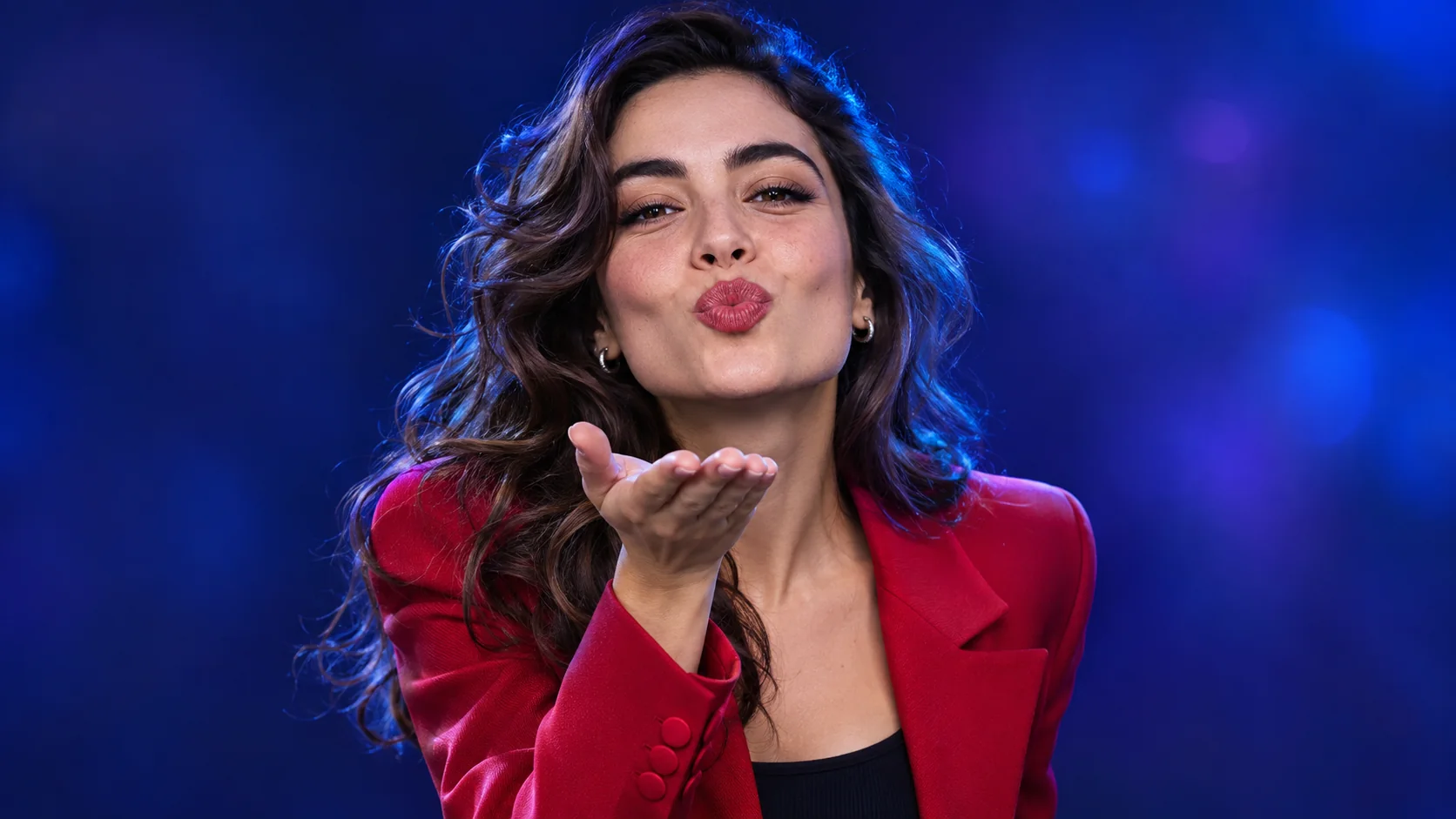
Upload a clear photo of one person to create a flying kiss video or looping GIF.
Elevator Outfit Change
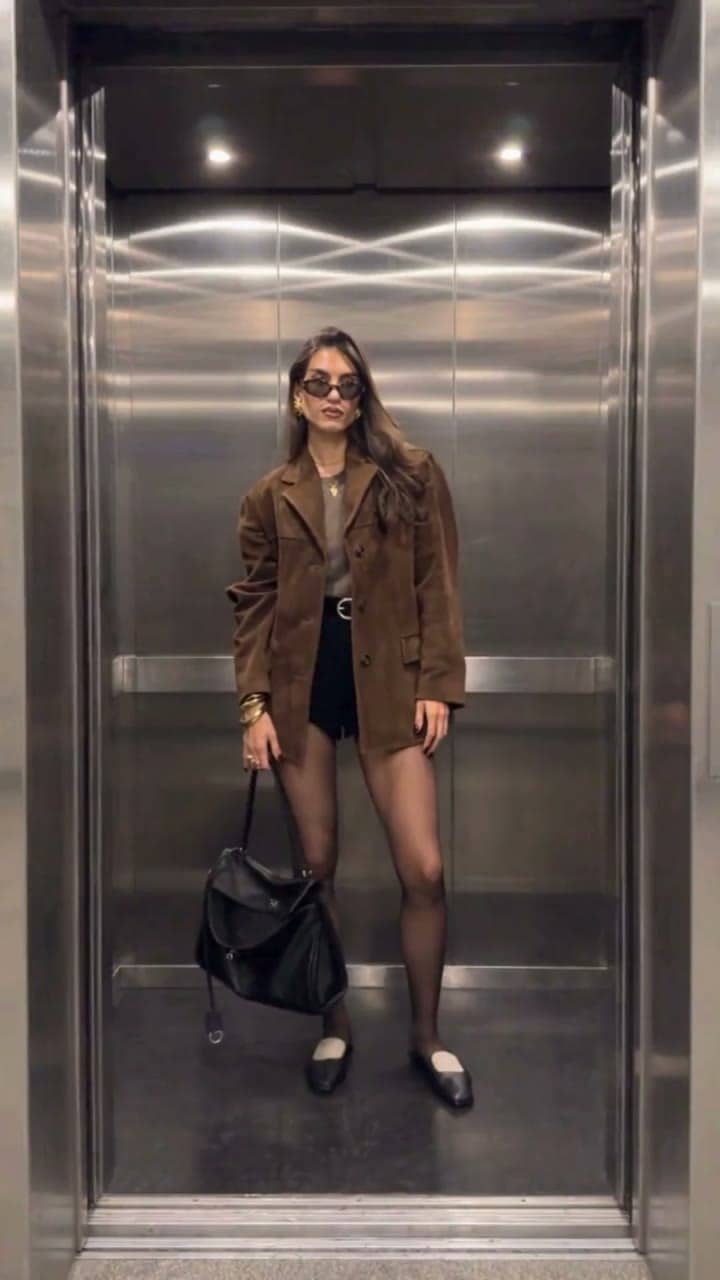
The elevator doors close and open — and you step out in a new outfit, twice.
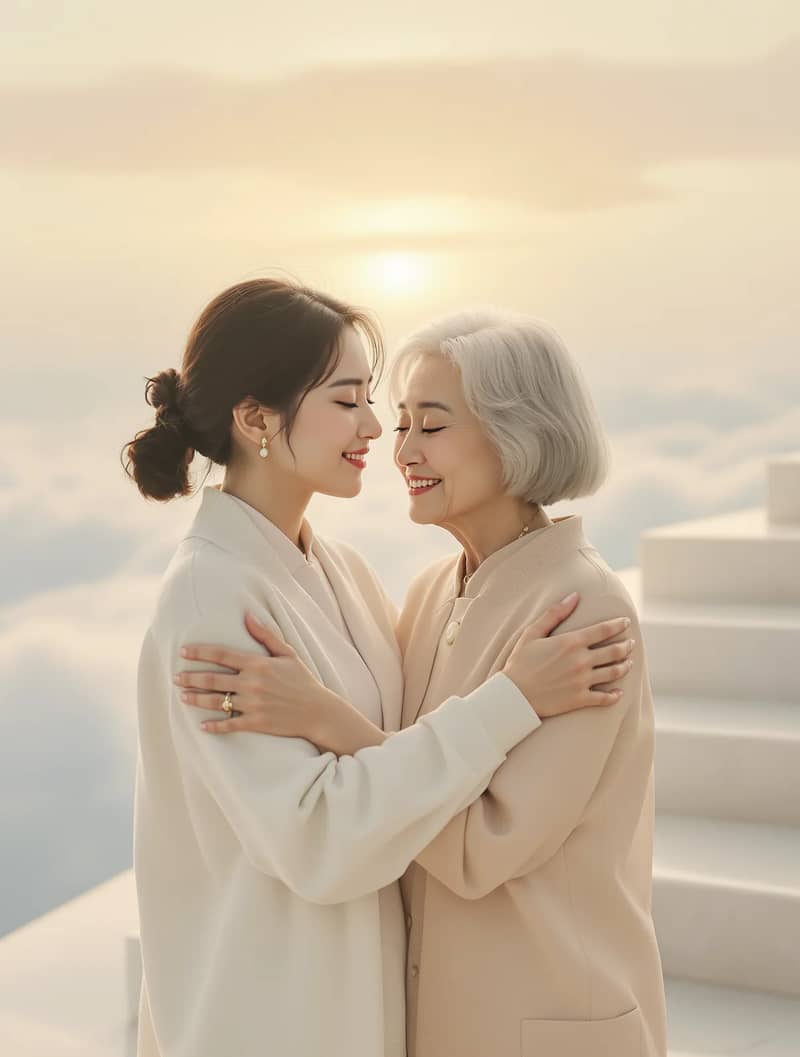
Hug in Heaven
Upload your photo and a loved one's photo for a gentle reunion hug in heaven.